29
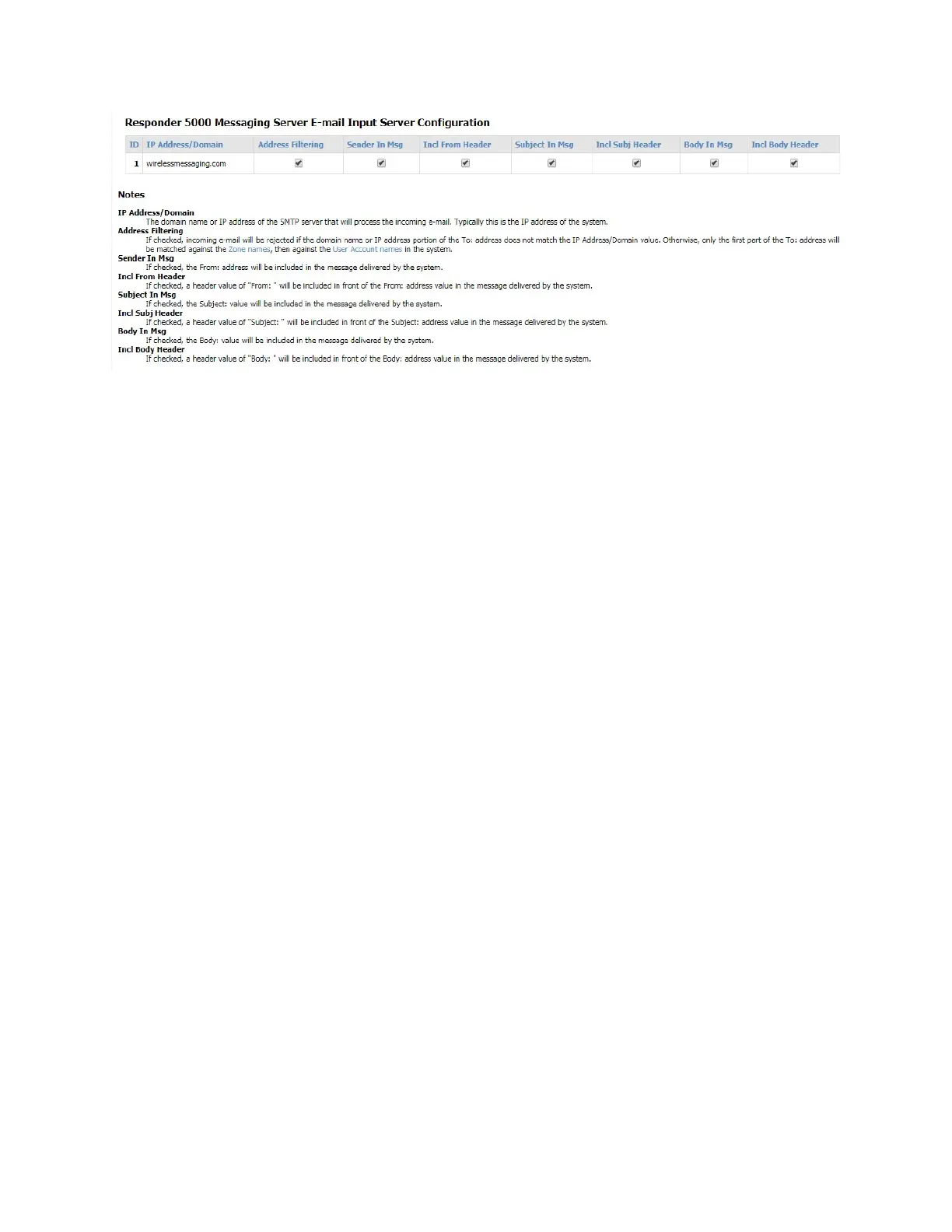
Figure 8 - E-mail Input Server Configuration
IP Address/Domain
The domain name or IP address of the SMTP server that will process the incoming e-mail. Typically this
is the IP address of the system.
Address Filtering
If checked, the incoming e-mail will be rejected if the domain name or IP address portion of the To:
address does not match the IP Address/Domain value. Otherwise, only the first part of the To: address
will be matched against the Zone names, then against the User Account names in the system.
Sender In Msg
If checked, the From: address will be included in the message delivered by the system
Incl From Header
If checked, a header value of “From: “ will be included in front of the From: address value in the
message delivered by the system.
Subject In Msg
If checked, the Subject: value will be included in the message delivered by the system.
Incl Subj Header
If checked, a header value of “Subject: “ will be included in front of the Subject: address value in the
message delivered by the system.
Body in Msg
If checked, the Body: value will be included in the message delivered by the system.
Incl Body Header



 To Next Page