52
• Protocol splitting
• Protocol combining
• Event processing, including:
o Alert event detection,
o Alert event life cycle management
o Alert event notification
o Alert event logging
o Alert event reporting
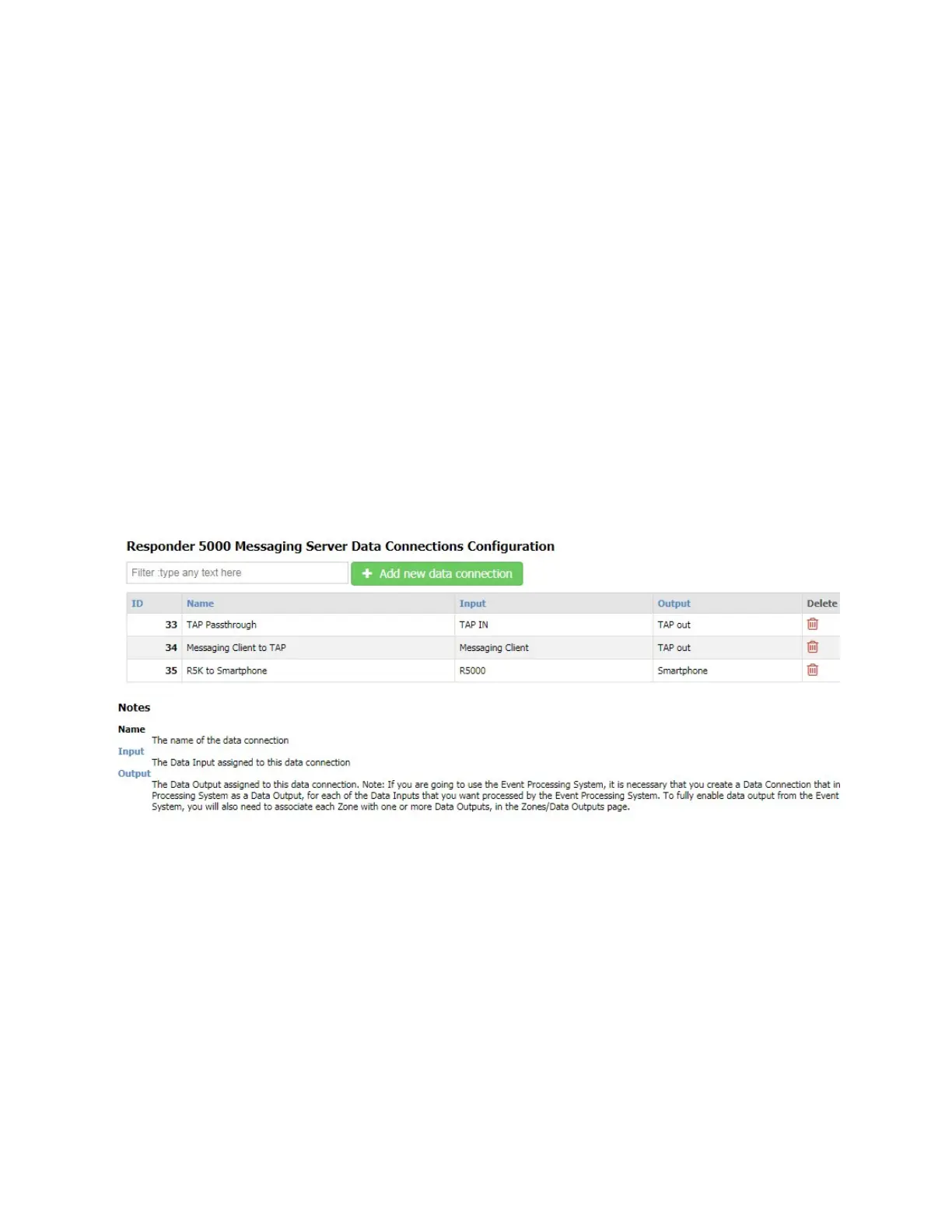
Data connections are required to be configured into the system to allow RMS to perform any processing
of incoming or outgoing data. Data Inputs and Data Outputs are required to be configured in order to
create any Data Connections in the system.
Note that the Rules and Filters configuration process is also required to optimize the RMS system
operation.
Figure 26 - Data Connections Configuration
Filter
The Filter field allows you to search the grid for any text value. The grid auto-adjusts to show you
records that contain the filter value. To clear the filter, remove the filter text, press the Enter key when
the cursor is in a blank Filter field, or refresh the page.
Add new data connection
The Add new data connection button allows you to create a new record. To create a new record, click
the Add new data connection button.



 To Next Page