45
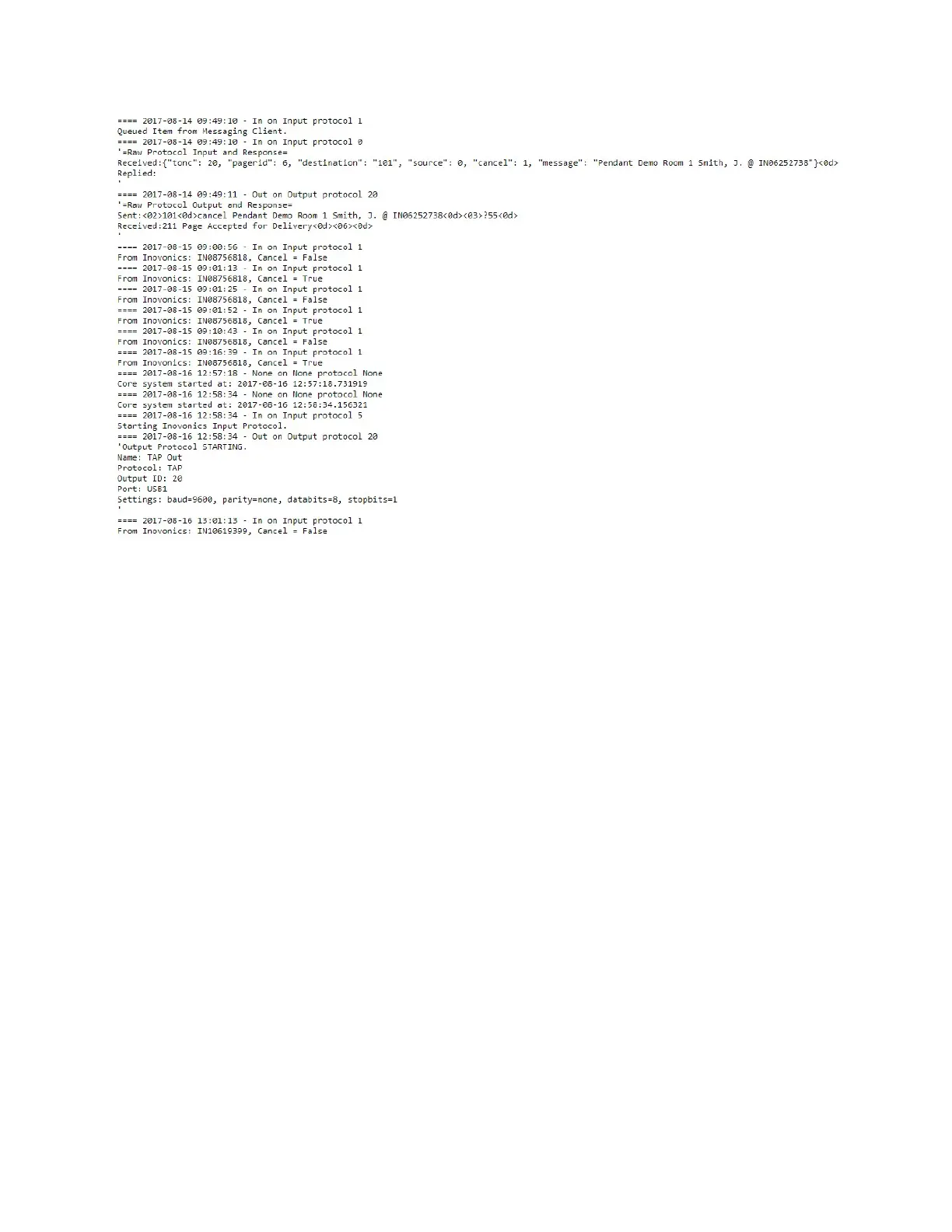
Figure 22 - Data I/O Log (Copy/Paste Friendly)
Support Session Button
Clicking on the Support Session button allows your system to attempt to open a secure communications
session between the device and technical support staff. This feature requires the system to be on a
network segment with internet access and to be able to use IP port 22 on that connection.
Restart Server Button
Click the Restart Server button to cause the server to restart. The restart process may take a few
minutes.
Inputs/Outputs
Data Inputs
The Data Inputs page allows configuration of incoming system level data connections, or connection to
any system that supports one of the following communications protocols:
• COMP1
• COMP2
• Inovonics (central receiver serial protocol)
• Messaging Client (browser based messaging)
• R5000



 To Next Page