92
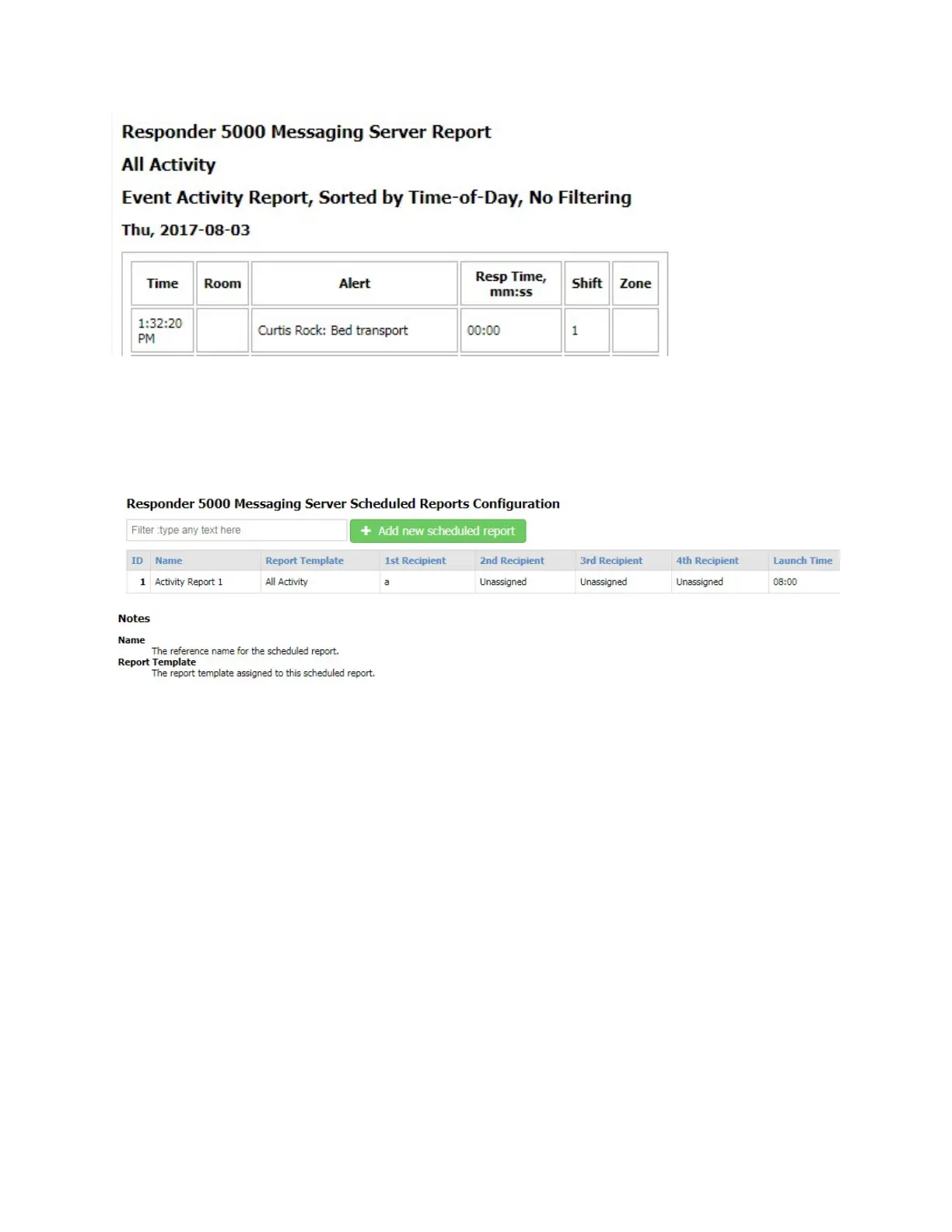
Figure 54 - Test Template Example Report
Scheduled Reports
The Scheduled Reports page allows configuration of the scheduled delivery of a specific Report
Template, in HTML formatted e-mail, to up to 4 e-mail recipients.
Figure 55 - Scheduled Reports Configuration
Filter
The Filter field allows you to search the grid for any text value. The grid auto-adjusts to show you
records that contain the filter value. To clear the filter, remove the filter text, press the Enter key when
the cursor is in a blank Filter field, or refresh the page.
Add new scheduled report
The Add new scheduled report button allows you to create a new record. To create a new record, click
the Add new scheduled report button.
ID
The ID field is a reference field identifying the database record ID value
Name
A reference name for the Scheduled Report.



 To Next Page