66
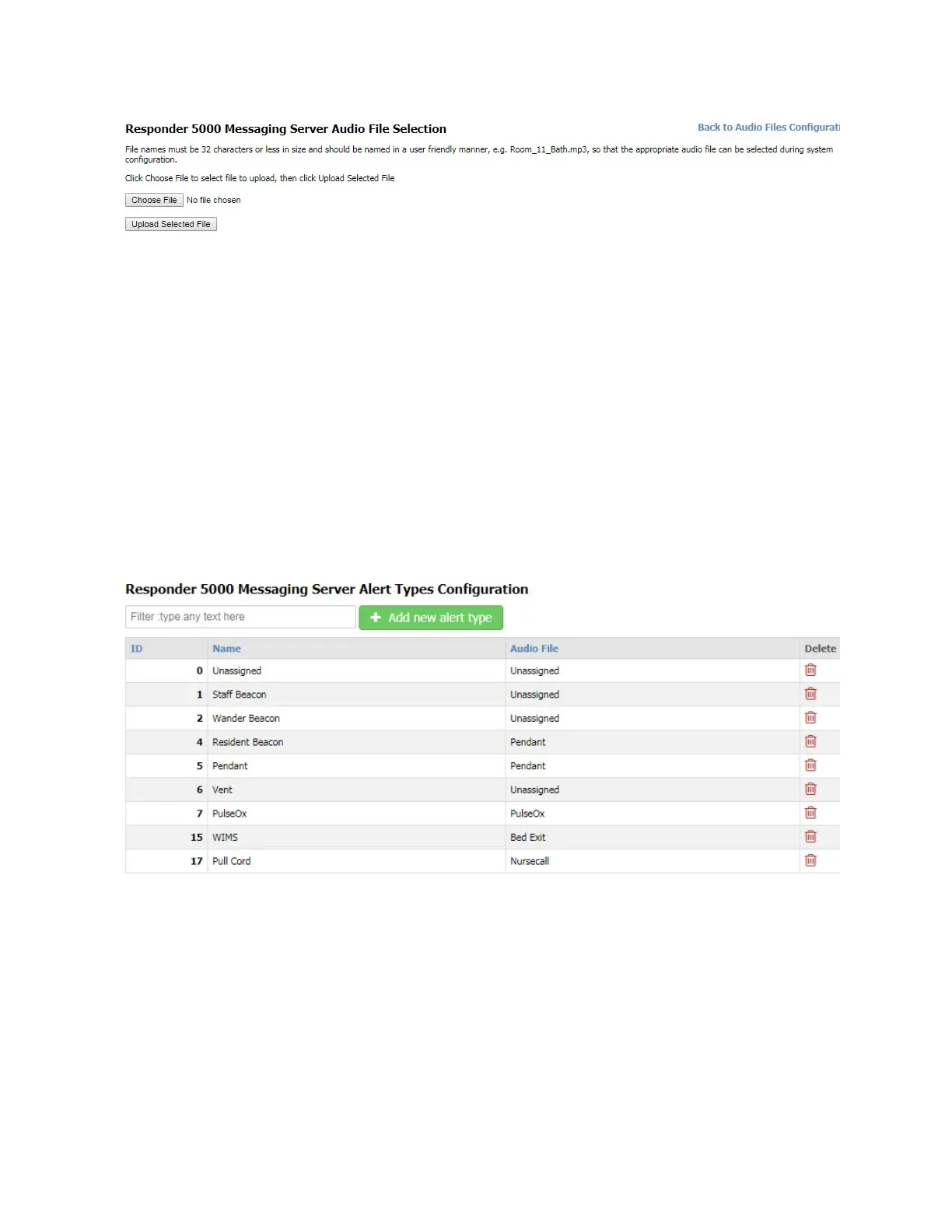
Figure 36 - Audio File Selection
Delete
Allows you to delete this record.
Event Processing
The Event Processing menu item is only available when Event Processing is enabled.
Alert Types
The Alert Types page allows configuration of alert types. The Alert Types menu item is only available
when Event Processing is enabled.
Alert types are required to help the system properly format alert messages. Following is a view of the
Alert Types Configuration screen.
Figure 37 – Alert Types Configuration
Filter
The Filter field allows you to search the grid for any text value. The grid auto-adjusts to show you
records that contain the filter value. To clear the filter, remove the filter text, press the Enter key when
the cursor is in a blank Filter field, or refresh the page.



 To Next Page