38
Configure
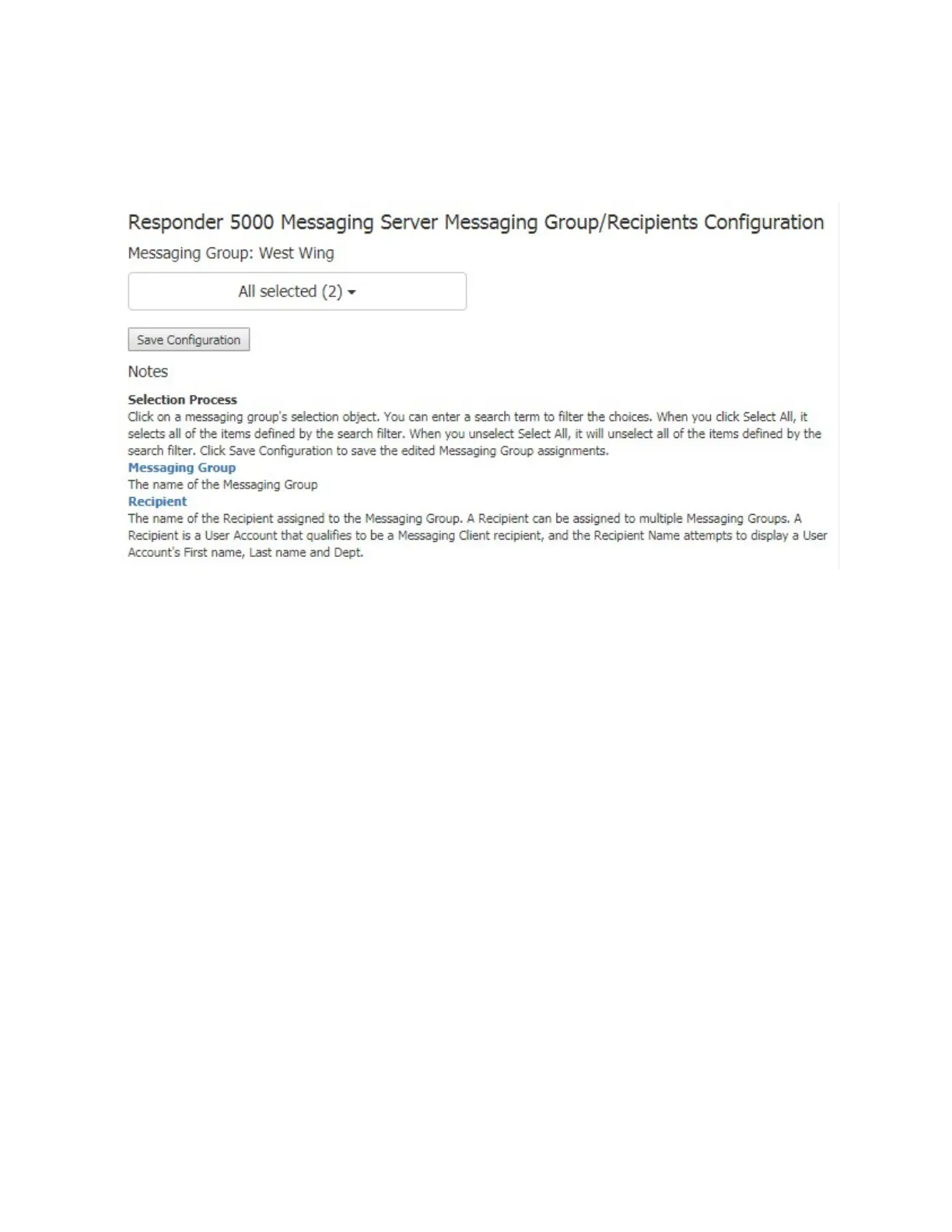
Clicking on the Configure link for the selected Messaging Group will cause the Messaging
Groups/Recipients Configuration page to appear.
Figure 14- Messaging Group/Recipients Configuration
Click on the Messaging Group selector to assign or unassign Recipients from the Messaging Group. All of
the eligible recipients defined in the system will be displayed. Those assigned to the messaging group
will be checked and highlighted as shown in the figure below.



 To Next Page