SVS-200 Installation, Operation and Maintenance
IMPORTANT INFORMATION – SAVE THESE INSTRUCTIONS
20153-W-03-01 13 Webasto Charging Systems, Inc.
5 Operation
5.1 Start Up
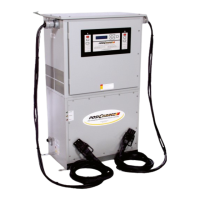
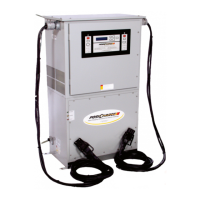
When you first power up your Industrial PosiCharge™, it will perform a lighting sequence test. The
display will then show the initial Status Screen containing the model number, the software version
and the output current capability. After five seconds, the screen will shift to the charge screens.
5.2 Language Selection
At the “Charger Ready Connect Vehicle” Screen, a standard password shall be required to gain
entry to the Language Selection option.
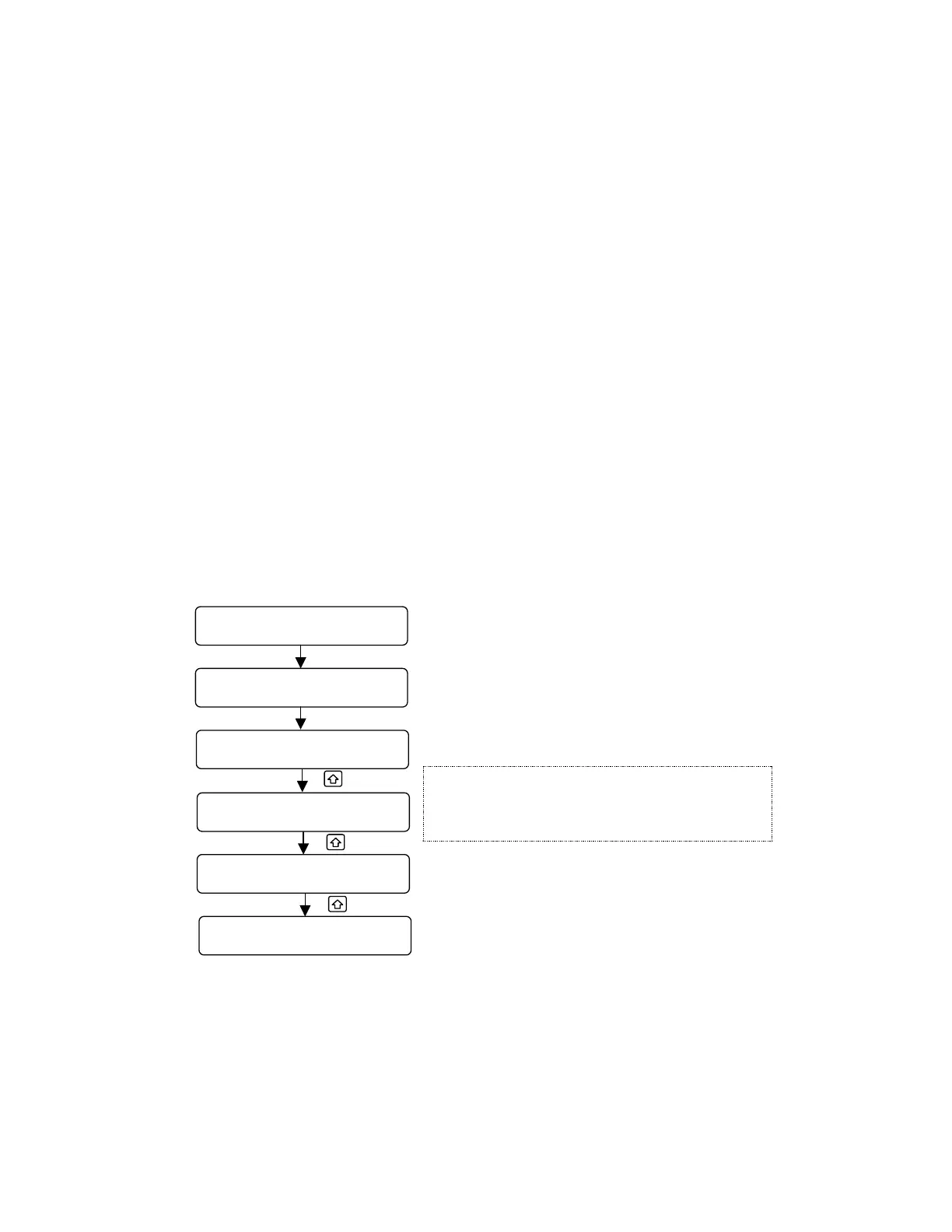
In the “Charger Ready Connect Vehicle” screen, use the standard password to access the
language options. After password has been accepted the “Charger Ready Connect Vehicle”
screen will start flashing. Press the UP arrow and Hold to scroll through the language options,
release when desired language is displayed; Press ENTER to accept the desired language.
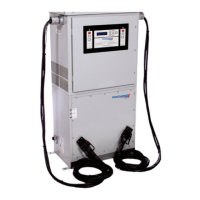
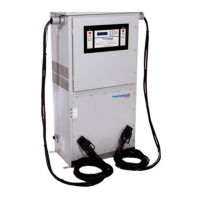
Figure 5- 1 Language Selection Screens




 To Next Page