______________
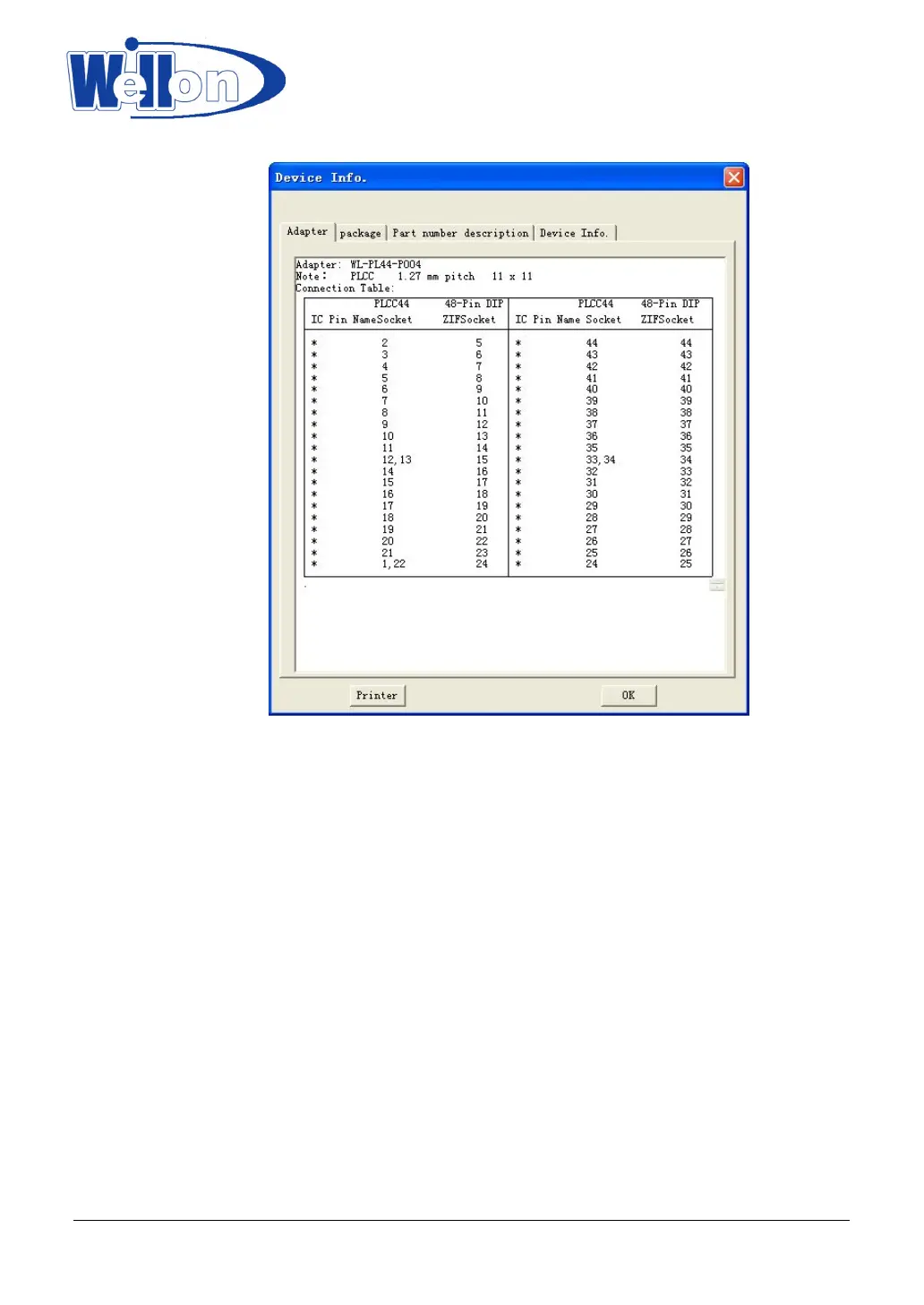
'Device info'--Special information about the chip.
7.2 Fast Find Device
If you want to find a device quickly, you can also enter a device partial number. Partial information will cause
a list of manufacturers and device to be displayed.
For example, if you want to find the device named PIC16C84, when type is E/EPROM, you only need input
16C84.
7.3 Auto Select E(E)PROM
Auto-select an EPROM as active device by reading the device ID.
The system can automatically identify certain EPROM by the reading the manufacturer and the device-ID
that are burnt into the chip.
This only applies to devices that support this feature. If the device does not support a chip ID and
manufacturer’s ID, a message will be displayed indicating this. In this case you should refer to device change.
This is the fastest way to select an EPROM as active device.
Tianjin Weilei Techonlogy Ltd.
www.weilei.com TEL:022-83945122
FAX:022-83945121 2018-03-08



 To Next Page