______________
9. Gang programmer
9.1 PC-Hosted MODE
9.1.1 Connect the Programmer
First of all, use the USB line to connect the programmer to a PC through USB port. Then, connect the
power line to the programmer and open the switch. Wait until it finishes initialization. Next, start the WELLON
software. When the software initiate success, the programmer has connected to the PC. The LCD of
programmer will display “Linking to PC…”.
CAUTION: Before the programmer finishing linking operation, please do not use any key of the
programmer to operate it. Otherwise, linking operation may fail. When the programmer has linked to a PC
successfully, the key of the programmer will stop working.
9.1.2 Download Project
The programmer uses the “project” as a unit to store and manage data which will be need when
programming chips. Each project contains a chip’s type and the data that will be programmed into the chip.
Before programming chips, users need to download the project in the programmer. The steps of download a
project are as follow.
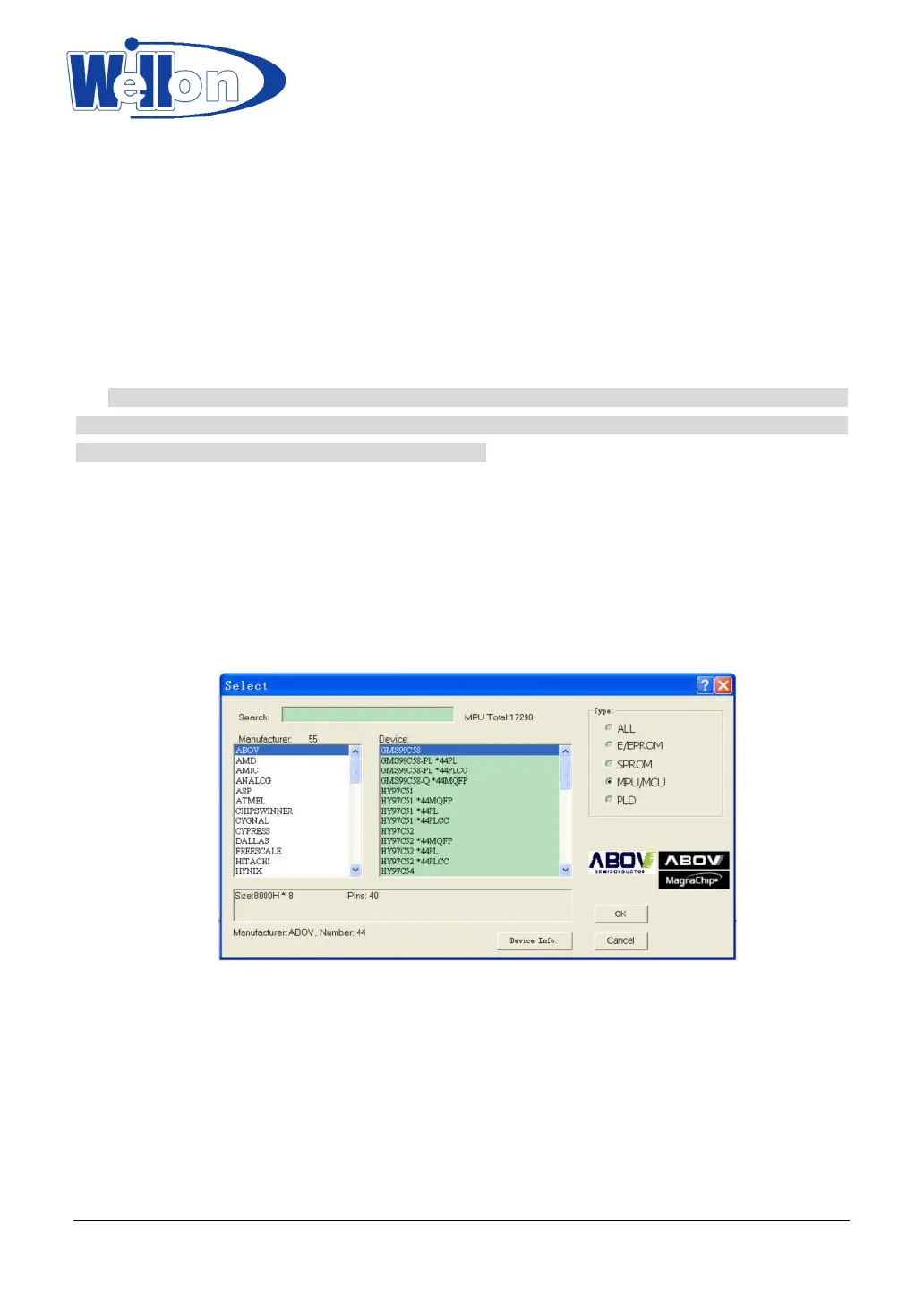
Step One: Select the type of chip in WELLON software. Then, load the data file into the memory buffer.
Please refer to chapter 5 to get more information.
Step Two: Click the “StandAlone” menu at the menu bar to open “StandAlone” dialog. The type of the
chip contained by the project and the device’s manufacturer appear in the top of the dialog. Under them,
there is the name of this project. The default name is the name of the file transferred in software’s buffer.
If no name, this place will display “*.*”. Users can edit the name at this place. “Option” will display remark
of the document, or you can write remark for the document.
Tianjin Weilei Techonlogy Ltd.
www.weilei.com TEL:022-83945122
FAX:022-83945121 2018-03-08



 To Next Page