______________
6. Edit
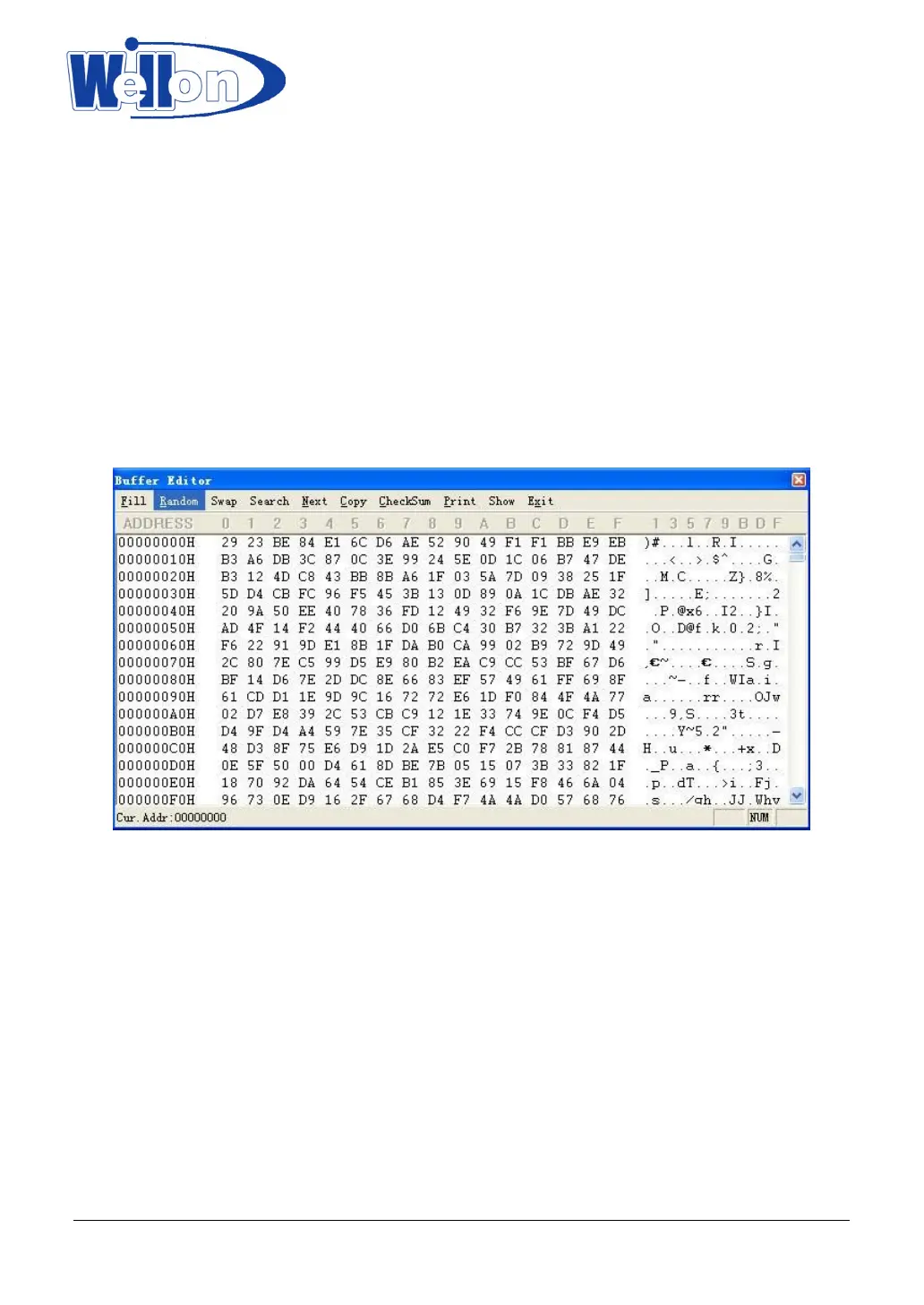
This option is used to edit the memory buffer.
6.1 Edit Buffer
This option is used to edit the memory buffer. The contents of the buffer will contain hex codes. The
equivalent ASCII is displayed on the right-hand side of the screen.
You can edit the hex codes by clicking on the code that has to be changed. Alternatively you can edit the
ASCII codes by clicking on the ASCII code to be changed.
This command can be selected from the menu, or by pressing the hot-key <F4>.
6.1.1 Base Edit Option
Edit the buffer data on the screen with the following keys:
→ : Move cursor to right
← : Move cursor to left
↑ : Move cursor to up
↓ : Move cursor to down
PgUp : Page up
PgDn : Page down
Home : Move cursor to the beginning of the line
End : Move cursor to the end of the line
Tab : Switch the cursor between the two sections
6.1.2 Fast Change Buffer Address
You can enter an address you wish to be displayed to skip to by clicking on the address field (on the left-hand
Tianjin Weilei Techonlogy Ltd.
www.weilei.com TEL:022-83945122
FAX:022-83945121 2018-03-08



 To Next Page