CM2P201 User Guide
Click Reset to reboot the CAM card. Click Apply on the right side to make the change take effect.
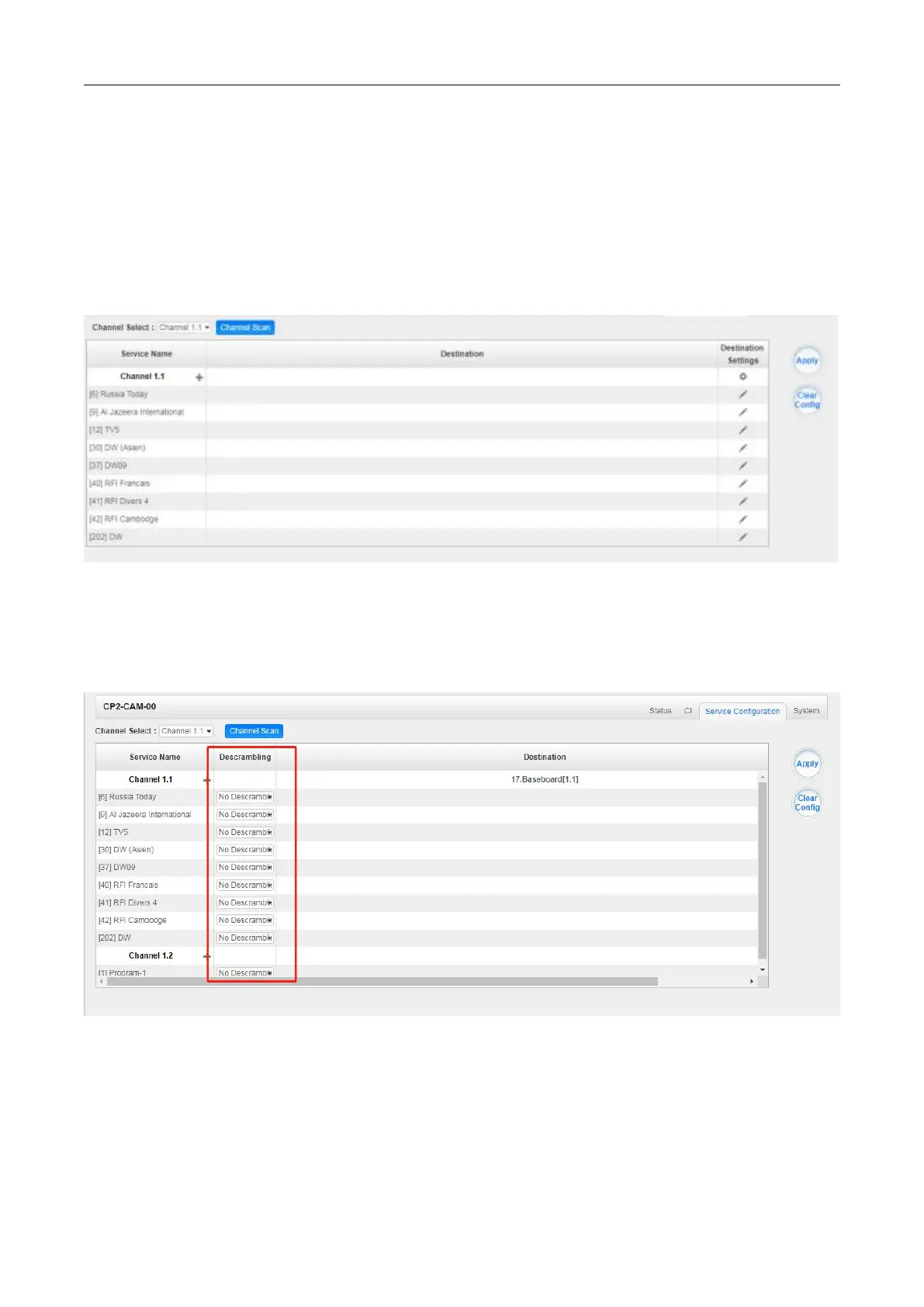
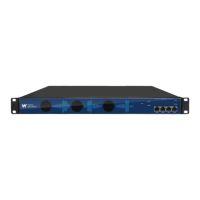
CP2-CAM-00 >Service Configuration
When this module is licensed to scramble, on this page, you can set the output destination of all
services.
When this module is licensed to descrambe, on this page, you can select the descrambled services
and set the output destination of all services.
Click Apply on the right side to make the change take effect. Click Clear Config to clear all
configurations.



 To Next Page