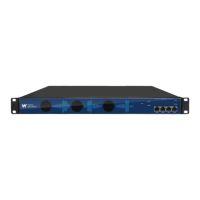
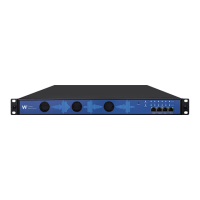
CM2P201 User Guide
4 WebGUI
4.1 Web GUI Overview
4.1.1 Connect the Management Port
Factory network settings of the Management Port:
IP address 192.168.1.10
Subnet Mask 255.255.255.0
Gateway 192.168.1.254
Take the following steps to access the Web GUI in a browser.
Connect laptop/computer to CMP201 management port directly.
Set the IP address of the laptop/computer in the same network segment with the CMP201
Baseboard IP address. CMP201 will occupy up to 7 IP addresses if it’s fully loaded as each
module has its own IP address including the baseboard. Please avoid possible IP address
conflict between management PC and CMP201 unit.
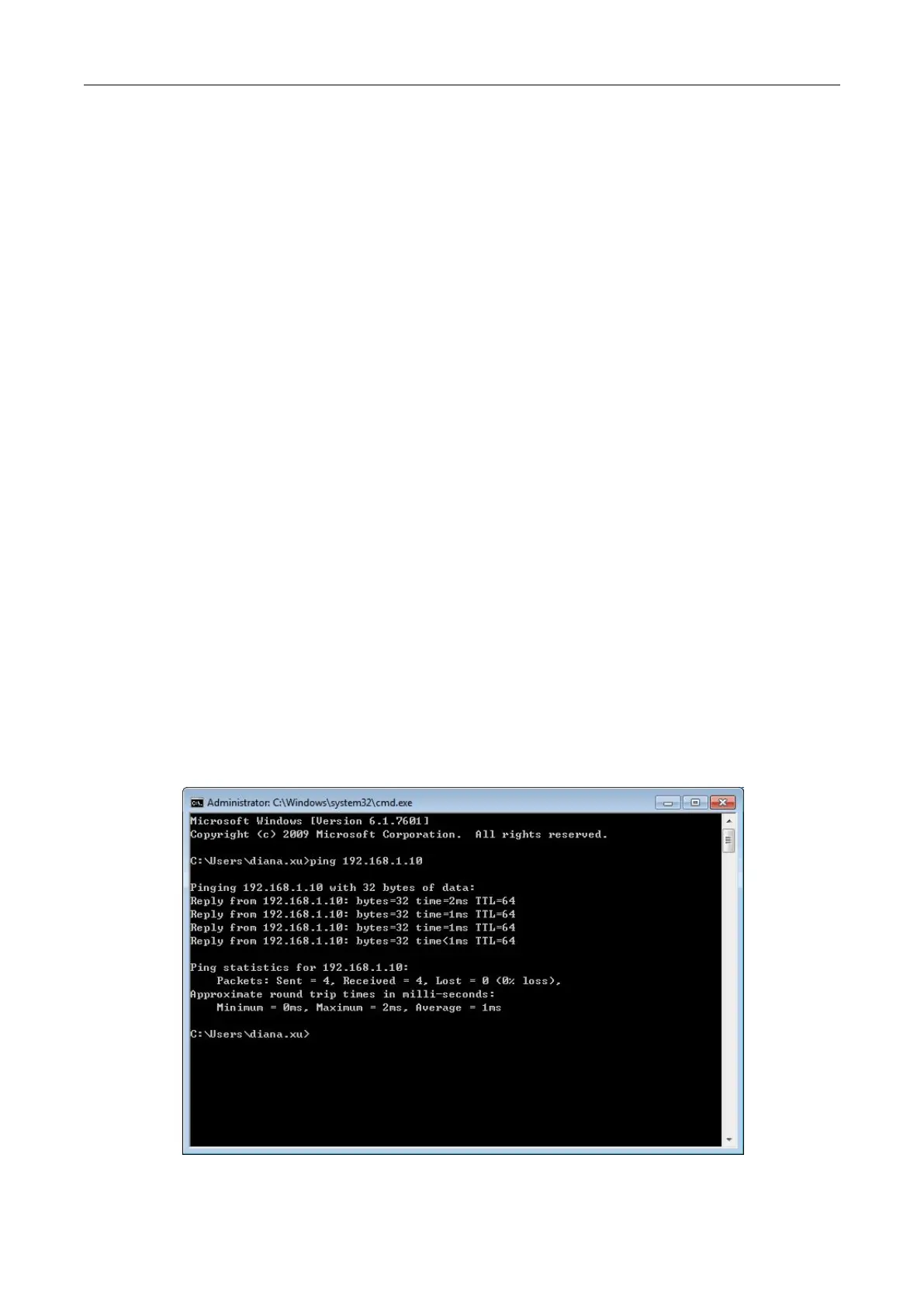
Check the physical connection by ping command.



 To Next Page