CM2P201 User Guide
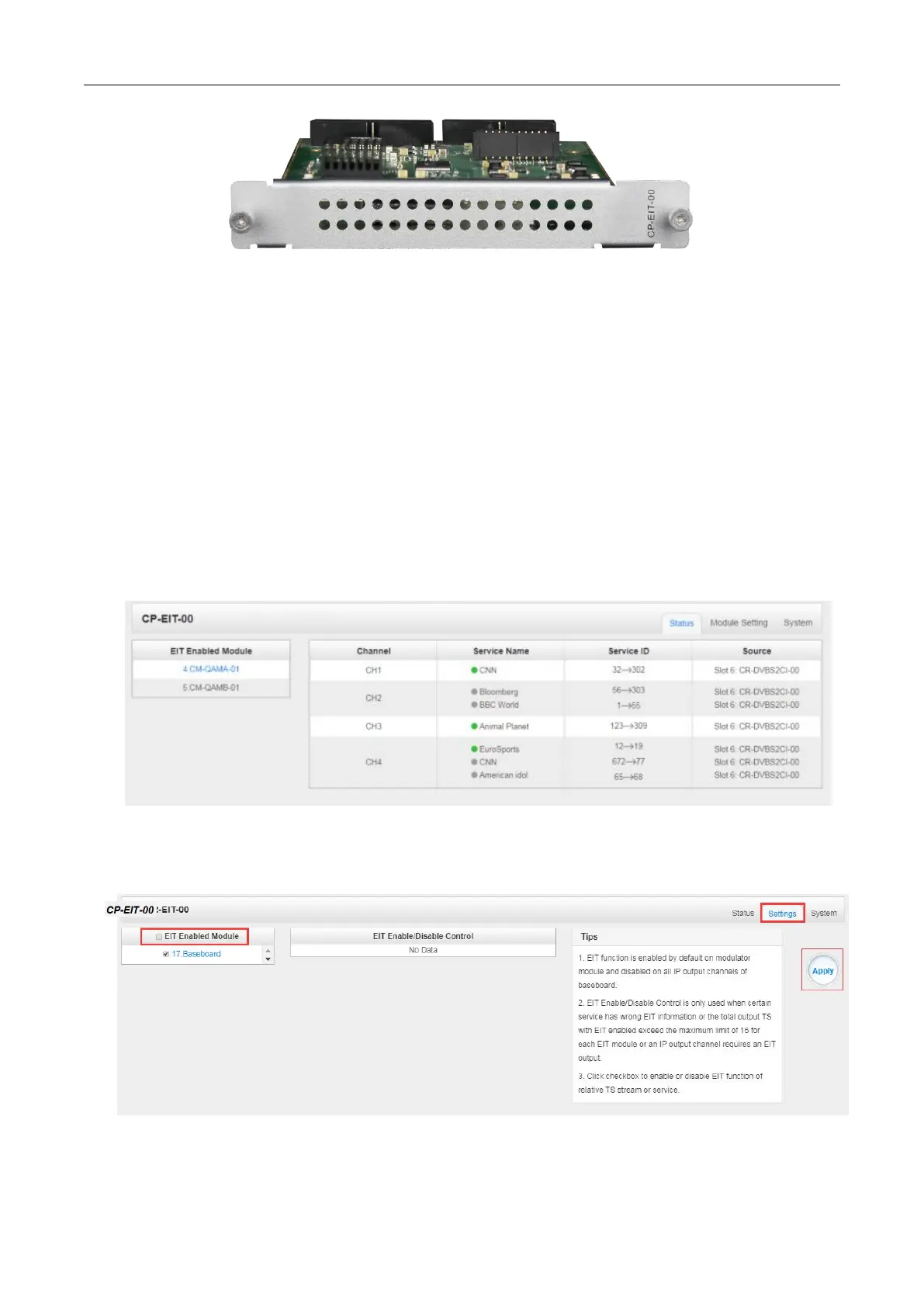
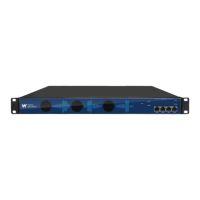
The GUI of EIT module includes three pages: Status, Module Setting and System.
CP2-EIT-00 > Status
The Status Page displays modules and services with EIT enabled. The indicator in front of each
service shows its working status.
Green: EIT is enabled and normal.
Red: EIT is enabled but abnormal. No EIT content from the source or no EIT output.
Gray: EIT is disabled.
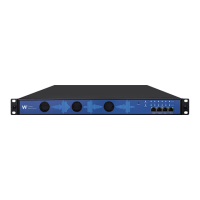
CP2-EIT-00 > Settings



 To Next Page