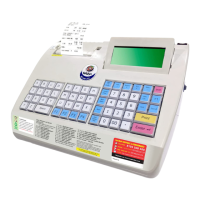
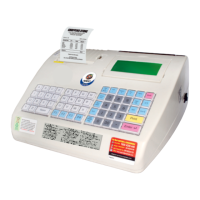
• Enter Amount in Rupees at cursor & press ENTER . On entering the
amount, it is ready to accept the next item
Note : Fraction is not allowed while entering amount in Rupees billing.
• Cursor will be blinking at first position, it is ready to accept the next Item
• Repeat the above steps for required items
• Press PRINT to take print-out of the bill
Search an Item
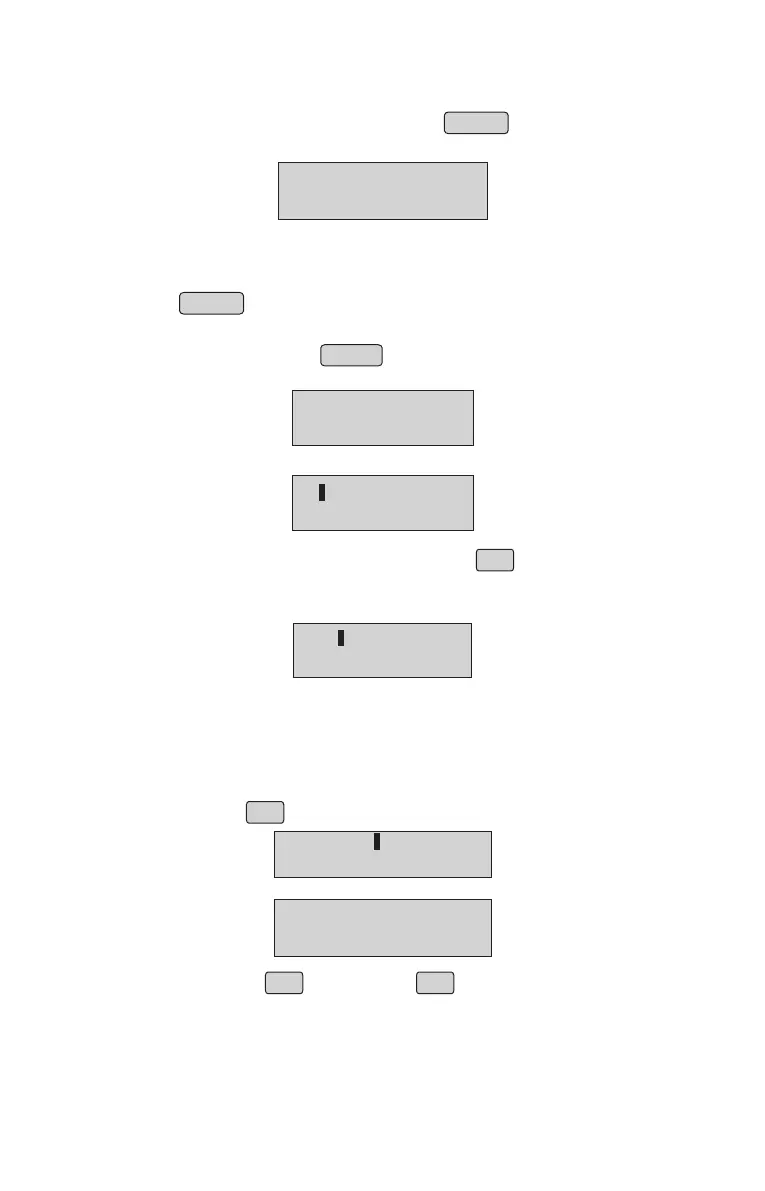
• To search an item, Press ENTER while Item No entry mode.
• The first item name on the item database will be displayed
• To scroll through the item list, use down arrow â§
• To search for an item starting with a specific alphabet or enter the specific
•
The first item starting with that particular alphabet/string would be displayed
on the LCD which can be scrolled down using arrow keys.
• Use â keys to look at all items starting with that particular alphabet/string.
COCONUT OIL
1.500 Lt 30.00
Browsing Through Bill
• Browsing through the Items in bill is possible before printing the bill
• Press up arrow áß while item number is ready to accept.
• If any Item is present in current bill, the Items will be displayed
ITEM NO
TOTAL:100.50
TOTAL:20.00
ITEM NO : 1
Enter the 1st character of the item you want to search•
NAME:
RICE
R
WH
WHEAT
• Press down arrow ⧠or up arrow áß to browse through all Items
entered in the bill
NOTE: It is possible to browse through the Items only before the bill is printed. The cursor will
not be seen during browsing.
8


 To Next Page