CP600 Pivot Operation Manual
POM-EN-December 2018
110
Section 4-12
Panel Operation
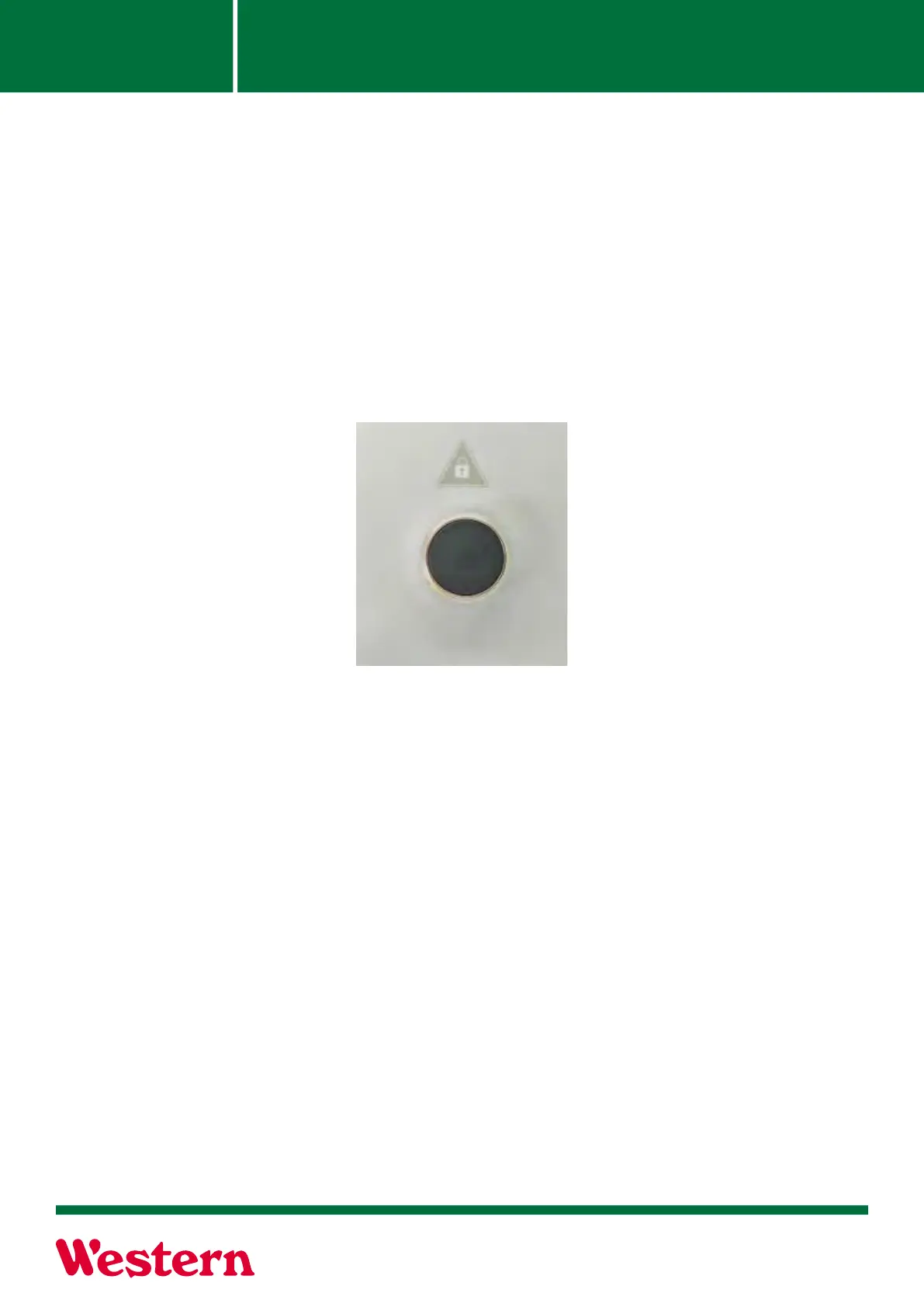
Safety Override
Safety Override:
The Safety Override button is used to override the machine’s safety circuit and realign the system
if a tower or towers gets out of alignment. The use of this button forces the three phase contactor
and direction wires to energize, allowing machine movement as necessary.
WARNING! CARE SHOULD BE TAKEN WHEN USING THE SAFETY OVERRIDE FEATURE.
SEVERE MISALIGNMENT MAY RESULT IN STRUCTURAL DAMAGE. DO NOT USE OVERRIDE
UNLESS MACHINE IS IN COMPLETE VIEW.
The machine Safety shutdown feature may be overridden by moving the Direction switch to For-
ward or Reverse, pressing the Safety Override button and turning the Stop-Run-Start switch to
“Start.” This will force the End Tower to move in the desired direction.



 To Next Page