WHEATON
®
OmniSpense
®
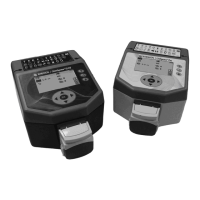
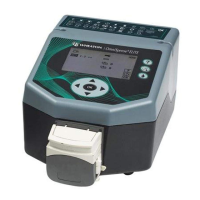
ELITE Peristaltic Pump
WHEATON | 800.225.1437 (U.S. & Canada Only) | 856.825.1100 | www.wheaton.com | P/N 50099067 Rev. 5/15/12 WMAN_001
12.1 Constant Flow Rate
Use the UP and DOWN and the LEFT and RIGHT keys to enter the flow rate. Press OK when done.
12.2 Soft Start / Ramping
Use the UP and DOWN keys to navigate to the Ramp icon:
Press the RIGHT key then use the UP and DOWN keys to set the starting ramp:
Press OK when done.
The pump is now ready to run at a constant flow rate. Press the Start / Stop button to start the unit.
12.3 Changing Flow Rate On-The-Fly
The flow rate can be changed while the unit is running by using the LEFT and RIGHT keys to navigate to
the running flow rate, then using the UP and DOWN and the LEFT and RIGHT keys to enter the flow rate.
Press OK when done to adjust the running flow rate.
13.0 Working with Alternate Pump Head Setups
Successful use of multiple pump heads depends on several factors, including, unit settings, tubing size
and wall weight, and liquid viscosity. Adding a small startup ramp rate to the process can improve unit
performance with multiple pump heads over starting the process with no ramp.
13.1 Multiple Pump Heads
An optional stacking pumphead must be purchased to use multiple pumpheads on the unit. See the
‘Accessories’ section in this manual for other pump options and catalog numbers.



 To Next Page