WHEATON
®
OmniSpense
®
ELITE Peristaltic Pump
WHEATON | 800.225.1437 (U.S. & Canada Only) | 856.825.1100 | www.wheaton.com | P/N 50099067 Rev. 5/15/12 WMAN_001
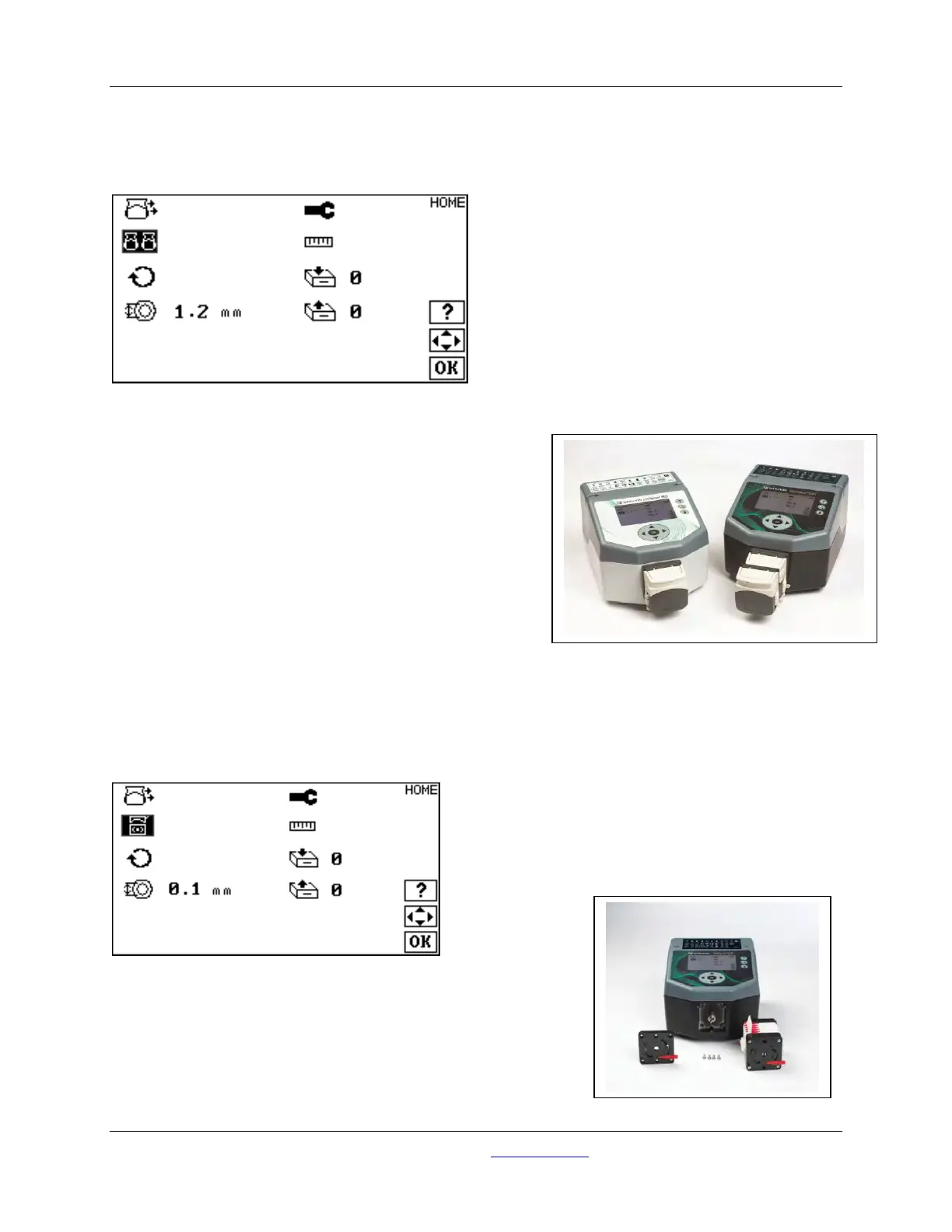
From the HOME screen, use the UP and DOWN and the LEFT and RIGHT keys to change the pump icon
from single to multiple heads:
Two pump heads are shown. The first pump head is an
extended shaft version, the second pump head is the normal
head supplied with the unit.
Continue on the HOME screen, and perform a calibration with
the two pump heads attached. It is recommended that the
pump head tubes be connected with ‘Y’ couplers into a single
outlet. The combined volume of the two pump heads is used
in the calibration number.
Running two pump heads as two independent processes is
not recommended, as a single calibration cannot be made for
both processes.
13.2 Working with the Microcassette Pump Head
From the HOME screen, use the UP and DOWN and the LEFT and RIGHT keys to change the pump icon
to a microcassette pump head:
To use the microcassette pump head, the standard pump mounting
plate must be replaced with the special microcassette pump
mounting plate. Remove the screws holding the standard pump
mounting plate to the unit, and use the same screws to attach the
microcassette pump mounting plate.
Continue on the HOME screen, and perform a calibration with the



 To Next Page