10
11 Harpsichord HAR
12 Choir CHR
To stop the demo song. Press the [SONG] button
again. To replay the current song from the beginning,
press the flashing voice select button.
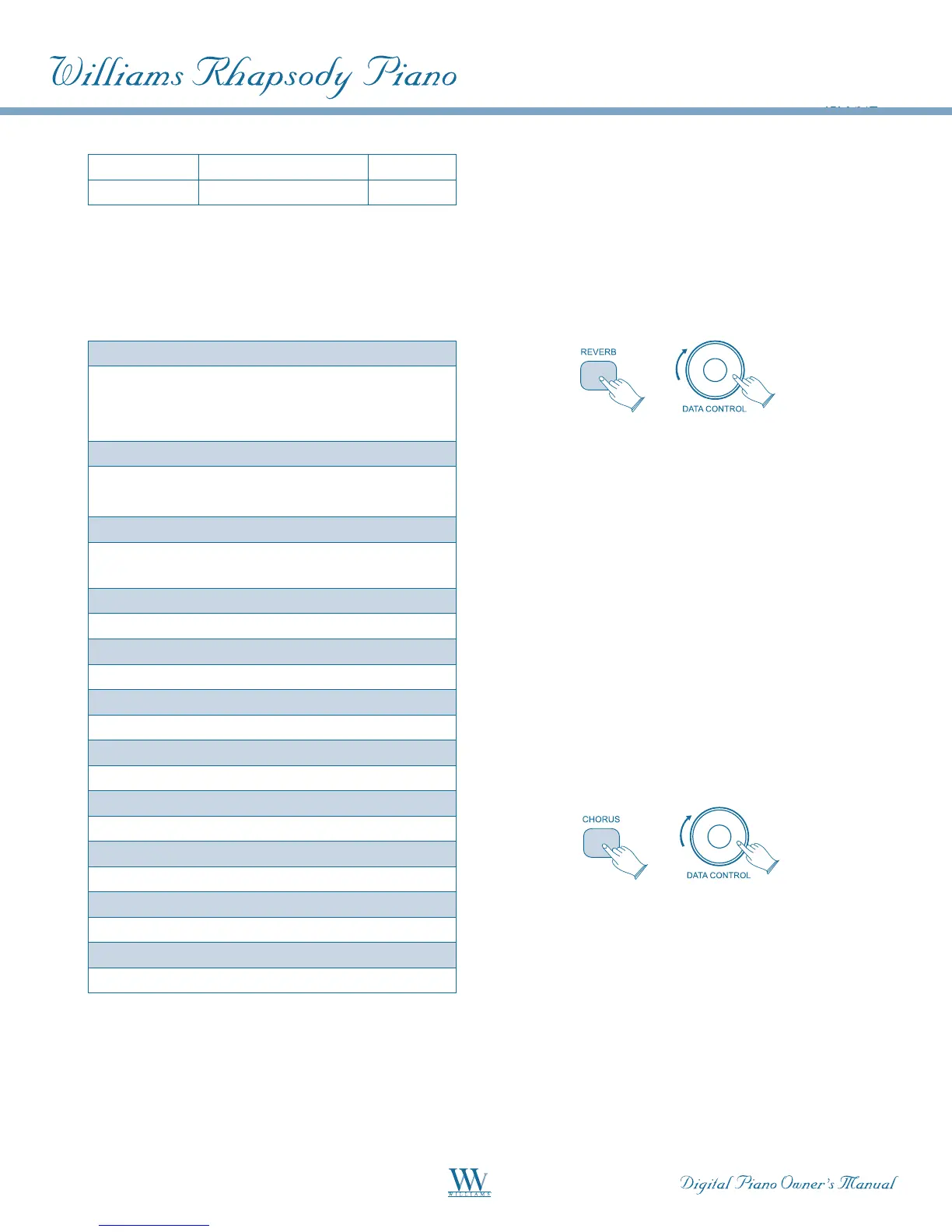
Demo List
Piano 1
• ChopinValseOp.69,no2
• Improvisation
• La Campanella (Etude No. 3) by Franz Liszt
Piano 2
• Improvisation
• Fur Elise: Ragtime Edition
EP1
• Don't Get Around Much Anymore by
Duke Ellington
EP2
• Improvisation
Church Organ
• Jesu,JoyofMan'sDesiring
Rock/JazzOrgan
• Improvisation
Strings
• J.S.BachAironaGstring
Bass
• BassandPianoJazzImprovisation
Vibraphone
• Improvisation
Harpsichord
• J.S.BachTwoPartInvention#1
Guitar
• Improvisation
The songs will continue to play in sequence,
playingSong1afterSong8,untilthe[SONG]
button is pressed again.
Reverb
The Reverb effect may be applied to each voice
individually and will be retained even when the
power is turned off.
To apply reverb, select the desired voice and press
[REVERB].Thebuttonwilllightandtheeffect
will be heard when the piano is played.
To adjust the amount (depth) of the reverb effect,
holdthe[REVERB]buttondownwhileturningthe
[DATA CONTROL] knob to the desired amount (0-
127).
Chorus
The Chorus Effect may be applied to each voice
individually and will be retained even when the
power is turned off. This effect simulates the same
tone coming from multiple sources, like several
singers or instruments singing or playing the
same note.
To apply the Chorus Effect, select the desired voice
and press [CHORUS]. The button will light and
the effect will be heard when the piano is played.
To adjust the amount (depth) of the Chorus effect,
hold the [CHORUS] button down while turning
the [DATA CONTROL] knob to the desired amount
(0-127).















 To Next Page