9
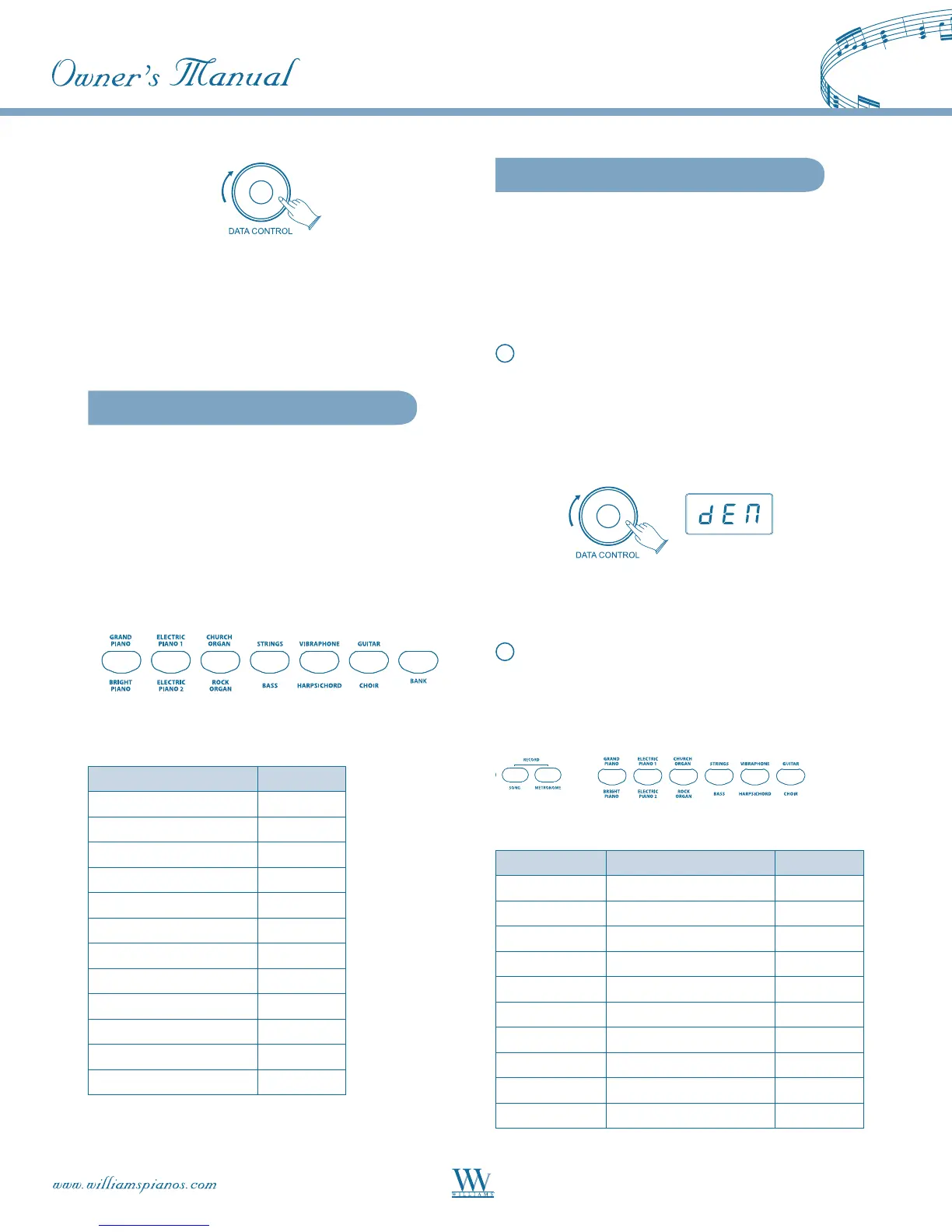
Though the [DATA CONTROL] knob may be used
to edit a variety of functions on the Rhapsody, it will
always revert to its default function of controlling
metronome tempo if left inactive for 10 seconds.
Voices
The Rhapsody piano has 12 built-in voices, which
include several pianos as well as other instruments.
These digitally-sampled musical instrument sounds
may be selected one at a time, layered to produce two
voices at once, or assigned to the left or right hands.
Toselectavoice,presstheappropriateVoiceSelect
button on the right side of the front panel.
The button will light and the LED will indicate the
selection as shown below.
Voi ce LED
Grand Piano PNO
Electric Piano 1 EP1
Church Organ COR
Strings STR
Vibraphone VIB
Guitar GTR
Bright Piano BNO
Electric Piano 2 EP2
Rock Organ ORG
Bass BAS
Harpsichord HAR
Choir CHR
Demo Songs
There are 12 demo songs pre-recorded in the Rhapso-
dy piano. Each demo song will demonstrate a differ-
ent voice as indicated in the chart below.
A demo song may be selected for playing by either of
two methods:
1
[DATA CONTROL] Knob: Press the [SONG]
button, then turn the [DATA CONTROL]
knob until the desired song is displayed in the
LED. Press [SONG] again to begin playing. The
[SONG} and voice buttons will flash and the LED
will display: DEN.
During playback, another song may be chosen by
pressing a different voice select button.
2
VoiceSelectButton:Pressthe[SONG]button,
thenpressthedesiredVoiceSelectbutton.The
[SONG] and voice buttons will flash and the LED
will display: DEN.
Demo Song # Voi ce LED
1 Grand Piano PNO
2 Electric Piano 1 EP1
3 Church Organ COR
4 Strings STR
5 Vibraphone VIB
6 Guitar GTR
7 Bright Piano BNO
8 Electric Piano 2 EP2
9 Rock Organ ORG
10 Bass BAS















 To Next Page