19
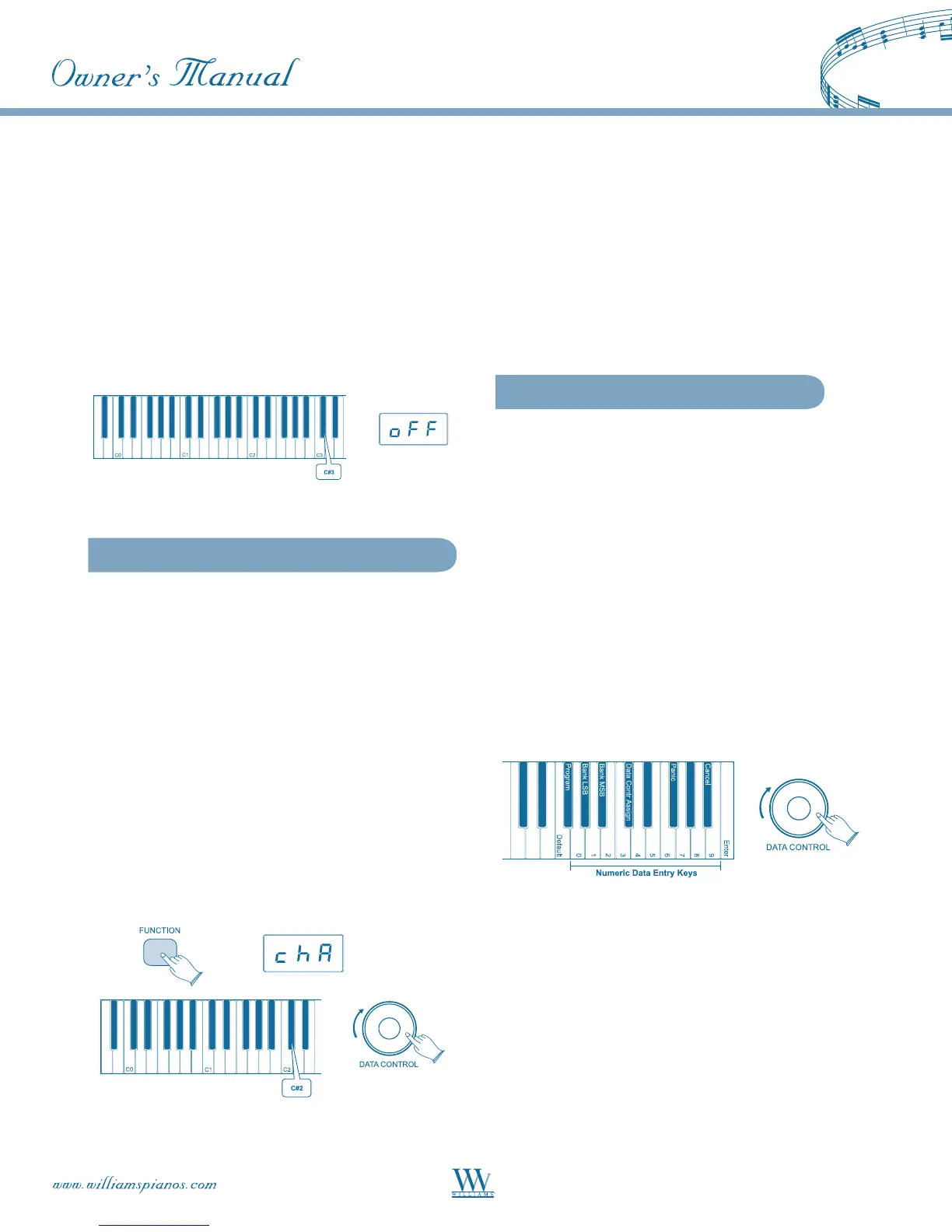
Turn Local On/Off to Off
• Press the [FUNCTION] key to enter
Edit Mode
• Press the Local On/Off key (C#3). The LED
display will show: OFF.
Turn Local On/Off to On
Repeat the above procedure. The LED display will
show: ON.
Main MIDI Transmit Channel (C
#
2)
The main MIDI transmit channel number may be
changed as necessary by increasing or decreasing the
channel number.
Change the Main MIDI Transmit Channel
• Press the [FUNCTION] button to enter
Edit Mode.
• Press the MIDI Transmit Channel Key (C#2)
to set the [DATA CONTROL] knob to increase
or decrease the Main MIDI Transmit channel
number. The LED Display will momentarily
show: CHA.
• Use the [DATA CONTROL] knob to select the
desired Main MIDI Transmit Channel.
NOTE: The MIDI channels used for the Split and Layer
voices are relative to the Main MIDI Transmit Channel,
in the following ways:
Split Voice Transmit Channel:
Main MIDI Transmit Channel +1
Layer Voice Transmit Channel:
Main MIDI Transmit Channel +2
Numeric Data Entry Keys
(G5, A5, B5, C6, E6, F6, G6, A6, B6)
Several of the advanced MIDI editing functions of
this piano require that a numeric value be entered.
This may be accomplished using the Numeric Data
Entry Keys.
Functions requiring numeric input include:
• Program Change
• Bank MSB
• Bank LSB
• [DATA CONTROL] Assign
These features are discussed below.
NOTE: If preferred, the [DATA CONTROL] knob
may also be used to scroll to the desired numeric value,
instead of using the Numeric Data Entry Keys.















 To Next Page