22
To assign the [DATA CONTROL] knob to send MIDI
Program Changes:
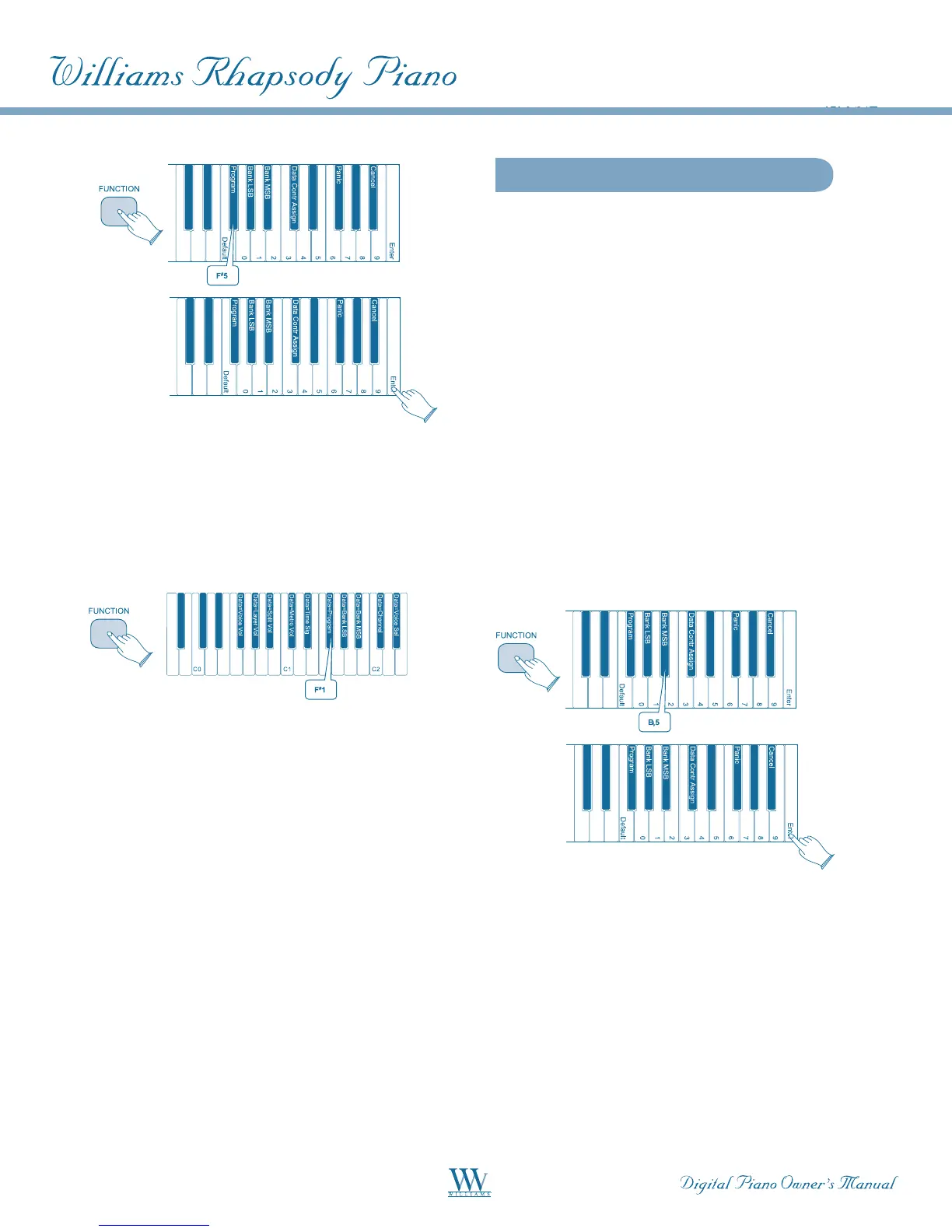
Press the [FUNCTION] button to enter Edit Mode.
Press the Program Number [DATA CONTROL] Key
(F#1) The LED display will momentarily show: PGN.
The Rhapsody is back in Performance Mode, and the
[DATA CONTROL] knob has been assigned so that a
MIDI Program Change will be sent out each time the
knob is turned.
The LED display will show the currently selected
MIDI Program Number (0 - 127).
NOTE: This is different than the Program Key (F
#
5)
that you used to input a single MIDI Program
Number value.
Sending Bank MSB Changes
There are two ways to send Bank MSB changes. You
may either enter a specific MSB (Most Significant
Byte) value using the Numeric Data Entry Keys, or
you may assign the [DATA CONTROL] knob to send
Bank MSB changes.
NOTE: After any kind of bank message, it is usually
necessary to follow up with a MIDI Program Change
message in order to affect a sound change on the
receiving device.
ToSendaSpecicBankMSBValueUsingthe
Numeric Data Entry Keys:
• Press the [FUNCTION] button to enter
Edit Mode.
• Press the Bank MSB Key (B5).
• Using the Numeric Data Entry keys, enter
the Bank MSB value you want to send.
• Press the Enter Key (C7) to send the
MIDI command.
• To assign the [DATA CONTROL] Knob to
Send Bank MSB Changes:
• Press the [FUNCTION] button to enter
Edit Mode.
• Press the Bank MSB [DATA CONTROL]
Key (B1).The LED display will
momentarily show: NSB.















 To Next Page