30
Piano Reset
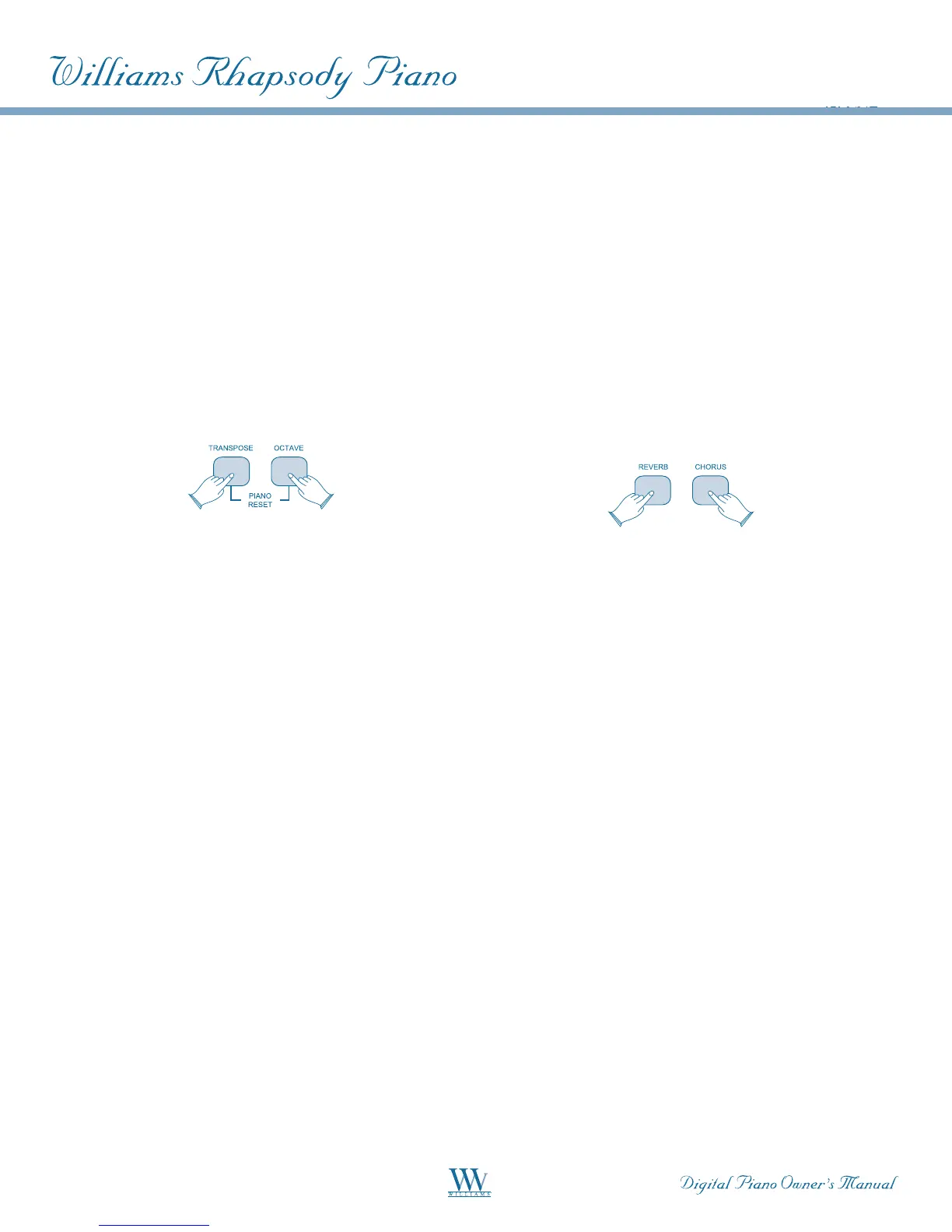
Activating the Piano Reset function (pressing
the[TRANSPOSE]and[OCTAVE]buttons
simultaneously), will perform the following
functions:
• Turn Local On
• Send “All Notes Off” command on MIDI
Channel 1 - external and to the internal
sound engine
• Send “Reset All Controllers” command
on MIDI Channel 1 - external and to the
internal sound engine
• Assign[DATACONTROL]toVoiceVolume
• SetVolumelevelsforMainVoice,Split
VoiceandLayerVoicetodefaults
• SetPanto64forMainVoice,Split
VoiceandLayerVoice
• Turn off Layer Mode and Split Mode
• Set Main MIDI Transmit Channel to 1
• Set Transpose and Octave Shift both
back to zero
• Send a Program Change = 0 on Channel 1
• Send a Bank Change MSB = 0 and Bank
ChangeLSB = 0 on Channel 1
• Set the Reverb Depth back to the default
valuefortheDefaultVoice
• Send Chorus Depth = 0 on Channel 1
• Send the current status of the Sustain
Pedal on Channel 1
APPENDIX C
Piano Resets
Factory Reset
Performing a Factory Reset will clear all battery
backed memory and restore all functions to factory
defaults.
Please note that anything you have recorded in the
Song Recorder will be erased by this procedure!
• Turn the Power Off.
• Holddownthe[REVERB]and[CHORUS]
buttons while powering on the piano (The
LED Display will light ALL segments and
all LEDs on the device will light).
• Releasethe[REVERB]and[CHORUS]
buttons.
The Rhapsody will return to Performance Mode
(ready-to-play). All button LEDs will return to
their default state.
The LED Display will show the version number
of the firmware (internal operating software) for 2
secondsandthenreturntoshowingtheVoiceName
(Grand Piano): PNO.















 To Next Page