35
4. For the Service Technician
Install display module
Is not needed with an individual BioWIN boiler, only needs to be used with a
cascade system – see “Planning and assembly” instructions for pellet cascade.
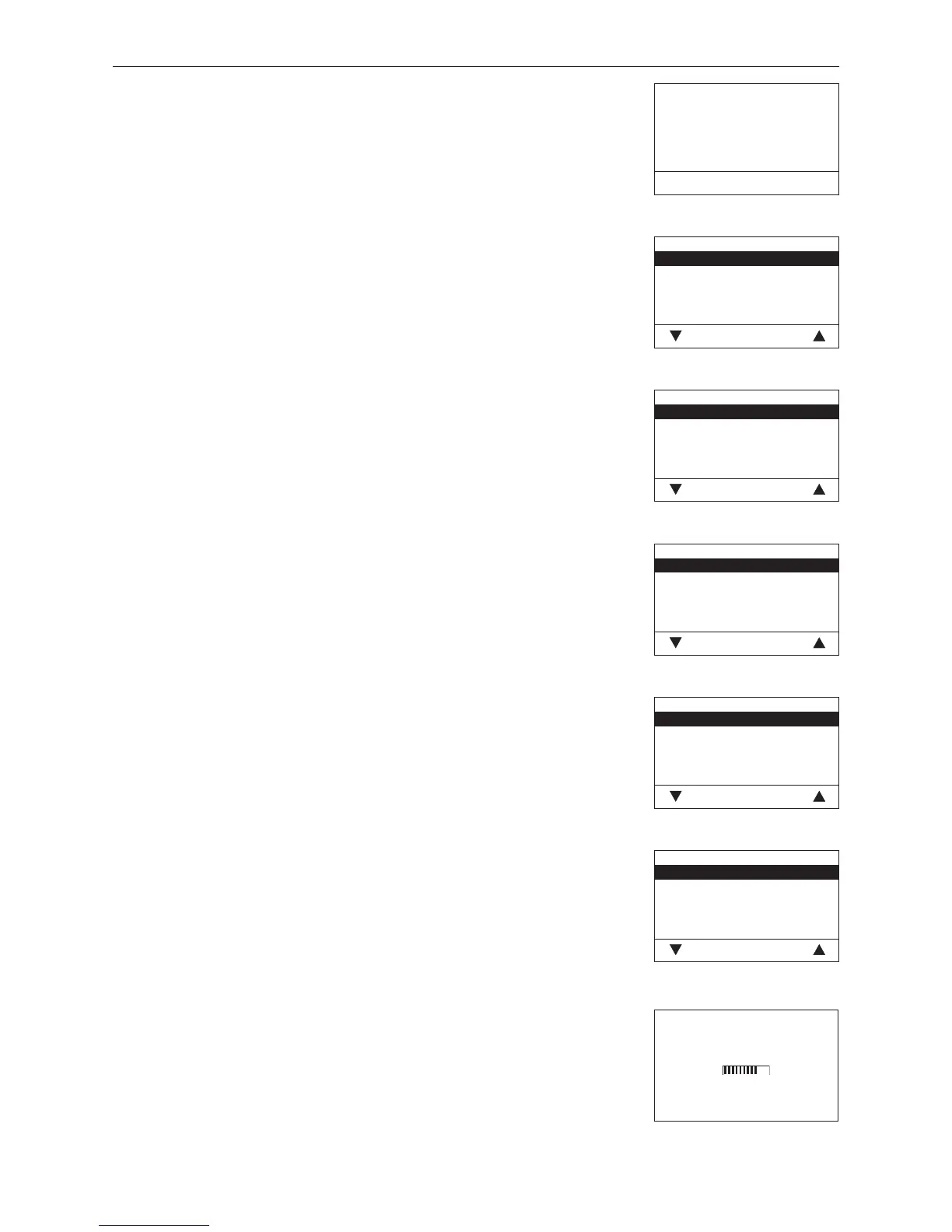
Fig. 106
Start installation procedure
Please press LON button on auto-
matic firing device briefly
Back
Fig. 107
Language selection
Deutsch
English
Française
Italiano
Choose Back
Language selection
The InfoWINplus can show the display texts in various languages. The language
required can be selected in this sub-menu.
Fig. 108
Temperature format
°C
°F
Choose Back
Temperature format
All temperatures are displayed in the chosen format (e.g. 30.6 °C or 87.0 °F).
Factory setting: °C
Selection: °C and °F
Fig. 109
Time format
24h
12h
Choose Back
Time format
The time is displayed in the chosen format (e.g. 14:12 or 02:12 PM).
Factory setting: 24 h
Selection: 24 h or 12 h
Fig. 110
Date format
DD.MM.YYYY
MM/DD/YYYY
Choose Back
Date format
The date is displayed in the chosen format (e.g. Wed 17.02.2010 or Wed
02/17/2010).
Factory setting: DD.MM.YYYY
Selection: DD.MM.YYYY
MM/DD/YYYY
Fig. 111
Weight
t, kg
tn. sh., lbs
Choose Back
Weight
The weight is displayed in the chosen format (e.g. 6.5 kg or 14.3 lbs).
Factory setting: t, kg
Selection: t, kg or tn. sh., lbs
4.6.5 Installation of MESplus modules
Display if an MESplus module is installed (connected) or uninstalled
(disconnected).
Fig. 112
Installation procedure active
(Animated symbol)



 To Next Page