22
WPS-100-DVR-4CH Installation and Users Manual
5.5 SYSTEM SHUTDOWN
This menu is available to Administrators only.
Always properly shutdown the DVR before moving it. The hard drive can be damaged if the DVR is moved
EHIRUHVKXWGRZQ:KDWHYHUVWDWHWKH'95ZDVLQZKHQLWZDVSURSHUO\VKXWGRZQWKH'95ZLOOUHERRWWR
WKLVVWDWHH[VSOLWZLQGRZGLVSOD\HWF
WARNING – When powering off the DVR, the following shutdown procedure must
be used. Turning theDVR off or removing power without following this procedure
may cause damage to the Hard Disk Drives.
1. Access the menu by pressing the MENU/ESCEXWWRQRQWKH,5UHPRWH$OWHUQDWLYHO\WKH
mouse can be used by right clicking to open the menu.
2. Login to the DVR and continue with the following steps.
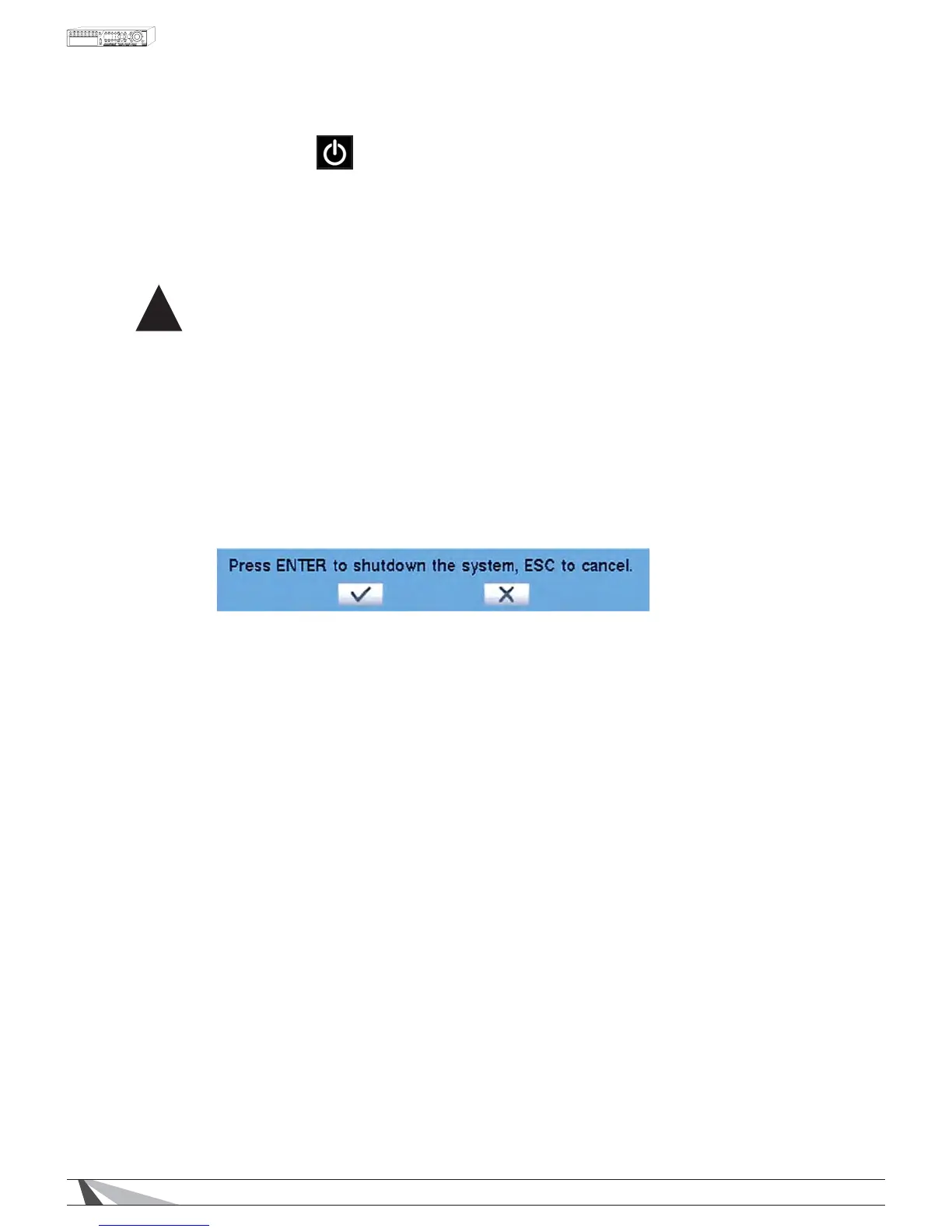
8VLQJWKHʆʈʉʇEXWWRQVQDYLJDWHWRShutdown . Press ENTERWRVHOHFW$OWHUQDWLYHO\WKHPRXVHFDQEH
XVHGWRVHOHFWWKHLFRQ2QFHVHOHFWHGDVFUROOLQJPHVVDJHZLOODSSHDUDWWKHERWWRPRIVFUHHQLQGLFDWLQJ
that shutdown is in process.
2QFHWKHPHVVDJH´Shutdown completed. You may turn off the system now.µDSSHDUVLWLVVDIHWRWXUQWKH
DVR off using the power switch on the back of the DVR.
5. The DVR is now shutdown and safe to move or service.
!


 To Next Page