41
WPS-100-DVR-4CH Installation and Users Manual
7. SEARCH/PLAYBACK/ARCHIVE
This menu is available to Administrators and Supervisors only.
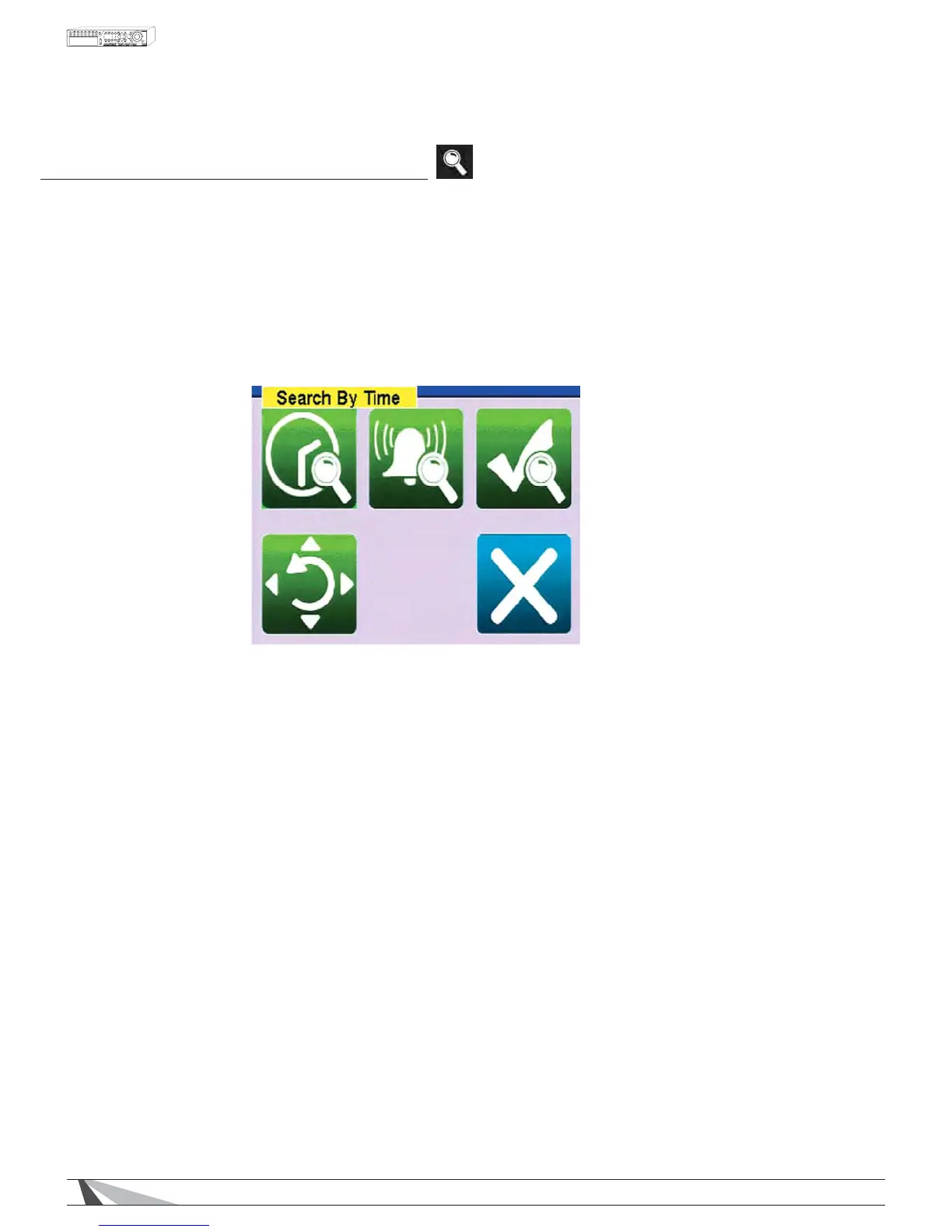
There are four ways to search the recorded video and audio for playback:
6HDUFKE\WLPH
6HDUFKE\HYHQW
6PDUW6HDUFK
6HDUFKDUFKLYHGÀOHV
Use the Search button on the remote control to activate the Search Menu$OWHUQDWLYHO\XVHWKHPRXVHWR
select the Search Icon from the Control Bar.
To navigate and operate this menu:
ʆʈʉʇ
Press these buttons on the remote control to select an item.
$OWHUQDWLYHO\XVHWKHPRXVHWRVHOHFWDQLWHP
(17(5
Press the ENTER button on the remote control to enter the corresponding Search menu.
$OWHUQDWLYHO\XVHWKHPRXVHWRVHOHFWWKHFRUUHVSRQGLQJSearch menu icon.
(6&
Press the ESC button on the remote control to escape from this menu and return to the video display.
$OWHUQDWLYHO\XVHWKHPRXVHWRH[LWWKHVXEPHQXE\FOLFNLQJRQWKH´Xµ$QRWKHUPHWKRGWRHVFDSHLVWR
XVHWKHPRXVHWR´ULJKWFOLFNµDQGH[LWWKHPHQX


 To Next Page