40
WPS-100-DVR-4CH Installation and Users Manual
- QCIF Fair – Lowest QCIF Resolution
- QCIF Normal – Medium QCIF Resolution
- QCIF Fine – High QCIF Resolution
4&,)6XSHUÀQH²Best QCIF Resolution
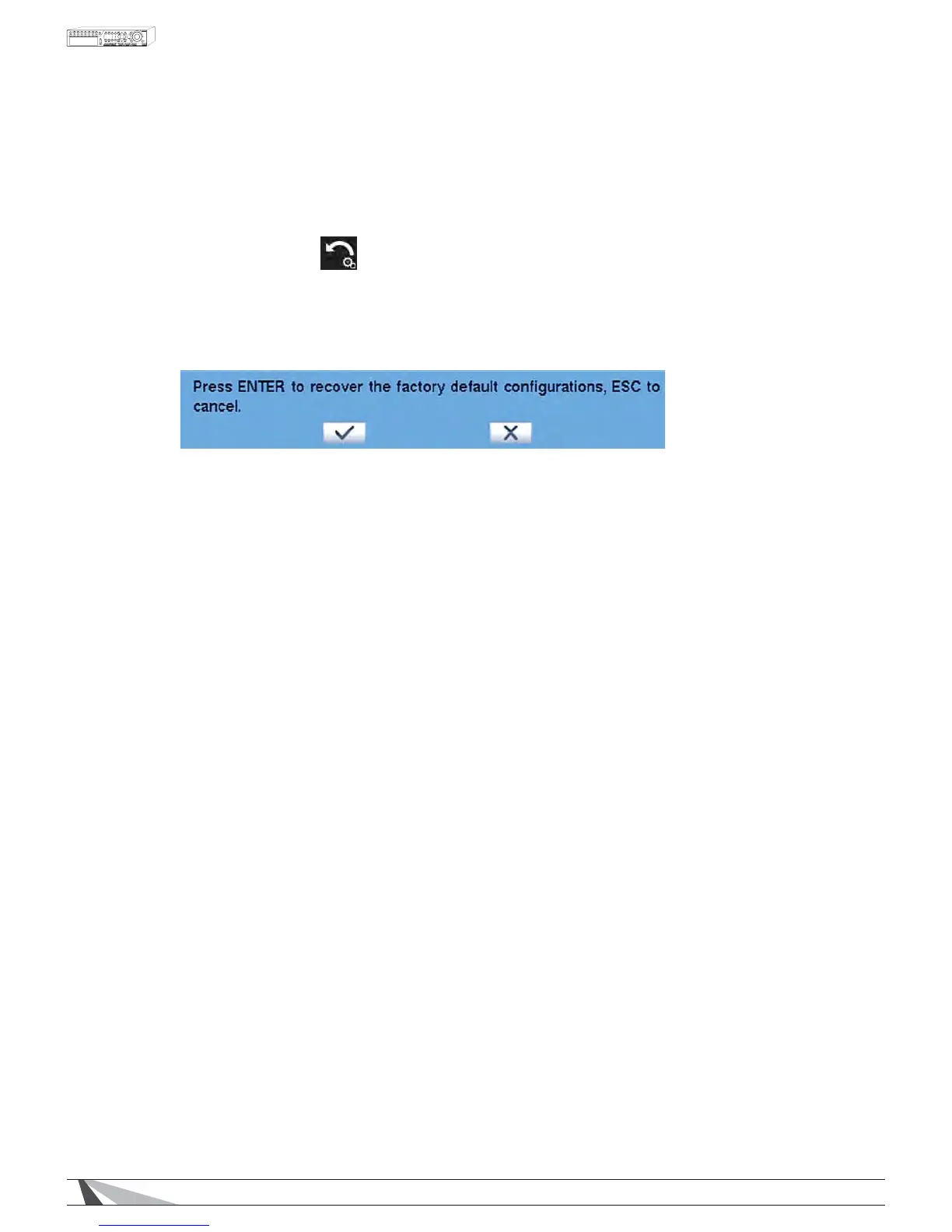
6.5 FACTORY DEFAULT
7RUHVHWDOOWKH'95VHWWLQJVWRIDFWRU\GHIDXOWYDOXHVSUHVVʆʈʉʇRQWKHremote control to change the high-
lighted option to Factory Default and then press ENTER$OWHUQDWLYHO\XVHWKHPRXVHWRVHOHFWFactory Default.
2QFHVHOHFWHGDFRQÀUPDWLRQGLDORJZLOOEHVKRZQSUHVVENTER again to make the changes. Or select ESCRU
right-click the mouse to exit without resetting the DVR.
WARNING: All settings will be lost and replaced with factory default settings.
Settings cannot be recovered after a Factory Default.


 To Next Page