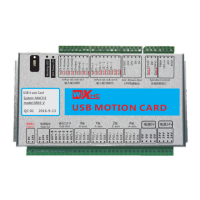
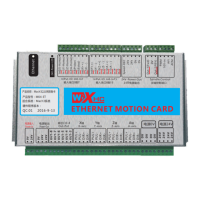
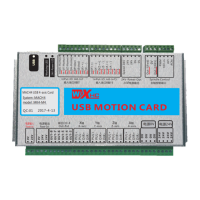
Wiring diagram
3.How to connect card and computer
3.1 How to connect USB port card and computer
Please use the cable that
we provide, and don't
extend it.
NOTE:
Connect the computer and USB card with the USB cable.
There is a work indicator light on the control card. If flashing
means the connection is successful.Or check your computer
device manager>>Human body input device,check whether
there is new equipment added.
3.2 How to connect the Ethernet card and pc
If you use the Ethernet control card, please use the Ethernet
cable we provide.,The Ethernet port on the control card has two
lights, yellow and green,if lighting means conenct is ok.
5


 To Next Page
 Loading...