8 VoIPNetworkServicesGmbH,Justus‐von‐Liebig‐Str.26,31535Neustadt
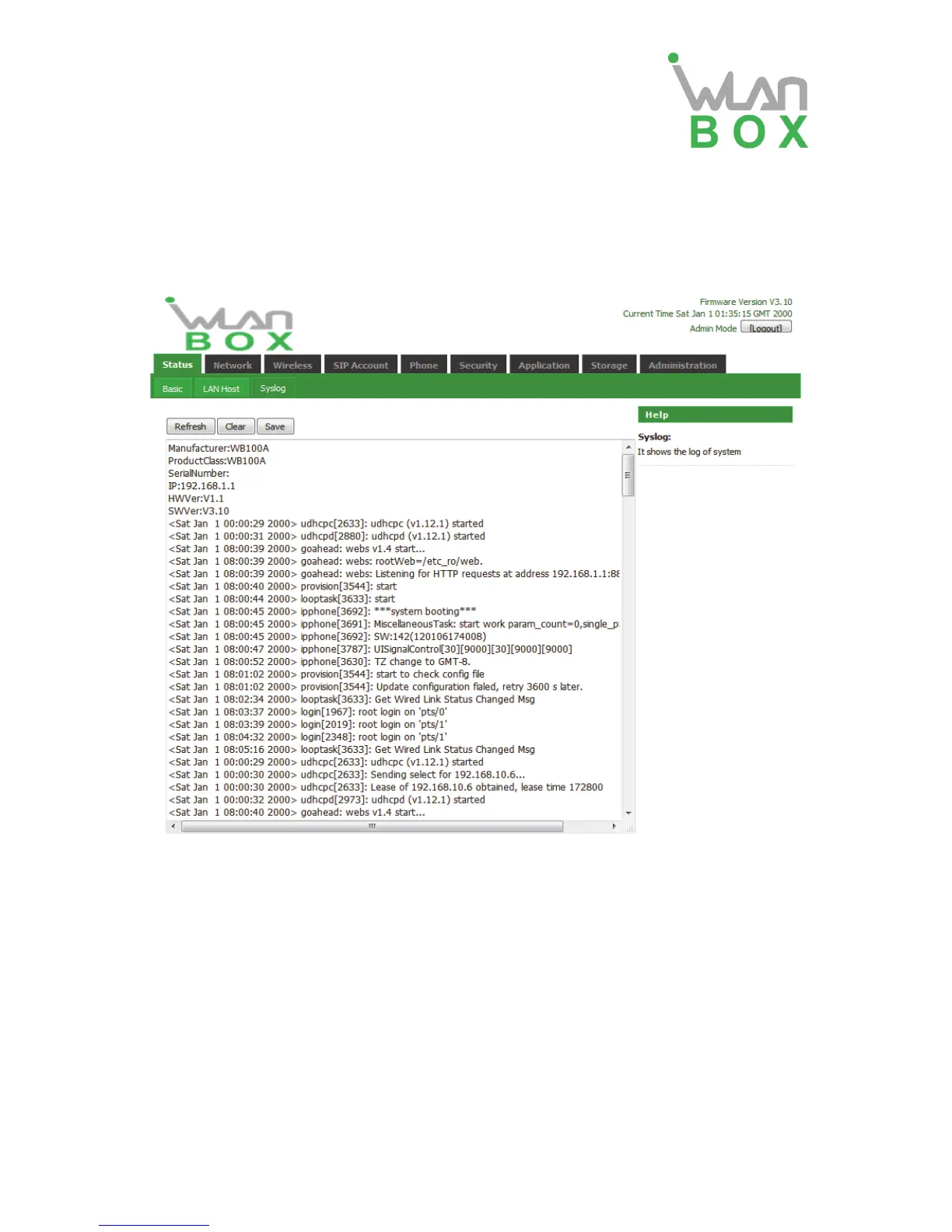
4.1.2 System Log
In this configuration page, the user can view the system log, WB100A system recordings contain
important configuration information.
On this page, users can click the corresponding button to refresh, remove and save the relevant
system information.
4.2 Network
4.2.1 WAN
1. Static:
In static mode, user should fill in the values of IP Address, Subnet Mask, Default Gateway,
Primary DNS and Second DNS.


 To Next Page