14 VoIPNetworkServicesGmbH,Justus‐von‐Liebig‐Str.26,31535Neustadt
Primary DNS Enter the preferred DNS address.
Secondary DNS Enter the secondary DNS address.
Client Lease Time This option defines how long the address will be assigned to the
computer within the network. In that period, the server does not
assign the IP address to the other computer.
DNS Proxy Enable or disable; If enabled, the device will forward the DNS
request of LAN-side network to the WAN side network
4.2.3 VPN
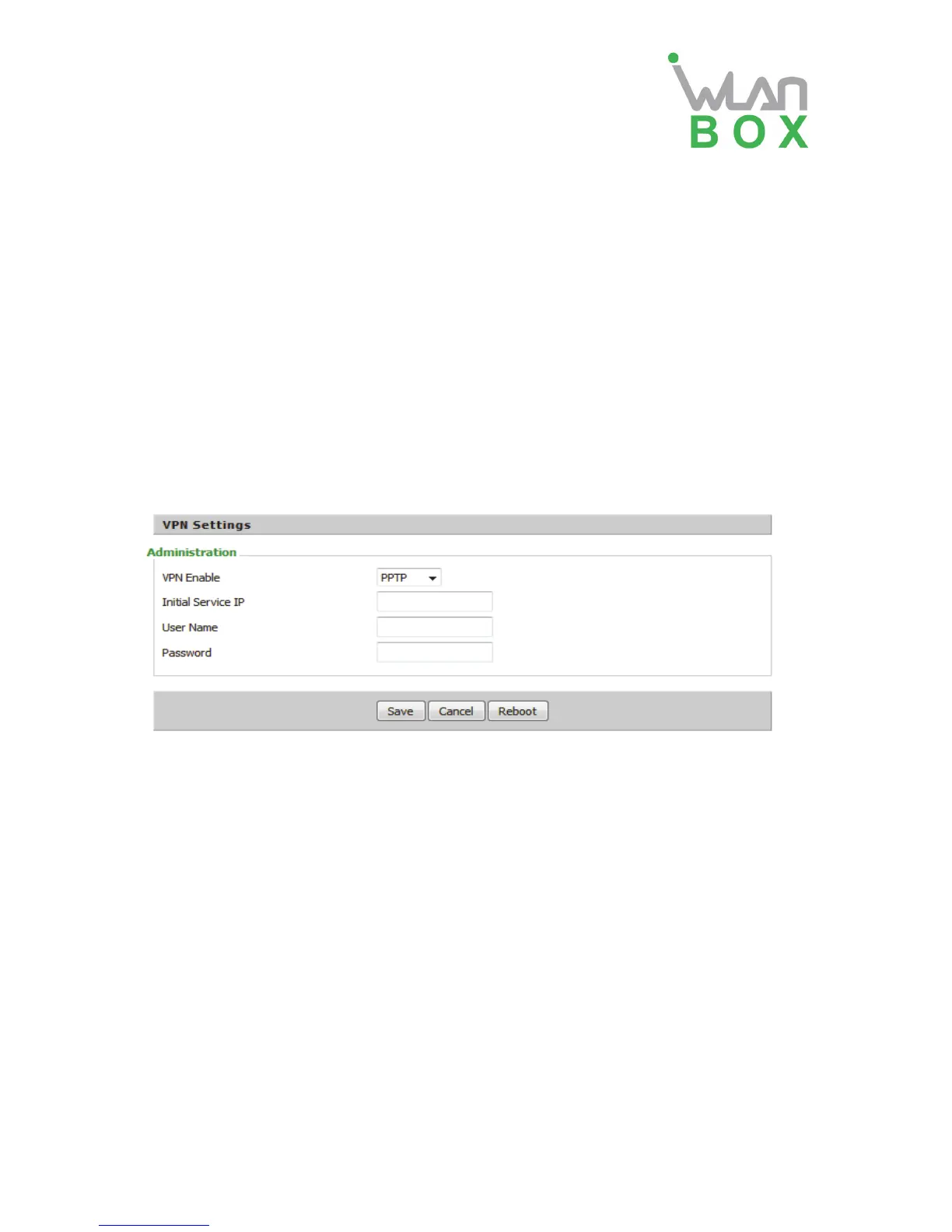
A VPN is a kind of technology which establish a private network based on the public network.
VPN network connection between any two nodes does not require the end to end physical
connection as the traditional private network; it is structured on the network platform provided by
the public network services, the user dhome gateway are transmitted in the logical link. Through
VPN technology, users can establish connection between any two devices which are connected
to public network and transmit dhome gateway.
Field Name Description
VPN Enable If or not enable VPN.If enable, you can select PPTP and L2TP mode VPN.
Initial Service IP Fill in the VPN server IP address
User Name Fill in the authentication username
Password Fill in the authentication password
4.2.4 MAC Clone
MAC address is the hardware address of the network device. Sometimes the network provider
may set the network device's MAC bound to the network accounts. So when the user uses a new
home gateway may not pass vendor certifications. In this case, the user can use the MAC clone
function to clone your computer's physical address to the device’s Internet port.
MAC address is the important parameter of the network device, the user should ensure that the
MAC is correct, or the device cannot be used normally.
If you accidentally make the MAC address wrong, the user can login the web via LAN port. And
then cloning the right MAC or resume the default settings.


 To Next Page