31 VoIPNetworkServicesGmbH,Justus‐von‐Liebig‐Str.26,31535Neustadt
2) NAT Traversal
Field Name Description
NAT Traversal 1.If or not enable NAT Traversal
2. WB100A supports STUN Traversal; If you want to traverse
NAT/Firewall, select the STUN.
STUN Server Address Add the correct STUN service provider IP address.
NAT Refresh Interval Set NAT Refresh Interval, default is 60s.
STUN Server Port Set STUN Server Port, default is 5060.
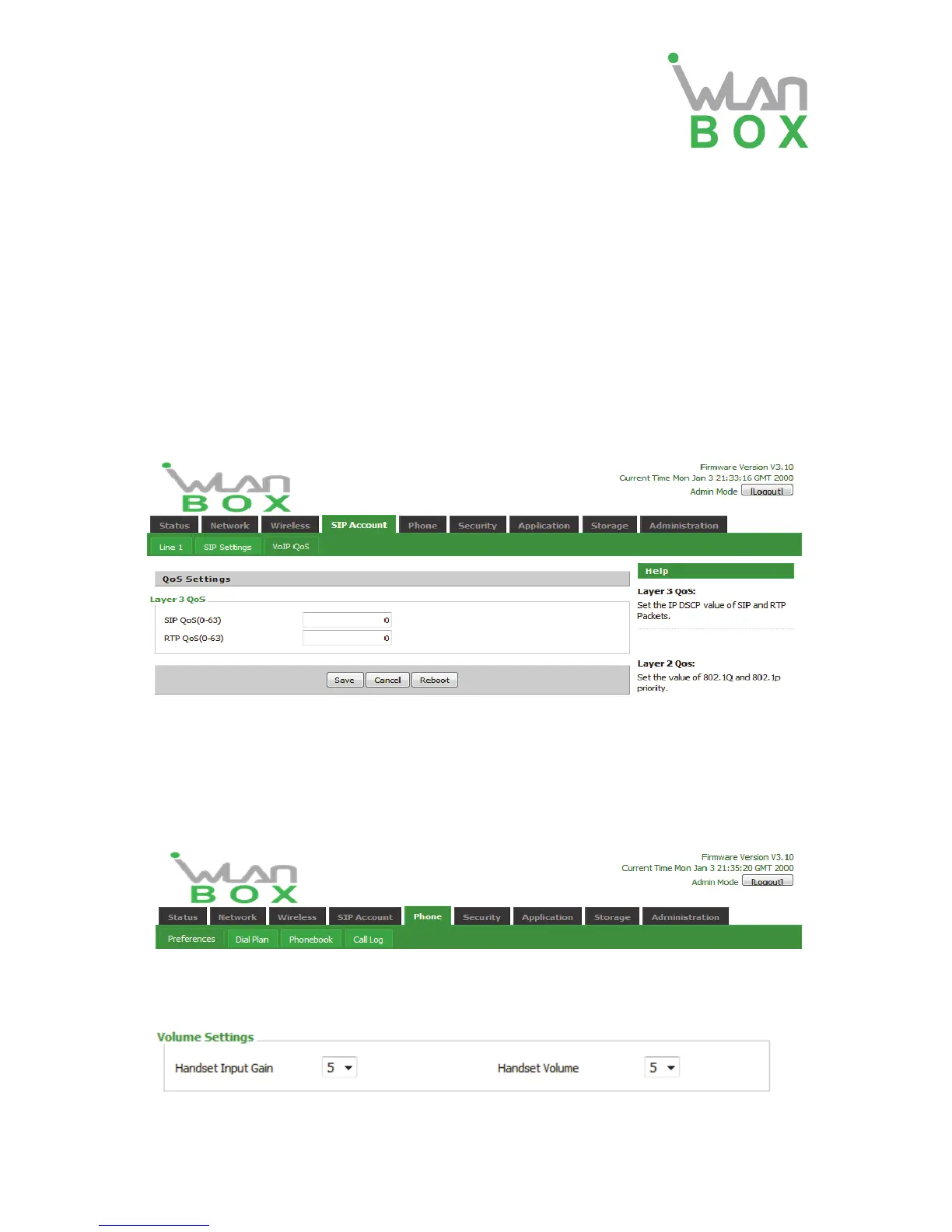
4.4.3 VoIP QoS
QoS services can improve the quality of voice applications
Field Name Description
SIP /RTP QoS The default value is 0, you can set a range of values is 0~63
4.5 Phone
This page user can set preferences for home gateways, and call logs.
4.5.1 Preferences
1) Volume Settings
Field Name Description
Handset Input Gain Adjust the handset input gain from 0 to 7.


 To Next Page