24 VoIPNetworkServicesGmbH,Justus‐von‐Liebig‐Str.26,31535Neustadt
WPS Mode PIN:Enter the PIN code of the wireless device which accesses to
this LAN in the following option, and press apply. Then WB100A
begins to send signals, turn on the PIN accessing method on the
clients, and then it can access the wireless AP automatically.
PBC:There are two ways to start PCB mode, user can press the
PCB button directly on the device, or select PCB mode on the
software and apply. Users can activate WPS connection in WPS
mode through these two methods, only when the clients choose
PCB access, the clients can connect the AP automatically.
WPS Status
WPS shows status in three ways:
WSC: Idle
WSC: Start WSC Process(begin to send messages)
WSC: Success; this means clients have accessed the AP
successfully,
WPS connects well.
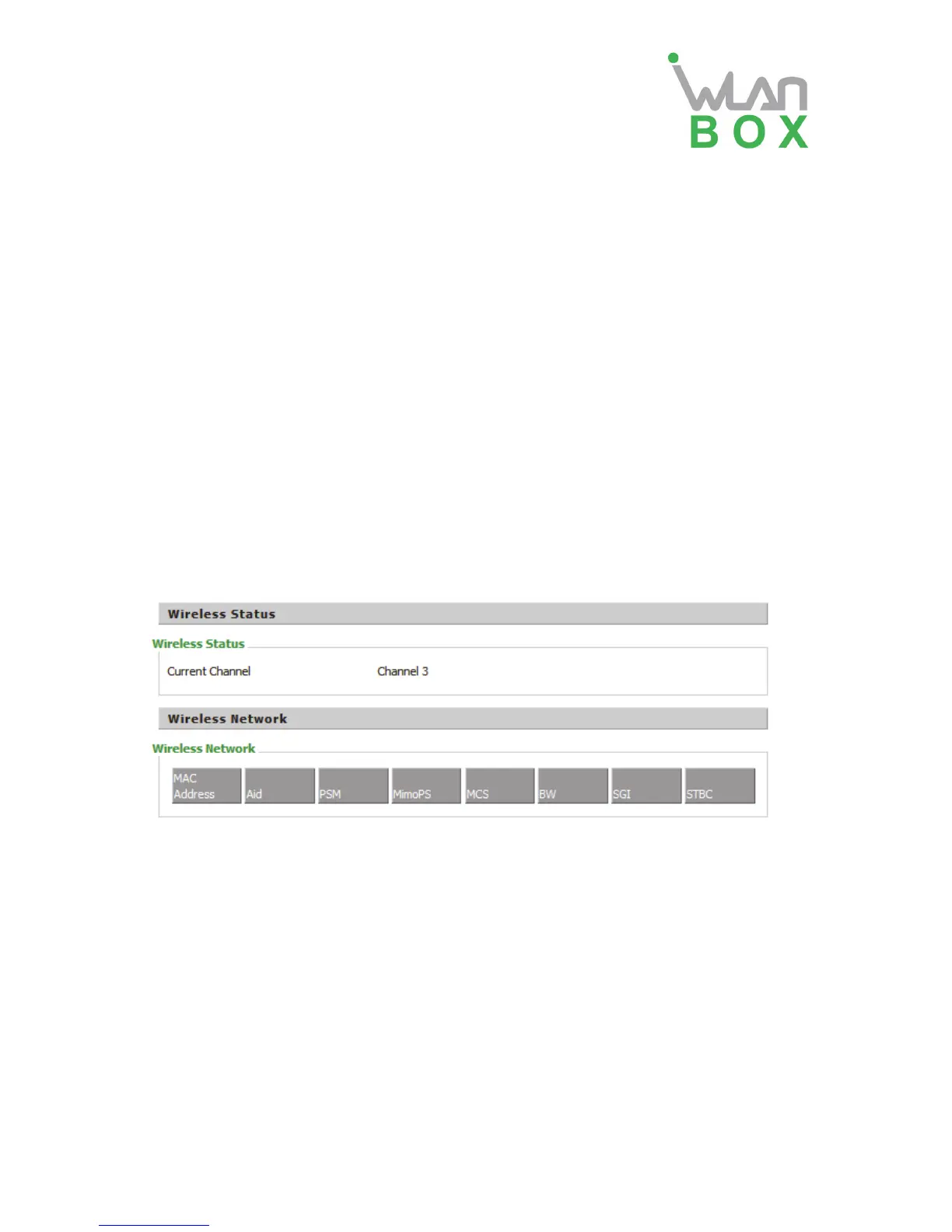
4.3.5 Station info
This page shows information about the AP and user which are connected to the AP.


 To Next Page