5 VoIPNetworkServicesGmbH,Justus‐von‐Liebig‐Str.26,31535Neustadt
2 Sub-navigation bar Click sub-navigation bar to enter to configuration
webpage
3 Configuration title The configuration title
4 Configuration bars The configuration bars
5 Device Information Display the firmware version, DSP version, Current
Time, and login mode.
Press Logout button to logout.
6 Help Display the main information of configuration; user
can get help from it directly.
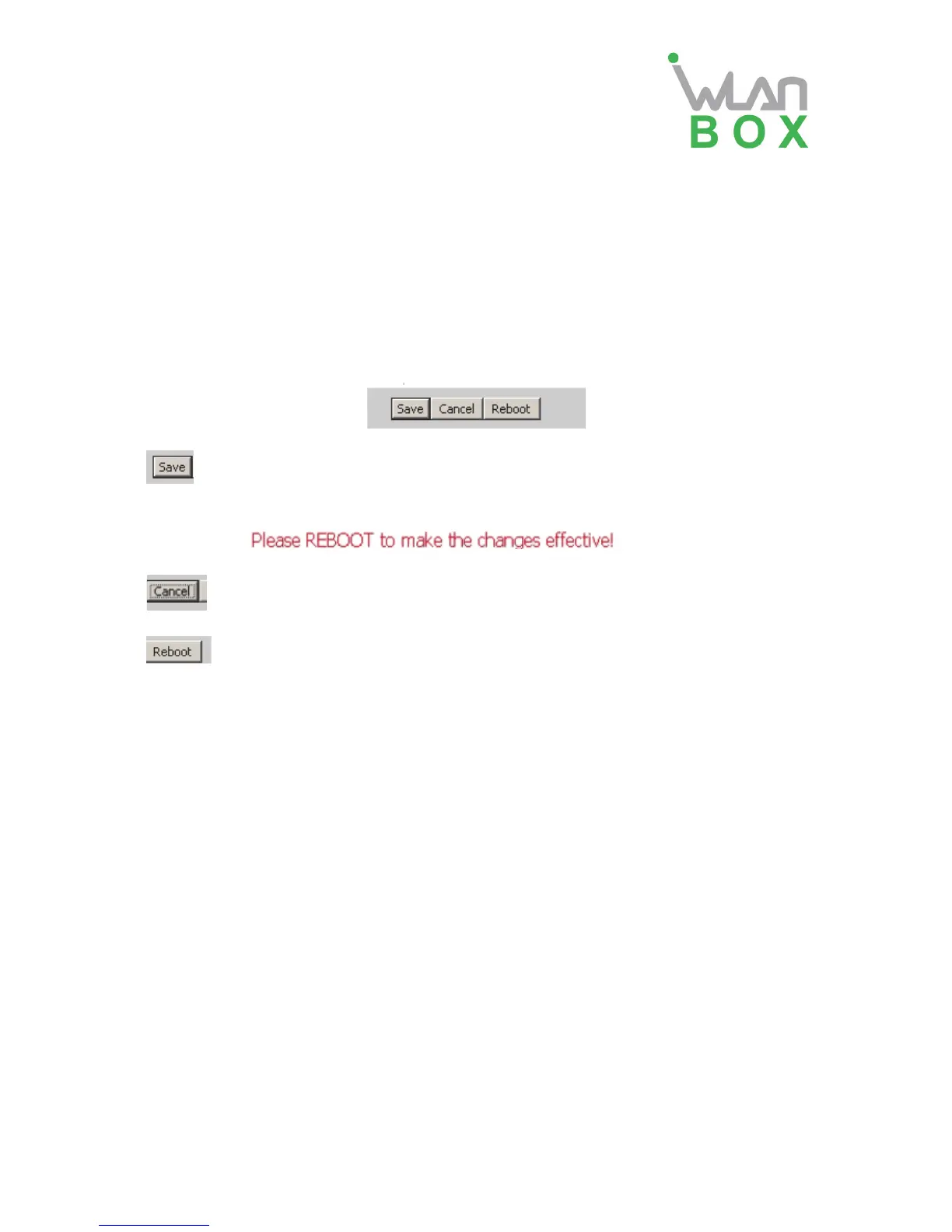
Every time making some changes, user should press the button to confirm and
save the changes.
After pressing the button, the red notice
will appear to notice user
to reboot.
To cancel the changes
Press it to reboot WB100A
4 .Configure from web
4.1 Status
On this page, users can view the WB100A system information and system log information. It is
the first page which user will see firstly after login to WEB.


 To Next Page