WLKATA Mirobot Manipulator User Manual
Document version 1.0 User Manual Copyright© Beijing Tsinew Technologies Co., Ltd.
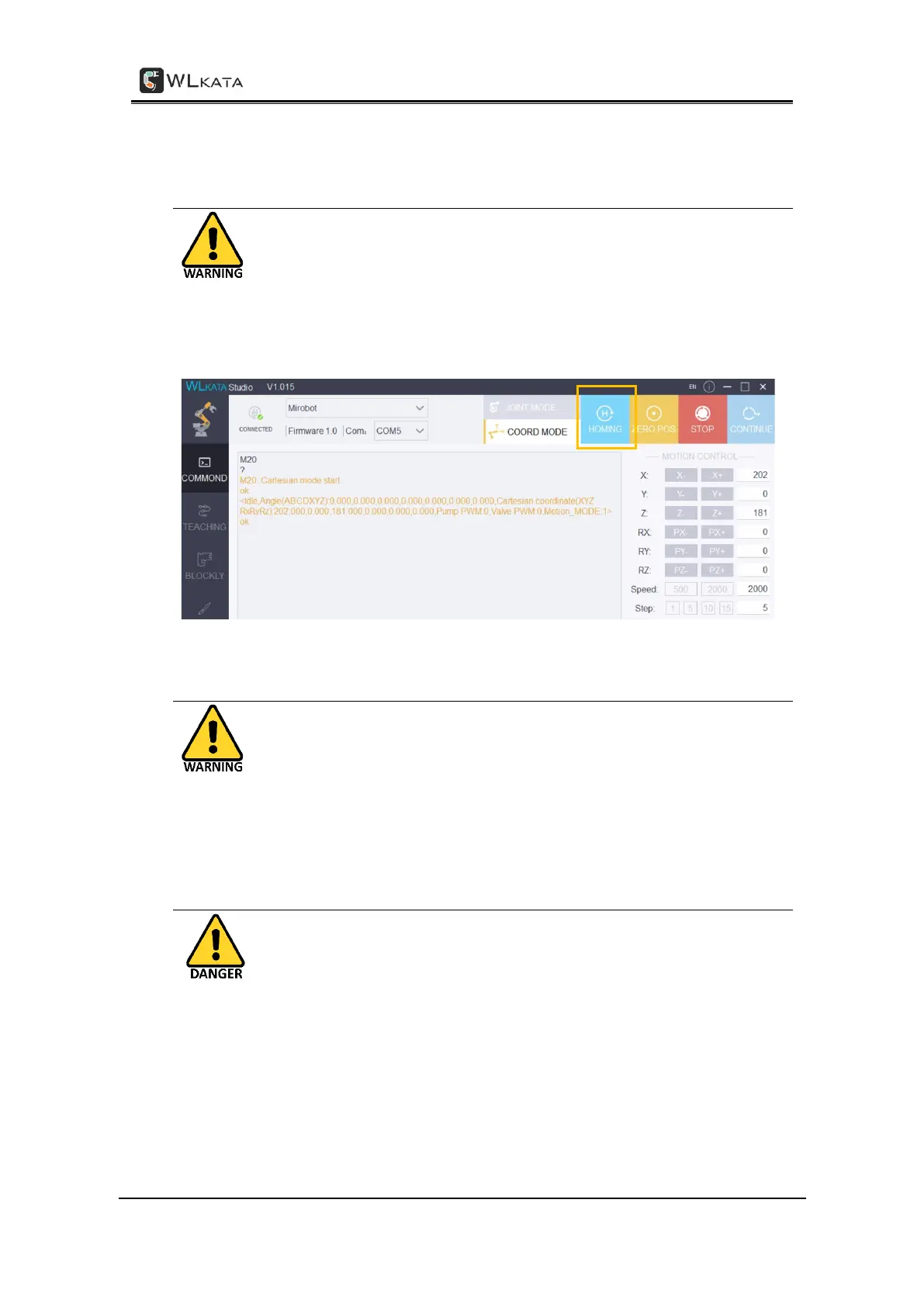
V. Execute HOMING action on Each Time Powering on or
re-connect the Mirobot manipulator
Each Time the manipulator is powered on, RESET from an emergency stop, or
reopen the WLKATA studio, the user must execute the HOMING action by
click the HOMING button in WLKATA Studio to homing the joints position.
One should wait for the HOMING action to be completed before any further
operation. (Please refer to 3.4.2 for detailed instruction).
VII. Unplugging All External Components When Powered Off
When power off the manipulator, please disconnect and unplug all external
components from the manipulator, such as Bluetooth box, extender box,
color sensor, sliding rail, conveyor belt etc. Otherwise the manipulator and
the external components may be damaged.
VIII. Avoid Using This Device for Laser Engraving
This manipulator is not designed for executing laser engraving. For users who
use this device in potentially hazardous conditions, one should wear full
personnel protection equipment, including glass, glove and use proper
protection cover unit, etc.



 To Next Page