WLKATA Mirobot Manipulator User Manual
Document version 1.0 User Manual Copyright© Beijing Tsinew Technologies Co., Ltd.
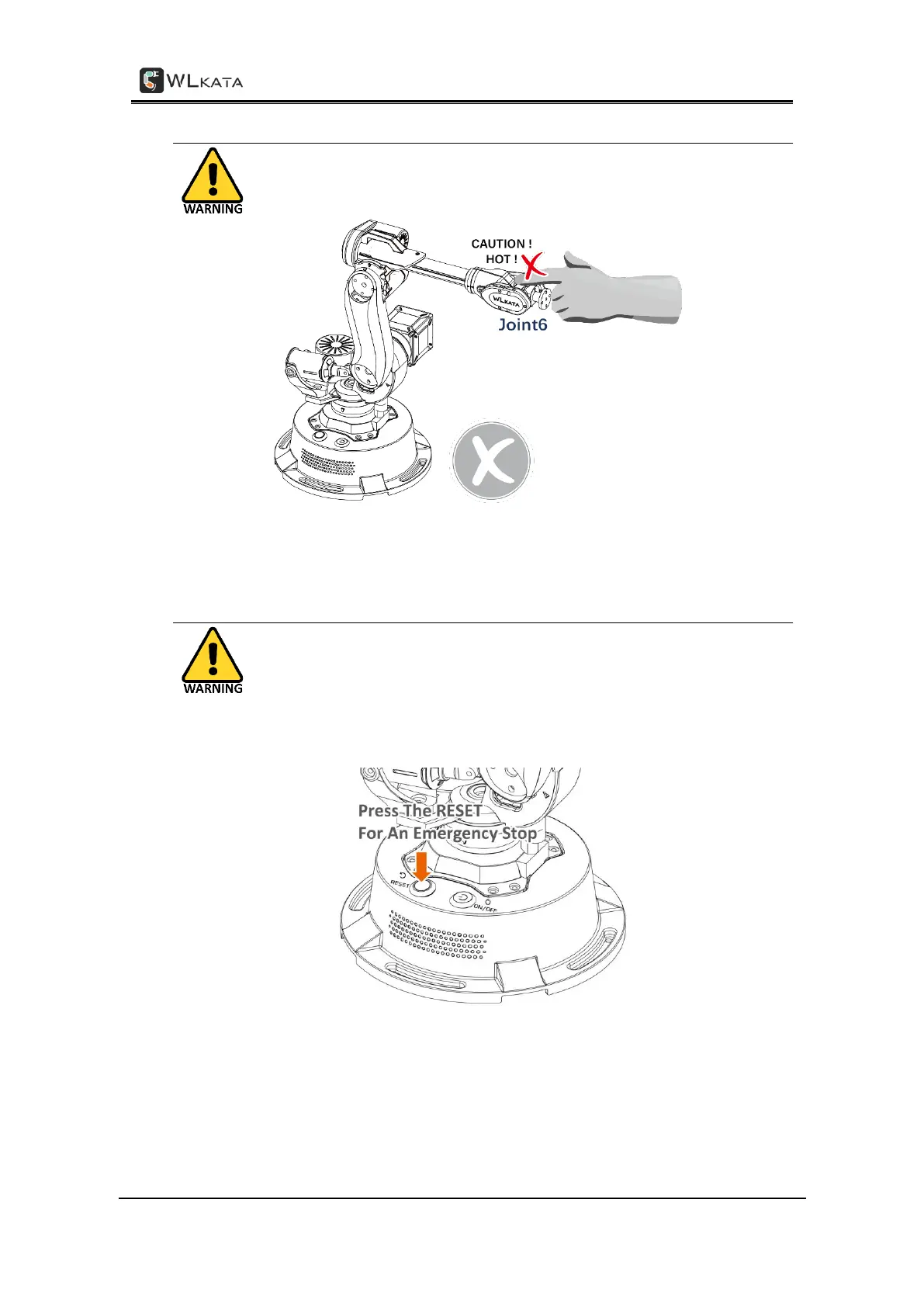
IV. Caution the Hot Surface of Motor & Chip
When Mirobot is powered on, DO NOT (!) touch the surface of joint 6 motor
or the chip by hand, as those parts could be very hot during working.
VI. Press the RESET Bottom for a Hardware Emergency Stop
In any case of illegal or abnormal operation of the Mirobot, one should press
the RESET button immediately on the top of the Mirobot base for an
emergency stop. Then before any further operation, remember to execute
the HOMING action.



 To Next Page