WLKATA Mirobot Manipulator User Manual
Document version 1.0 User Manual Copyright© Beijing Tsinew Technologies Co., Ltd.
Editing the teaching point by the right-side panel
STEP (5) Using the basic functions
New: clear the current task and start again.
Open: lookup and open a Teaching & Play file created by WLKATA Studio earlier.
Save: save the task in chosen directory.
Delete: delete a teaching point line.
Down and Up: change the order of a teaching point line.
Undo and Redo: undo or redo the previous operation.
Copy and Paste: copy the line and paste to the selected teaching point.
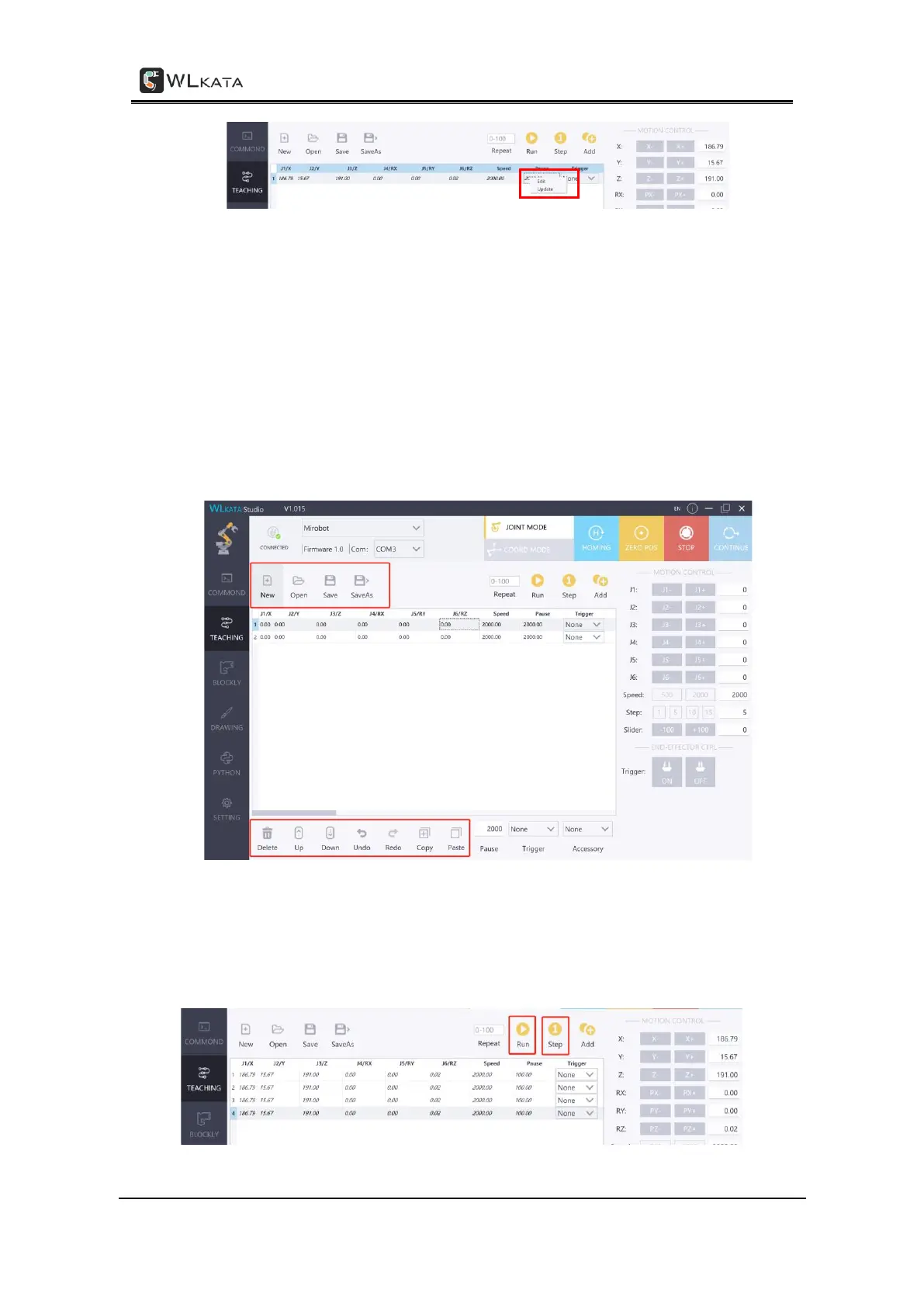
STEP (6) Run and step run of the record
Click Run button in the panel to realize the whole recurrence of the recorded teaching
points in the list. Click the Step button in the panel to realize the single-step movement of
the recorded teaching point one-by-one in the list.



 To Next Page