WLKATA Mirobot Manipulator User Manual
Document version 1.0 User Manual Copyright© Beijing Tsinew Technologies Co., Ltd.
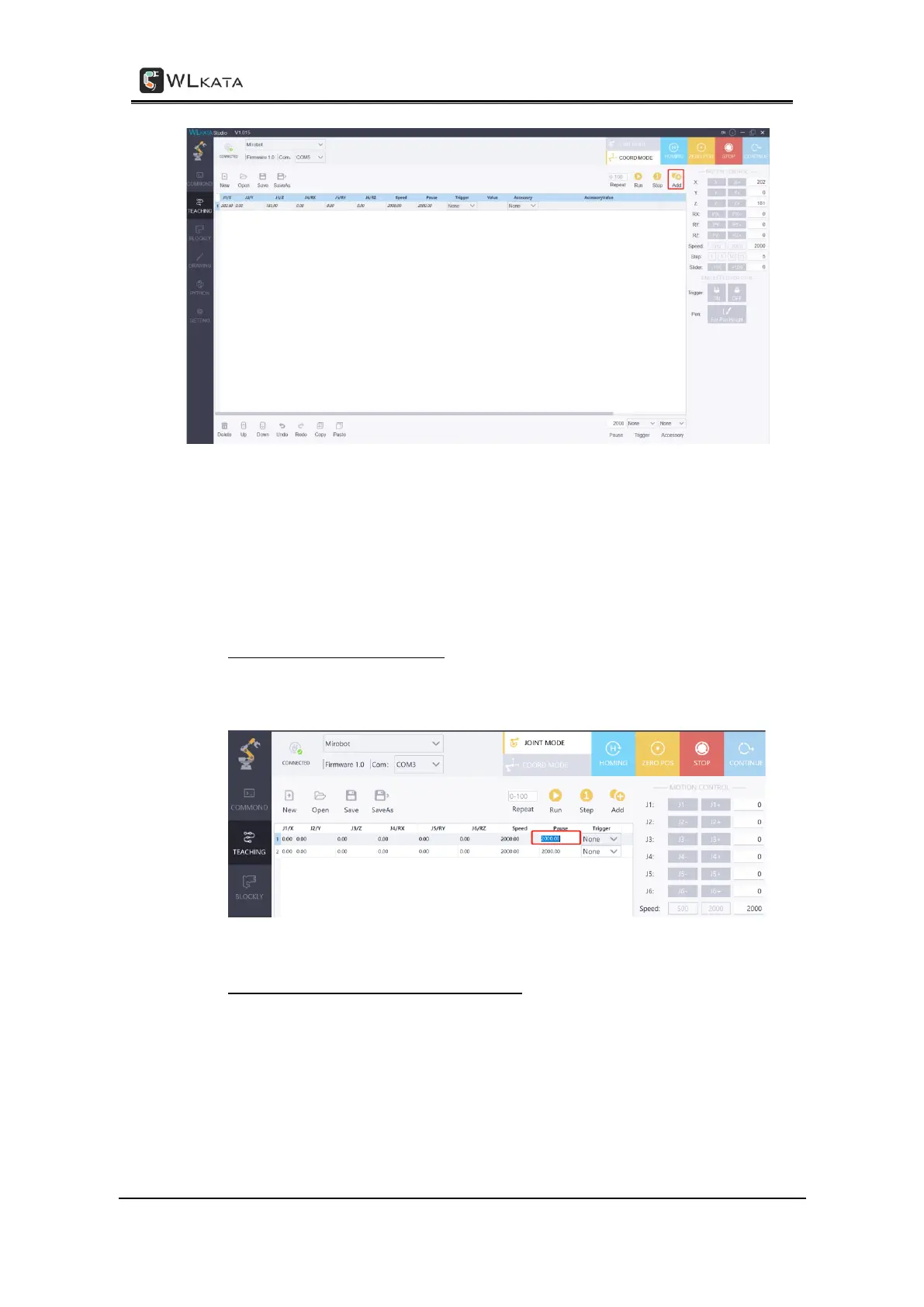
Adding the teaching points under the TEACHING function
After adding the first teaching point, one could continue to adjust the position and posture
of the manipulator, and then click the Add Point button to add the second and the third
teaching point... until all teaching points are added.
STEP (4) Edit the property of teaching points:
• Editing the teaching point in-line: double left-click on the top of the cell you want to
edit --> input the desired value --> single left-click in blank area / or press Enter to
confirm your edit.
Editing the teaching point in-line
• Editing the teaching point by the right panel: single right-click on the top of the line
you want to edit --> choose Edit in the pop-up manu --> adjust the value in the right
panel -> move the mouse arrow back to the teaching point line you want to edit
and single right-click on the top of the line again --> choose Update in the pop-up
manu to apply the value on the right panel to the selected teaching point line.



 To Next Page