WLKATA Mirobot Manipulator User Manual
Document version 1.0 User Manual Copyright© Beijing Tsinew Technologies Co., Ltd.
The method of connecting the gripper with the manipulator
(5) Control the gripper status (open and close): The gripper can be controlled under the
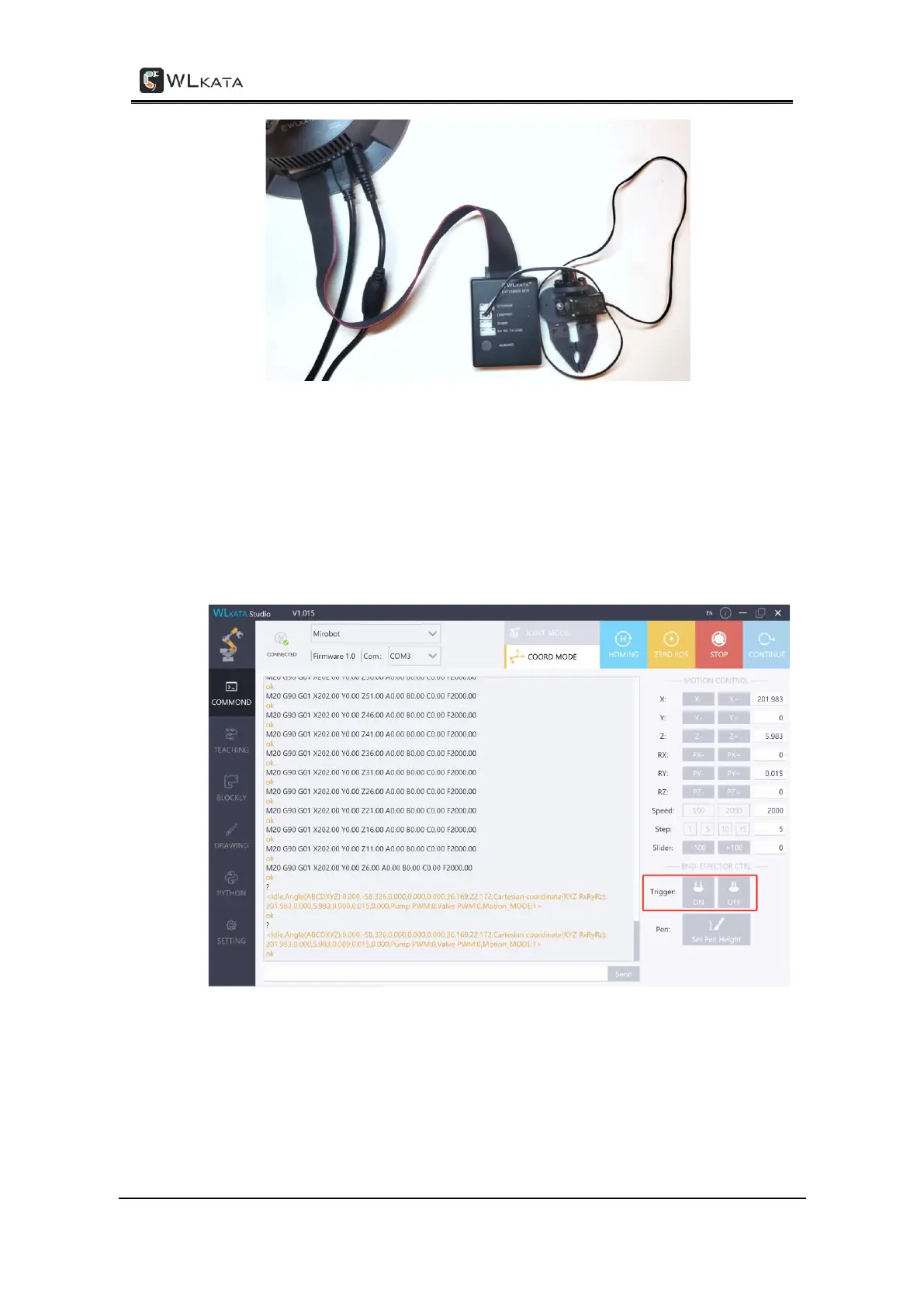
COMMAND, TEACHING and BLOCKLY functions in the WLKATA Studio:
• In the COMMAND page, control the gripper by click the End-effect on and
End-effector off buttons on the right panel.
Controlling the gripper in the COMMAND function
• In the TEACHING page, control the gripper by editing the Trigger cell and Value
cell of the teaching point line.



 To Next Page