WLKATA Mirobot Manipulator User Manual
Document version 1.0 User Manual Copyright© Beijing Tsinew Technologies Co., Ltd.
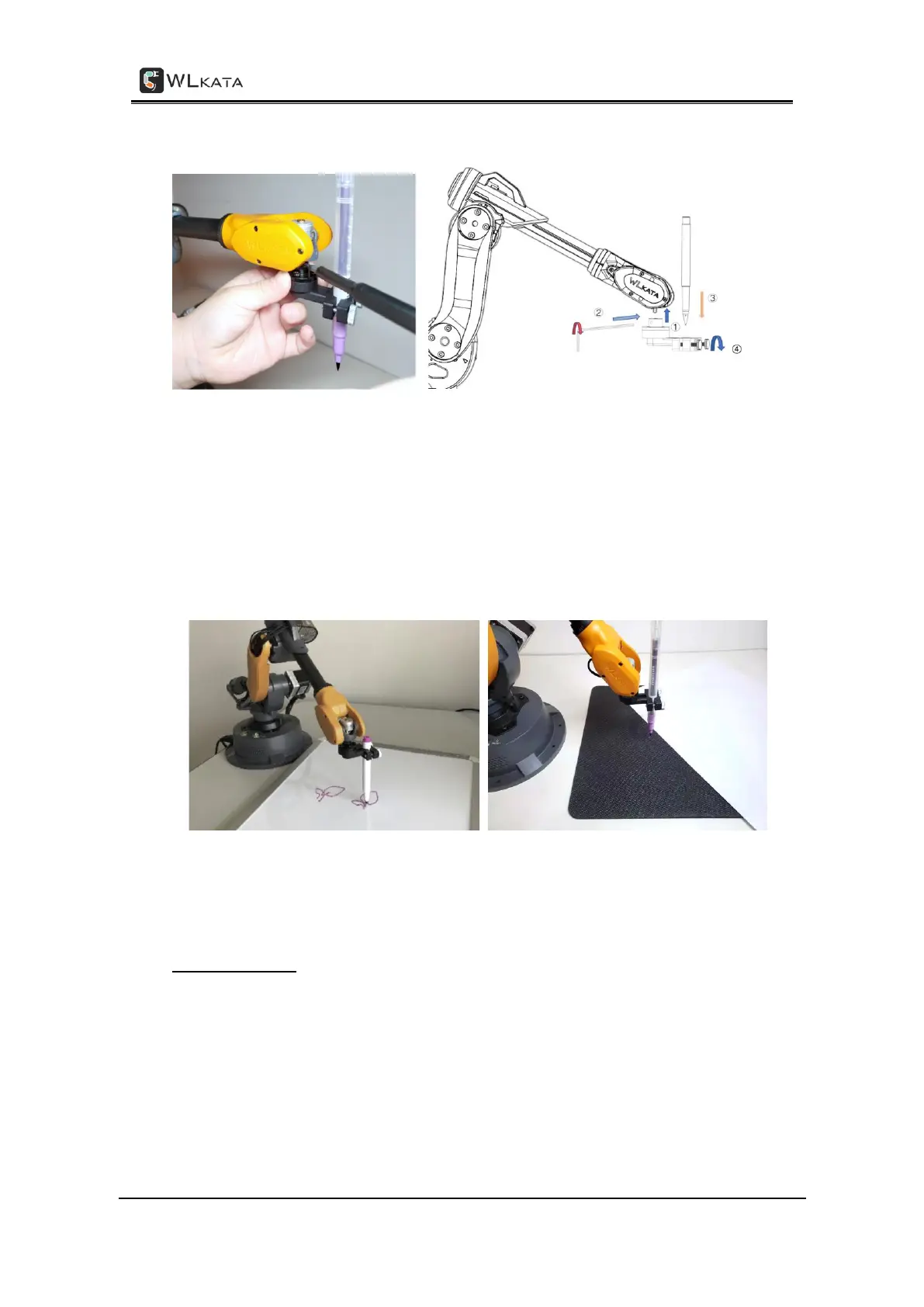
• Tighten the nut of the holder.
Installing the pen-holder module and the pen
(2) Drawing on a smooth White board to minimize the surface force of friction; or prepare a
thin soft cushion and place it under the paper to provide additional buffering during
drawing.
Recommending to draw on smooth White board or placing a thin soft cushion under the paper to provide
buffering
Set the pen height
We need to set the height of the pen first before drawing. Please follow the below
instruction:
• Connect the power supply and USB cable of Mirobot, and press the switch on
button on the base.



 To Next Page