WLKATA Mirobot Manipulator User Manual
Document version 1.0 User Manual Copyright© Beijing Tsinew Technologies Co., Ltd.
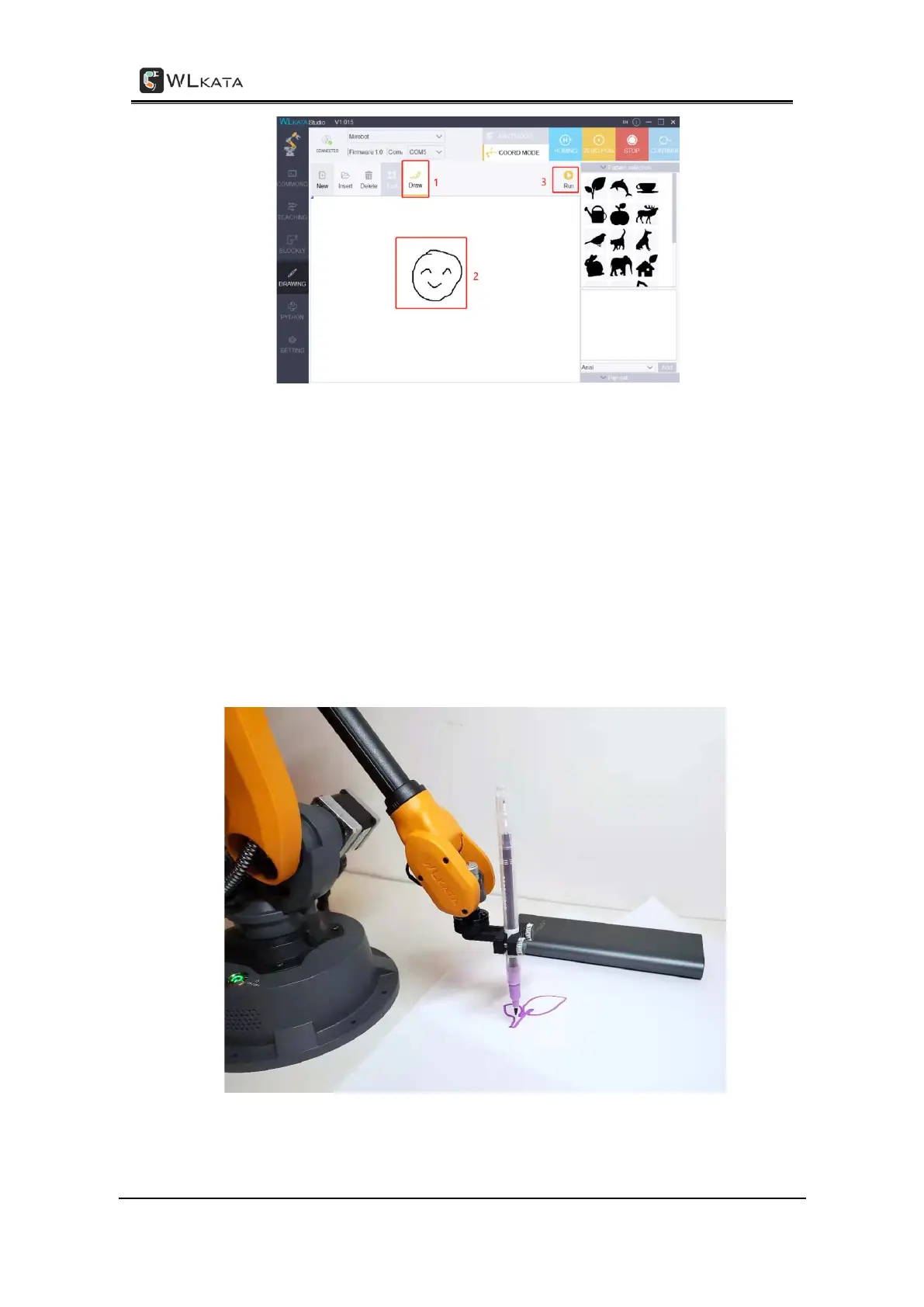
• To adjust the size and position of the graph, ensure the Edit | Draw button is in the
Edit mode → click the graph in the canvas and a resize frame would appear around
the graph. Adjust the corners to resize the graph and drag the inner frame to
change the position of the graph.
• To delete the unwanted graph on the canvas, ensure the Edit | Draw button is in
the Edit mode → choose the unwanted graph on the canvas → click Delete
button.
• To start over from a blank canvas, click New button to clear the canvas.
• To start the drawing, click Run button, and the manipulator will draw the graph(s)
on the canvas.
Drawing by WLKATA Mirobot



 To Next Page