WLKATA Mirobot Manipulator User Manual
Document version 1.0 User Manual Copyright© Beijing Tsinew Technologies Co., Ltd.
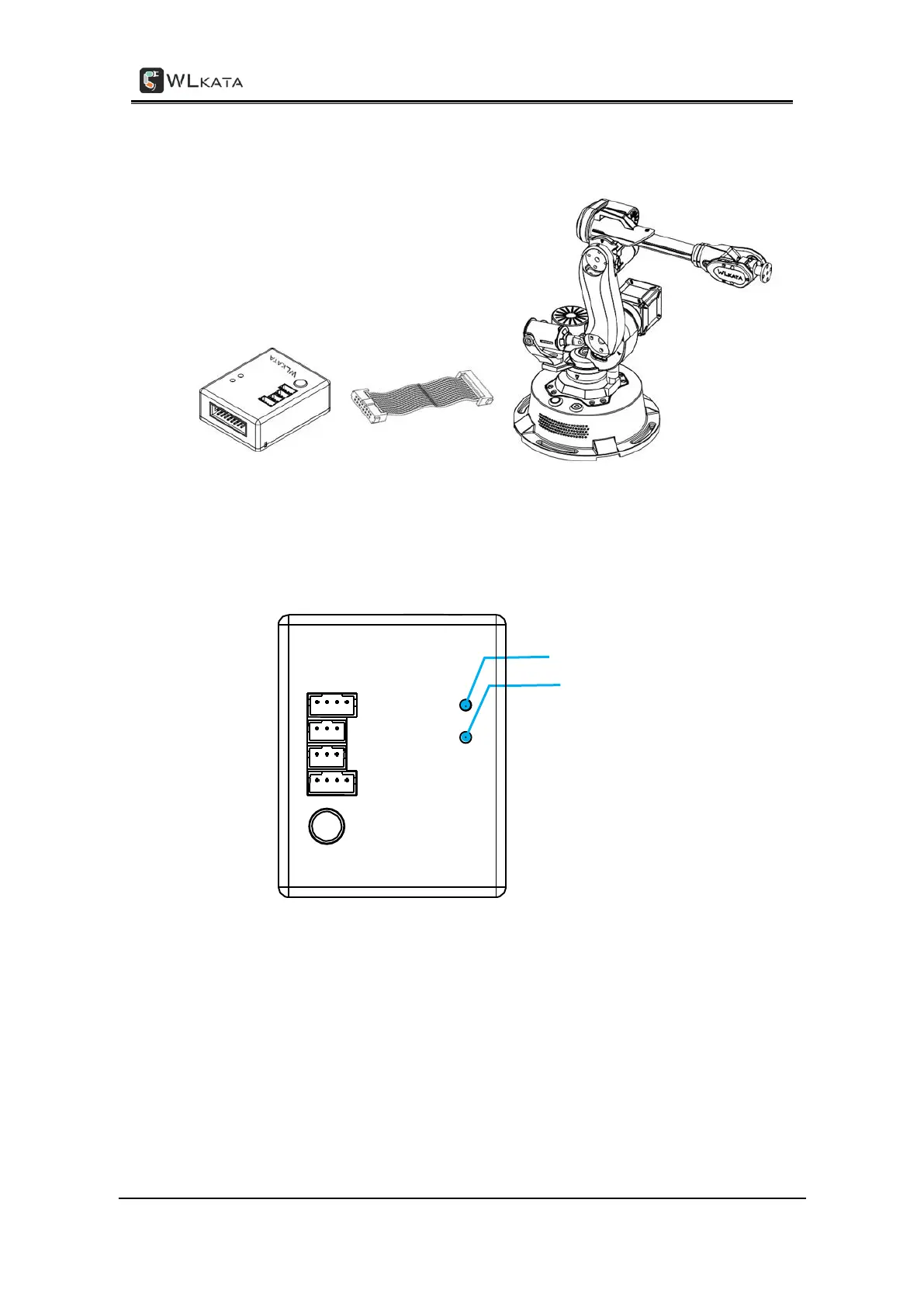
(1)Connect the Bluetooth extension module and the communication extension interface
on the back of the Mirobot manipulator base.
The connection between Bluetooth extension module and Mirobot manipulator
(2)Turn on the power of the manipulator. At this time, the red LED on the Bluetooth
extension module starts to flash, indicating that it is waiting for the Bluetooth teach
pendant to connect. The location of the red LED is shown in Figure below.
LED light on Bluetooth expansion module
(3)Switch the control page tab on the teach pendant to the setting page.



 To Next Page