WLKATA Mirobot Manipulator User Manual
Document version 1.0 User Manual Copyright© Beijing Tsinew Technologies Co., Ltd.
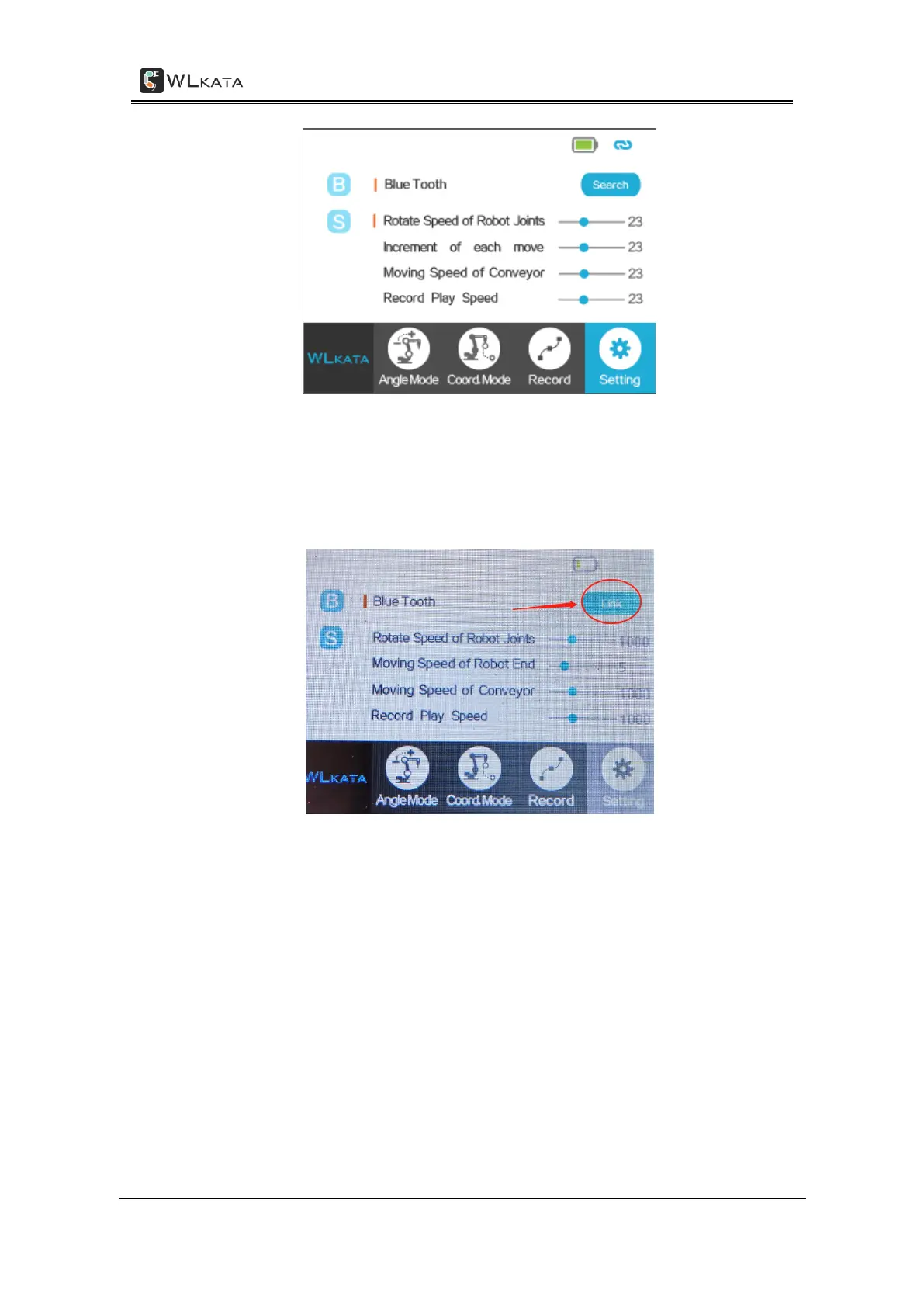
Setting page on Bluetooth teach pendant
(4) Click the “Search” button, the button will change to “Searching”, wait a few seconds,
and then it will change to “link”. Then click the “link” button to connect successfully. After
the connection is successful, the red LED is always on, and the green LED is on.
The link button
3.6.3.3 Example of using the teach pendant single axis angle mode to control the
robotic arm
(1)Switch the Bluetooth teach pendant interface to the angle mode interface.



 To Next Page