WLKATA Mirobot Manipulator User Manual
Document version 1.0 User Manual Copyright© Beijing Tsinew Technologies Co., Ltd.
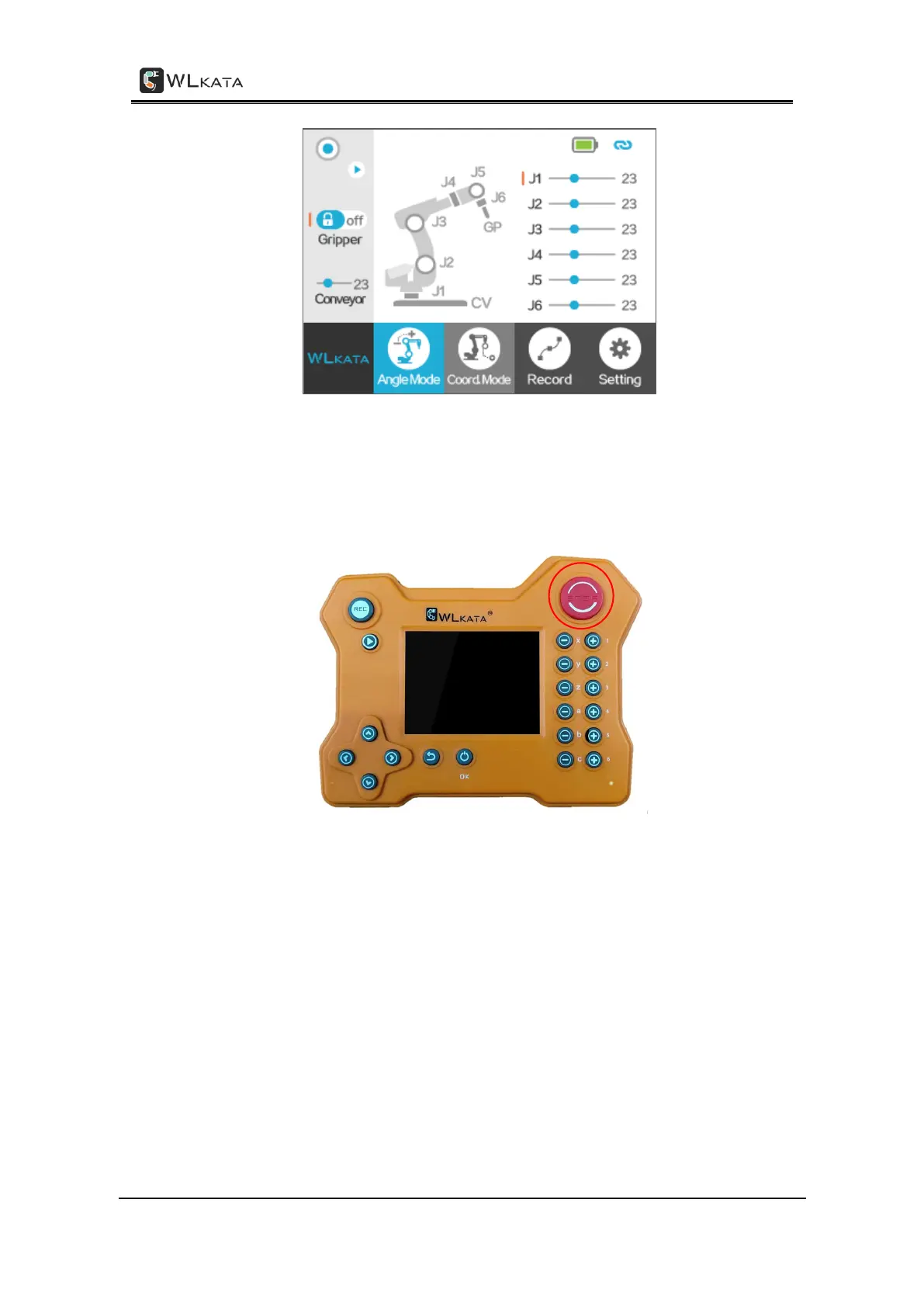
Angle mode interface of Bluetooth handle
(2)First of all, it is necessary to reset the manipulator. Press and hold the red button on
the top right of the teach pendant for 3 seconds, and the robotic arm will start to reset.
Wait for the successful reset of the robotic arm, and then continue to operate.
Reset button
(3)Press the 6 groups of buttons on the right side of the Bluetooth teach pendant to
control the 6 corresponding rotating axes of the manipulator to move in the positive and
negative directions.



 To Next Page