Operation
26
3.3.1 Coffee specialities at the touch of a button
> Place an appropriate drinking vessel under the All-In-One spout.
> Adjust the All-In-one spout to suit the height of the drinking vessel.
> Select your beverage by pressing the beverage button.
You can interrupt the beverage preparation at any time using the off/c button.
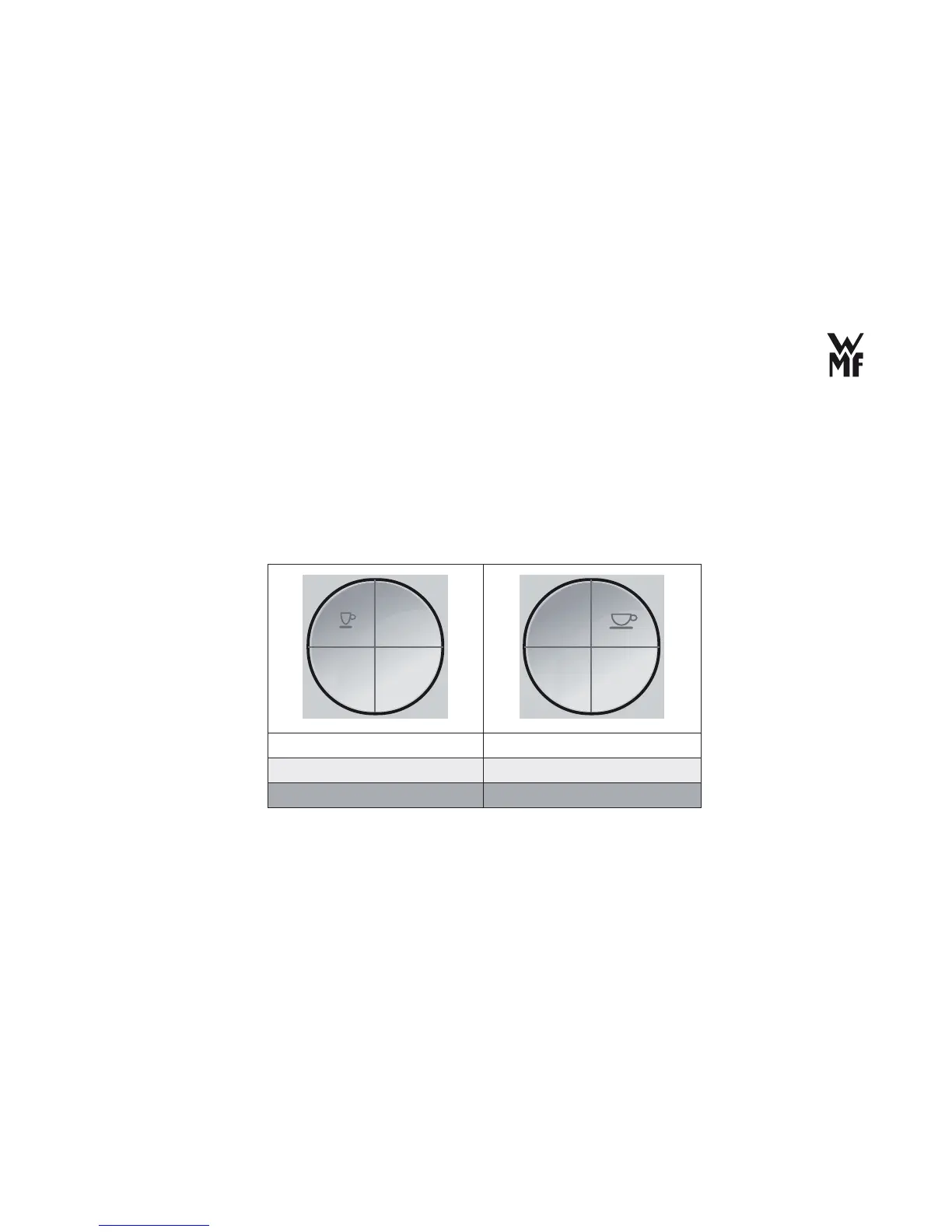
> If you want an Espresso, push the top left button.
> If you want a Café Crème, push the top right button.
1 x briefl y: 1x Espresso 1 x briefl y: 1x Café Crème
2 x briefl y: 2x Espresso 2 x briefl y: 2x Café Crème
1 x long: 1x Ristretto 1 x long: 1 mug Café Crème
The name of the chosen beverage appears on the display.
The coffee beans are ground. The selected beverage is prepared.
Espresso,
Café Creme



 To Next Page