Operation
36
If you wish to adapt the volume of the next beverage delivery, proceed as per chapter “3.3.2 Quick
selection of cup size” on page 28.
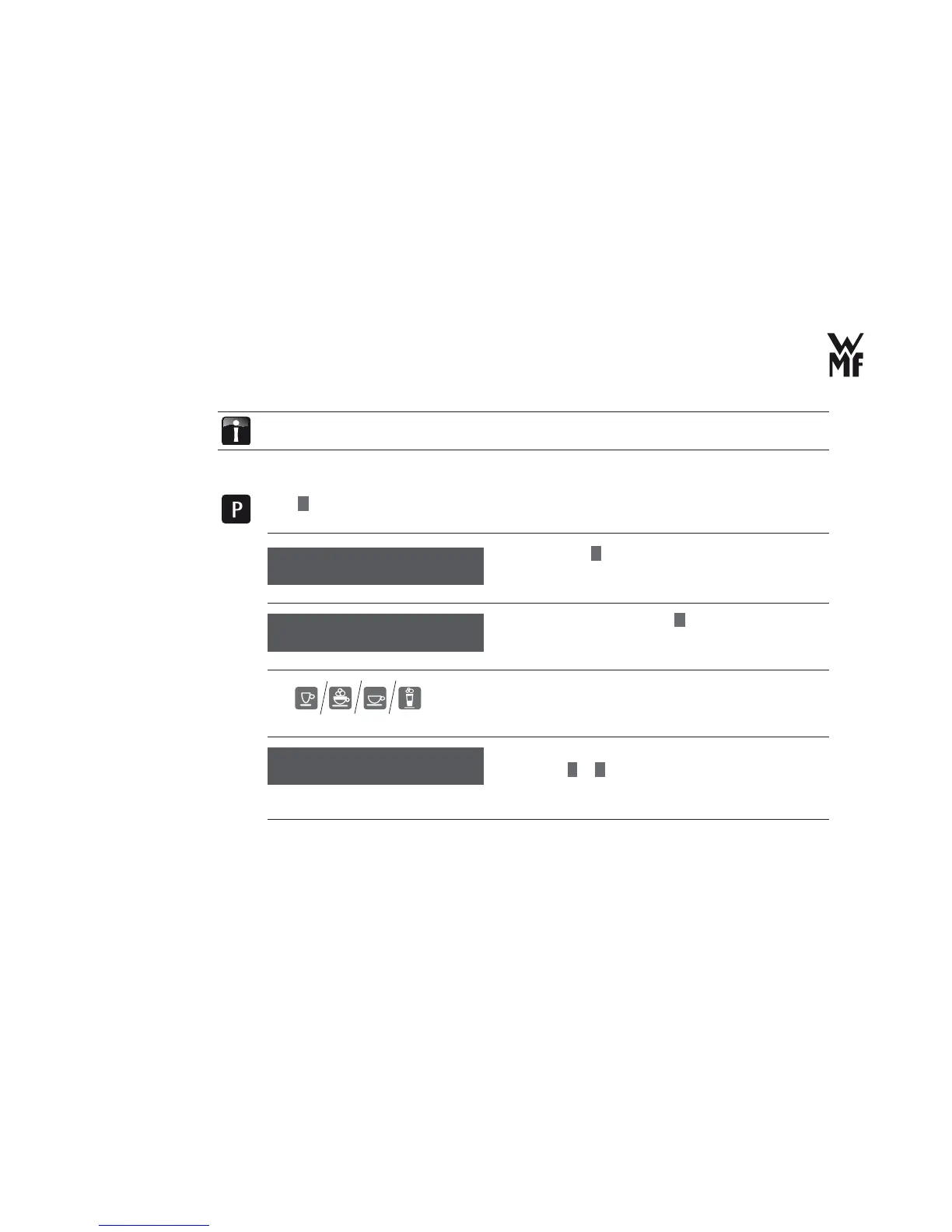
If you wish to permanently change the volume to suit your cup size, proceed as follows:
Press
P
button.
> Browse with
+
for basic settings.
> Confi rm your selection with
P
.button.
> With the help of the beverage button, select the
beverage for which you want to adjust the cup volume
with the cup size.
> Adjust the cup volume to the cup size with the
buttons
–
or
+
.
The cup volume is displayed in %. 100% corresponds to the
default setting.
select program
browse: +
Select the cup size
cup size
OK: P change: -/+
Adjust the
cup volume
cup volume: 100%
OK: P change: -/+



 To Next Page