Operation
38
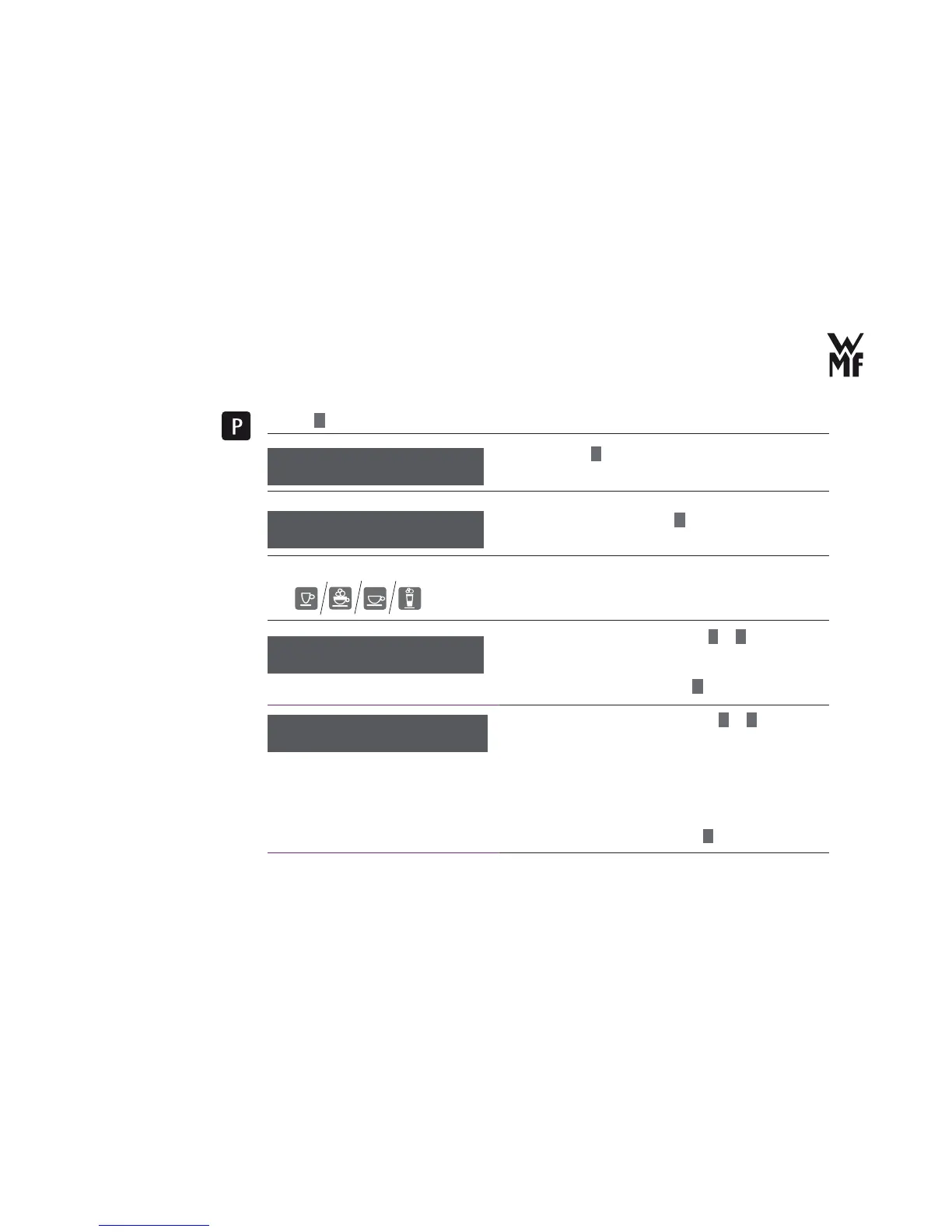
> Press
P
button.
> Browse with
+
for beverage setting.
> Confi rm your selection with
P
button.
> Select the beverage for which you want to change the
taste and the composition with the help of beverage
buttons.
> Set the desired water volume with
–
or
+
.
> If necessary, carry out a test preparation (“Preparation
test” on page 35).
> Confi rm the water volume with
P
button.
> Set the desired coffee strength with
–
or
+
.
The ground quantity varies according to the grinding
grade setting, the used types of coffee, the humidity and
several other infl uences. The factory setting for Espresso
corresponds to approximately 9 grams.
> If necessary, carry out a test preparation (“Preparation
test” on page 35).
> Confi rm the coffee strength with
P
button.
select program
browse: +
Select the beverage
setting
beverage settings
OK: P change: -/+
water volume: 35 ml
OK: P Test:bev.btn.
Adjust the water
volume
strength: 100 %
OK: P change: -/+
Adjust the coffee
strength



 To Next Page