Operation
48
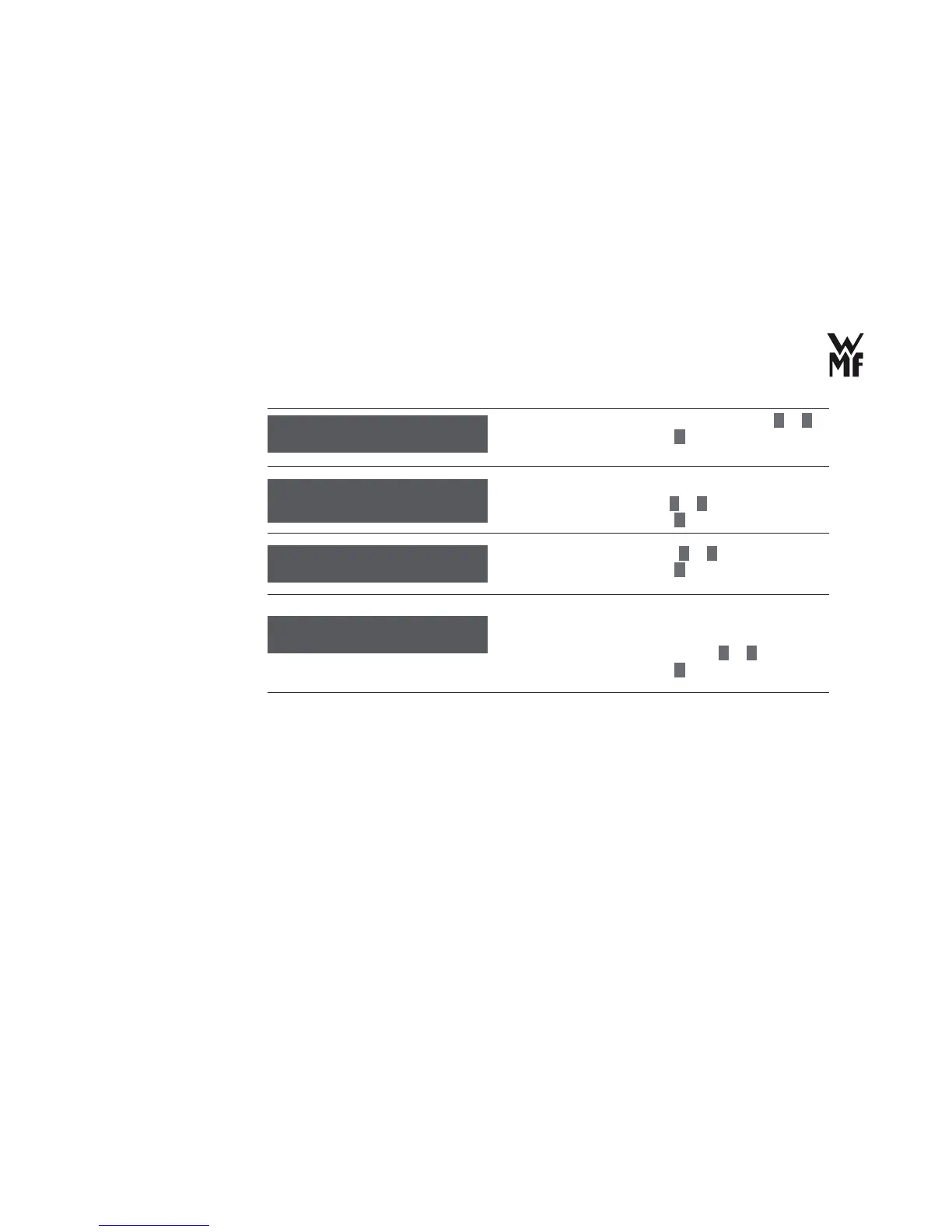
> Set the display of date and time on or off with
–
or
+
.
> Confi rm your selection with
P
button.
> Switch on or off the sound by pressing the control keys
and beverage buttons with
–
or
+
.
> Confi rm your selection with
P
button.
> Set the display contrast with
–
or
+
.
> Confi rm your selection with
P
button.
All the basic settings and beverage settings are reset to
factory setting with the setting of “Yes”.
> Set the factory setting to “Yes” with
–
or
+
.
> Confi rm your selection with
P
button.
date / time: on
OK: P change: -/+
Allow display of
date/time?
sound: on
OK: P change: -/+
Sound
display contrast
OK: P change: -/+
Display contrast
factory sett.: no
OK: P change: -/+
Factory setting



 To Next Page