Care
64
> Empty the water tank.
> Rinse the water tank thoroughly with clear water.
> Press
P
button.
> Fill the water tank with cold drinking water.
> Place the lid on the water tank.
> Slide the water tank gently into the automatic coffee
machine.
> Press the care button to continue the descaling.
A minute countdown shows the remaining time of the
descaling process.
Immediately after descaling, a machine-cleaning is requested. The procedure is described under
“4.2.4 Machine-cleaning - Cleaning programme” on page 56.
> Replace the water fi lter in the water tank (chapter “2.5 Insert the WMF water fi lter” on page 10).
> Replace the milk foamer and milk hose.
> Fill the water tank with clear, cold tap water.
> Slide the water tank gently into the automatic coffee machine.
The coffee machine heats up. Steam and condensed water escape during this process.
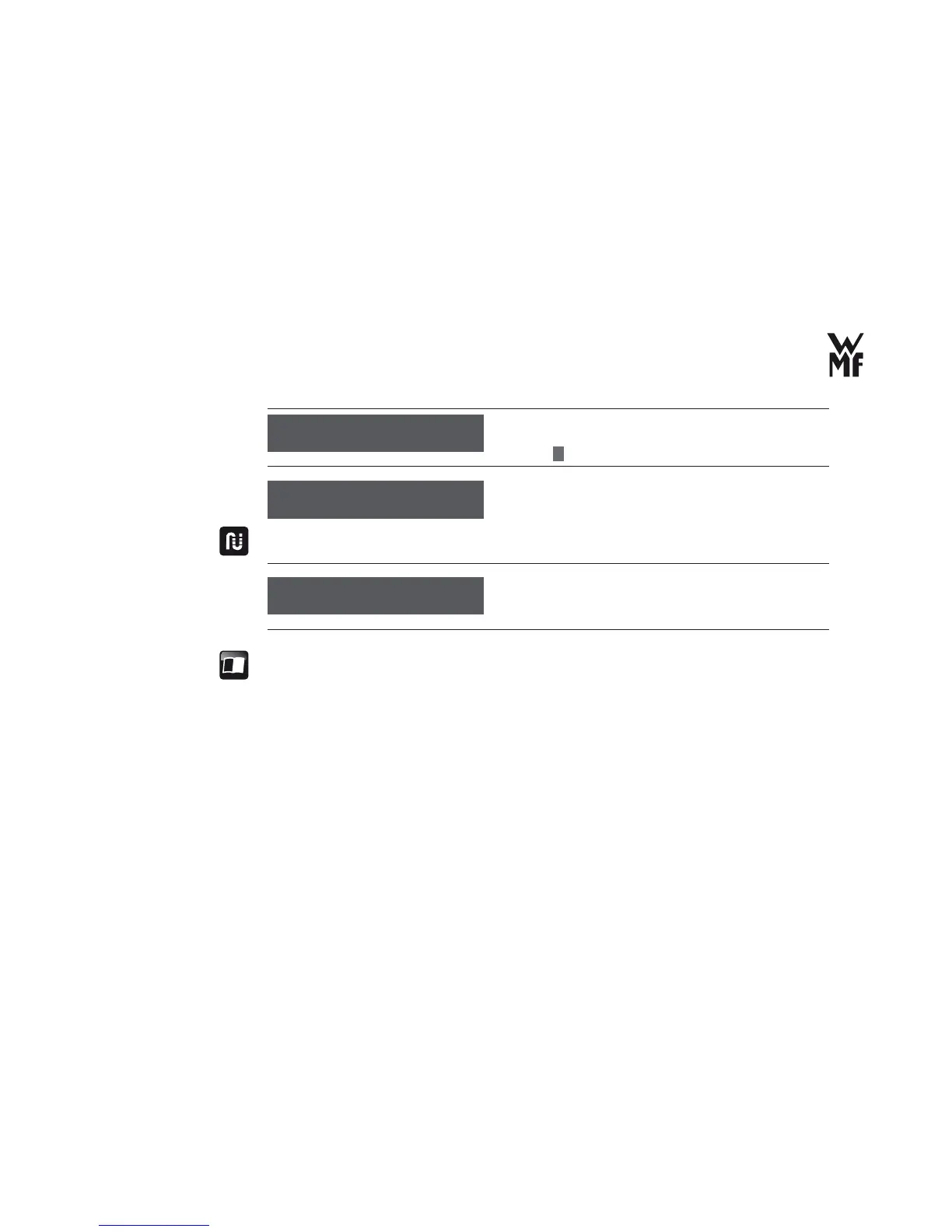
empty water tank
OK: P
re ll water tank
OK: P
d e sc alin g ...
time remain: 1 min.



 To Next Page