18
User Manual WMF1200F
Start-up
3.8 Switch on coffee machine/
start-upprogram
Press the ON/OFF switch
Coffee machine switches on.
The start-up program starts.
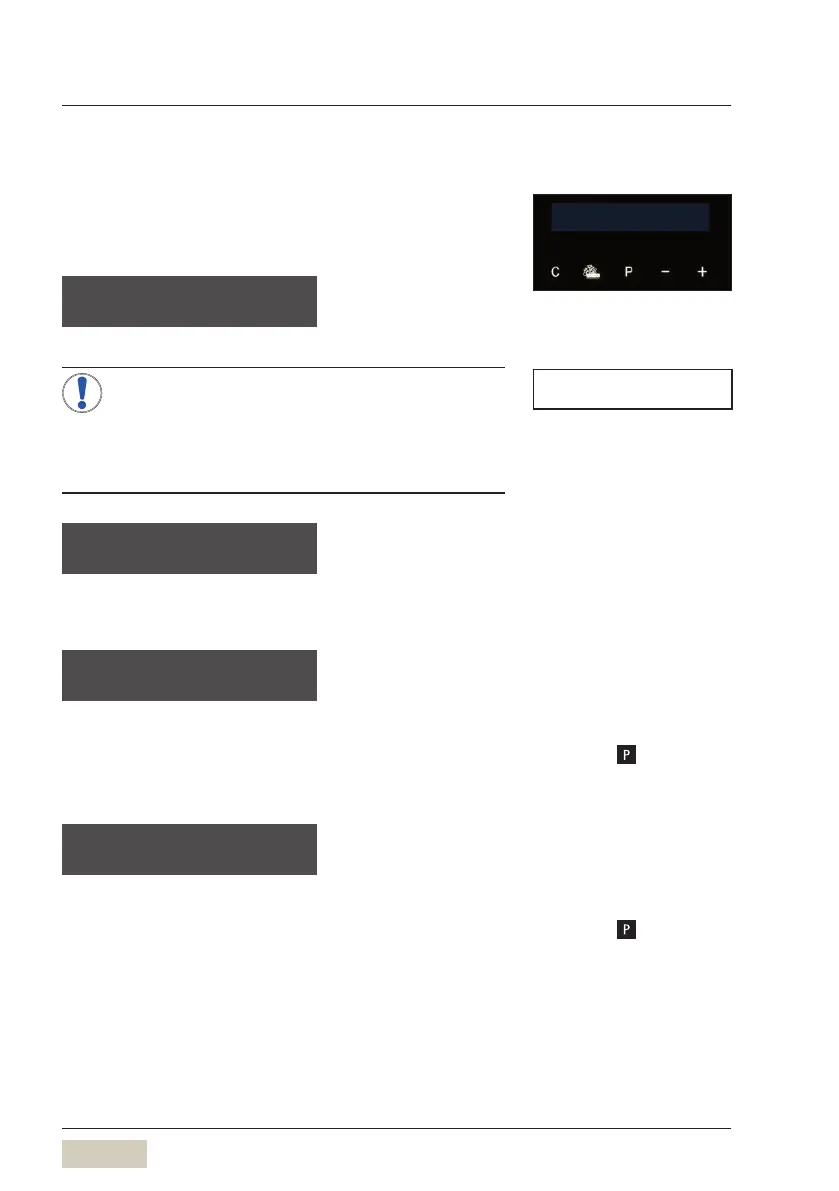
language: english
OK: P change: -/+
The language used
in the display is set
here.
The start-up program provides astep-by-step
guide through the remaining start-up steps on
the display.
> Follow the display messages.
• The set values can be changed after start-up.
initial set-up
of your WMF 1200 F
This message is displayed for 5seconds. The
software then provides aguide through the initial
settings.
Time
time hh:m m:ss
OK: P change: -/+
The current time.
hh = hour (two places)
mm = minutes (two places)
ss = seconds (two places)
Confirm the desired setting with
Date
date dd.mm.yyyy
OK: P change: -/+
The current date.
dd = day (two places)
mm = month (two places)
yyyy = year (four places)
Confirm the desired setting with
your selection pls
08:15 13.11.2013
TIP
Change settings
w Settings
starting on page 28



 To Next Page