39
User Manual WMF1200F
Settings | Counters
5.4 Counters
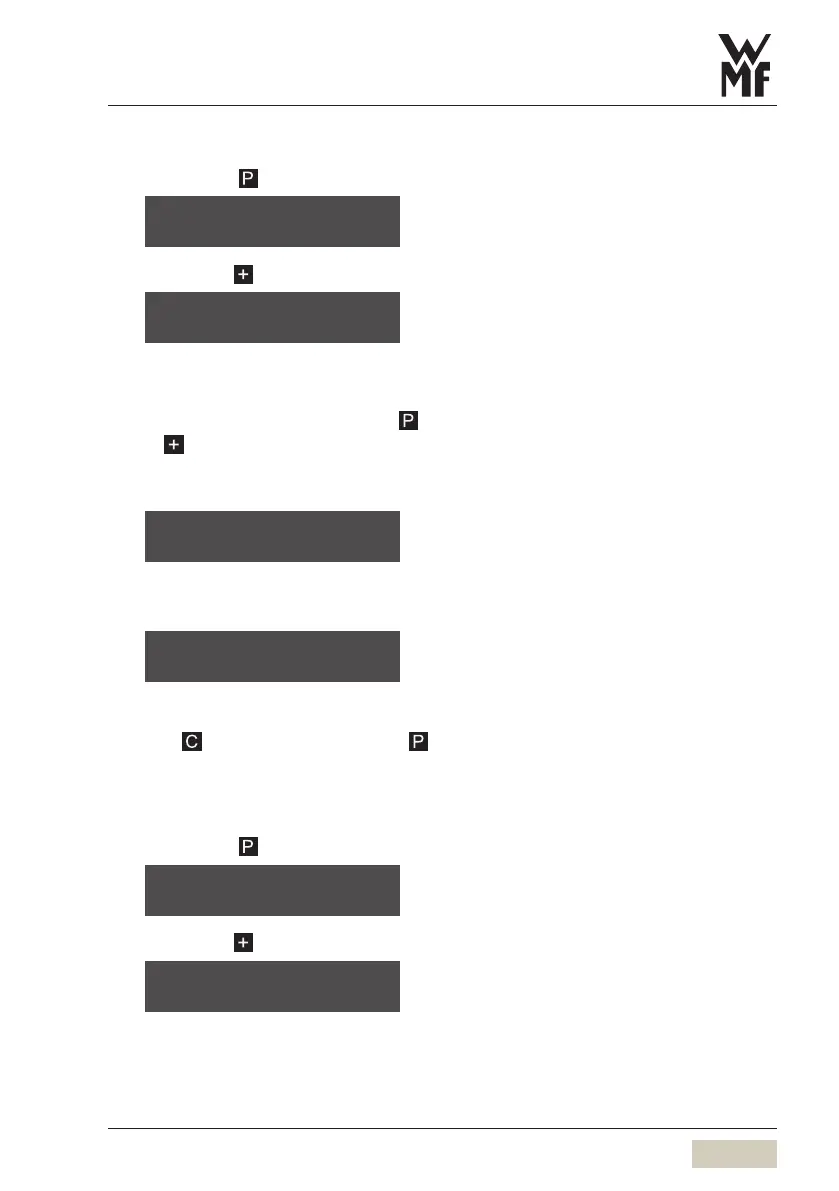
Briefly touch
Browse with to
You can display the number of beverages prepared
here.
Confirm the counter display with
Use to browse through the individual beverages
Example for coffee:
As soon as all beverages have been displayed the
following appears
Keep counter settings
Touch
Delete counters
Touch
5.5 Information
Briefly touch
Browse with to
select program
browse: -/+
counters
OK: P browse: -/+
coffee 269
browse: -/+
Counter reset can be protected by
aPIN.
w PIN entry and PIN protection
page 38
reset all counters?
No: C Yes: P
select program
browse: -/+
information
OK: P browse: -/+



 To Next Page