34
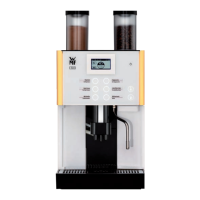
User Manual WMF1300S
Operation | Beverage dispensing
4.3.2 Milk or milk foam dispensing
Place acup of the appropriate size beneath the
combi spout
Touch the beverage button assigned to milk
ormilkfoam
The beverage is dispensed according to the recipe
settings (dispensing option, milk foam quality, etc.)
4.4 Beverage dispensing
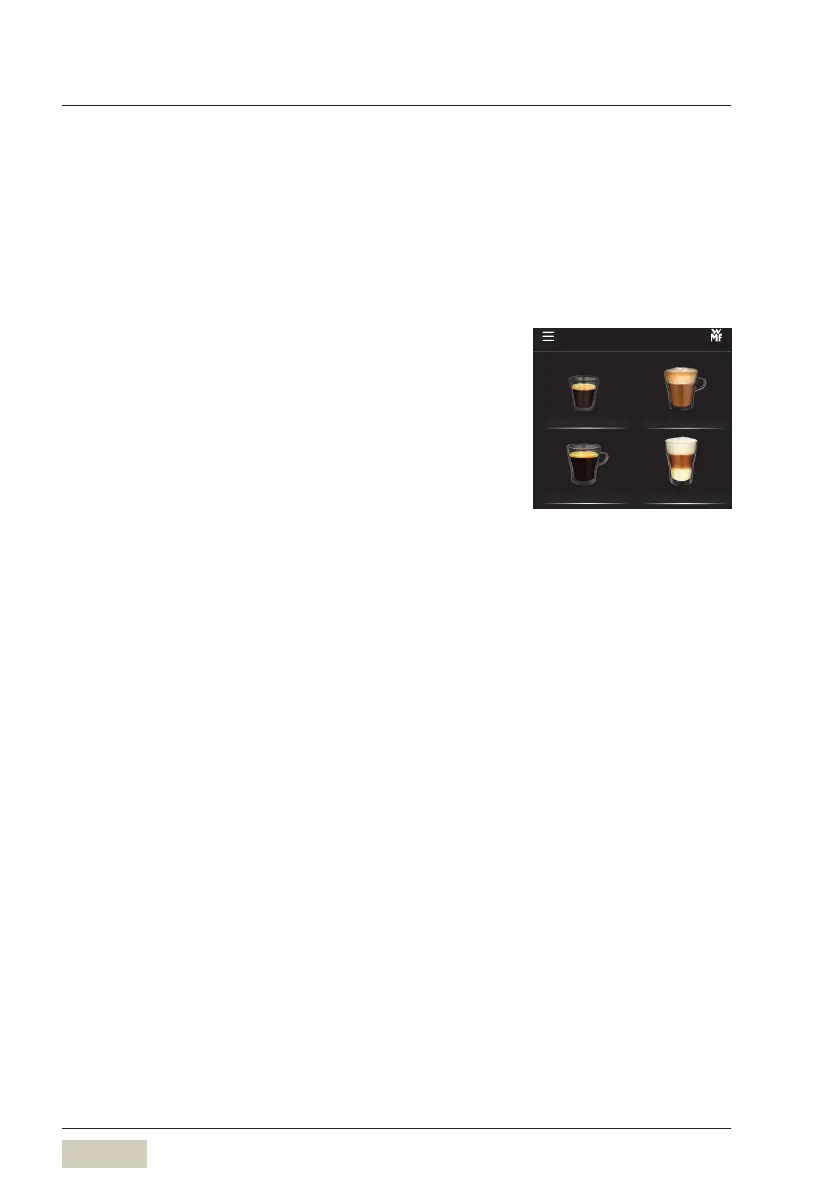
Touching the beverage buttons triggers dispensing of
the beverage selected.
• Lit up button = Ready to dispense
• Unilluminated button/
red triangle in the
header bar
= not ready to dispense/
button disabled
Place acup of the appropriate size beneath the
combi spout
Touch the desired beverage button
Cancel beverage
Touch the beverage button again
Dispensing option
w Cup volume
page 54
Start-Stop or metered
Espresso Cappuccino
Café Crème Latte Macchiato
1300S
Beverage selection
Button layout
w Operating options
page 63
Cancel beverage
w Operating options
page 66



 To Next Page